


Participant
February 28, 2023
Question

Is there a way to get a shape object to follow along a path that is moving?

  • February 28, 2023
  • 3 replies
  • 751 views

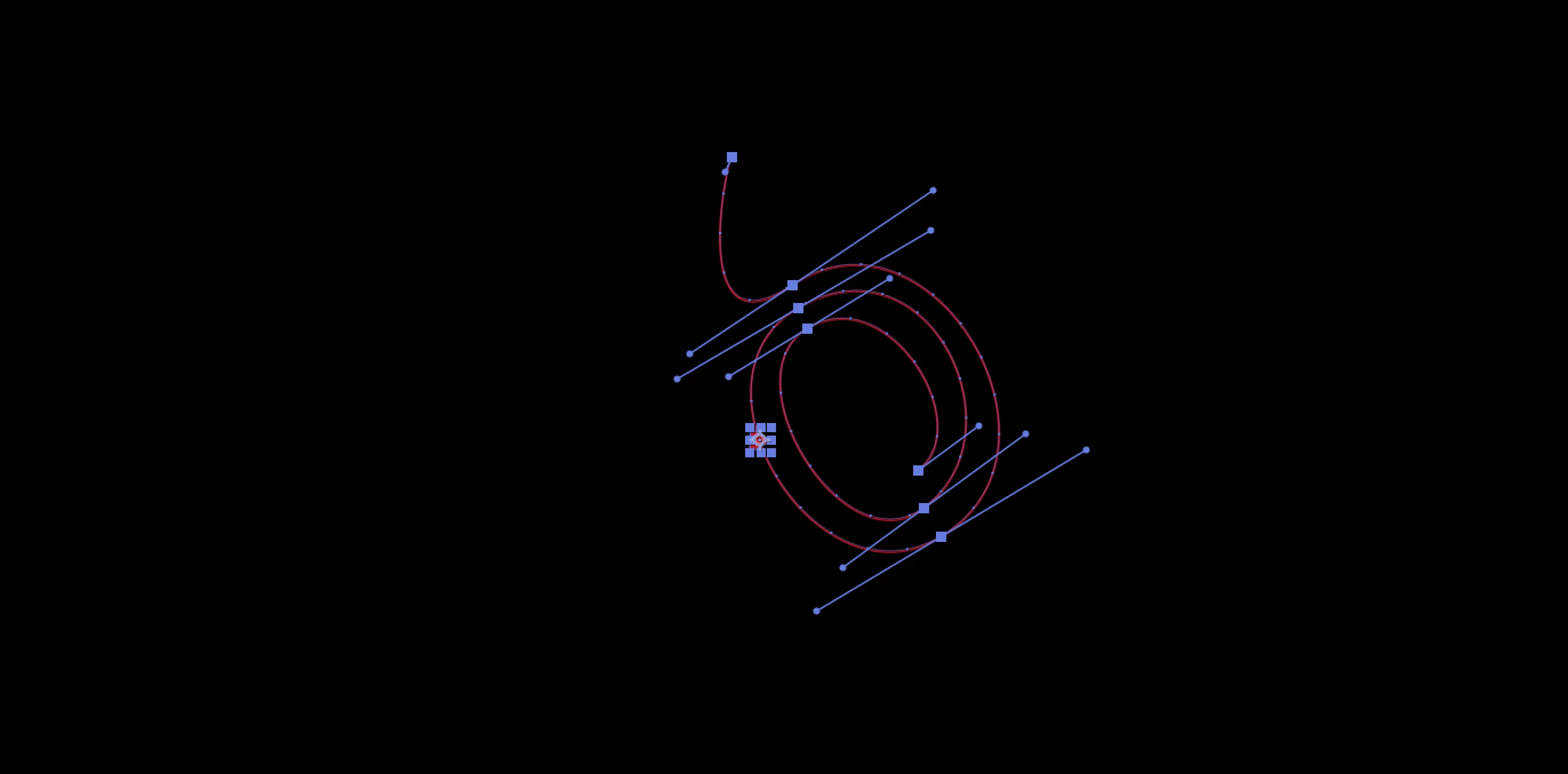
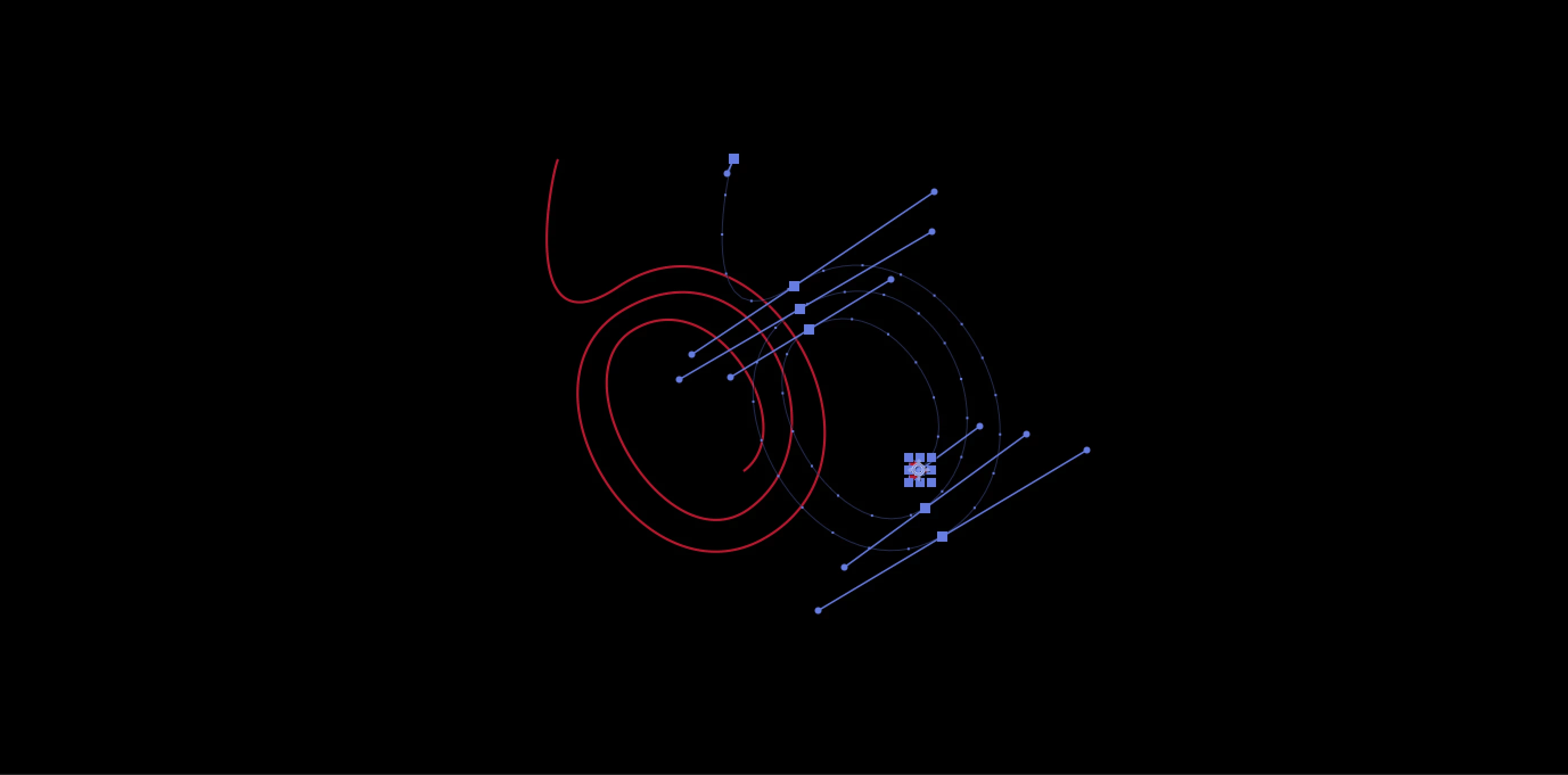
I have a shape object following along a path I made with the pen tool. I got it to follow by copying the path and pasting it to the positon of the shape object. The path I have key framed so that the whole thing slides to the right at one point. Is there a way I can get the whole path of the shape object to also do this same slide to the right? That way the shape object stays following the path as it moves. Or is there a better way? I have attached some screen shots, my shape layer is a little triangle I am trying to get to follow along this path as it moves. The path the shape object is following is in the end position in the photos. I want the path of the shape object to move as the path moves but I am not sure how to achive this as the shape layer already has the keyframes of the path.


This topic has been closed for replies.

3 replies

thepixelsmith
Community Expert
Community Expert
March 1, 2023

I would use the Create Nulls from Paths panel, Window > Create Nulls from Paths.jsx.

The Track Paths command would allow you to create a nulls object that follows a path.

A tutorial from Mike Murphy: https://youtu.be/NXTsPnTukTs

If the path was made in AE natively it should work straight away. If it was made from a converted Illustrator shape it takes a couple of hoops top jump through.

Mylenium
Legend
March 1, 2023

Cropped screenshots are basically useless and don't tell us the full story. Structure matters. You have to include the timeline with the properties revealed  so we can understand what is being parented to what, what's animated and so on.


Mylenium

Participant
March 1, 2023

I figured out how to do it by parenting my path and shape to a null object. This allows me to move the path but parenting the shape object to the null layer distorts the shape of my shape object now.