Question
Issue with text using Element 3D [After Effects]
Hi guys,
When I use Element 3D for a text, the letter S has some issues with extrusion (it doesn't fit). Do you know any way that it can be fixed?
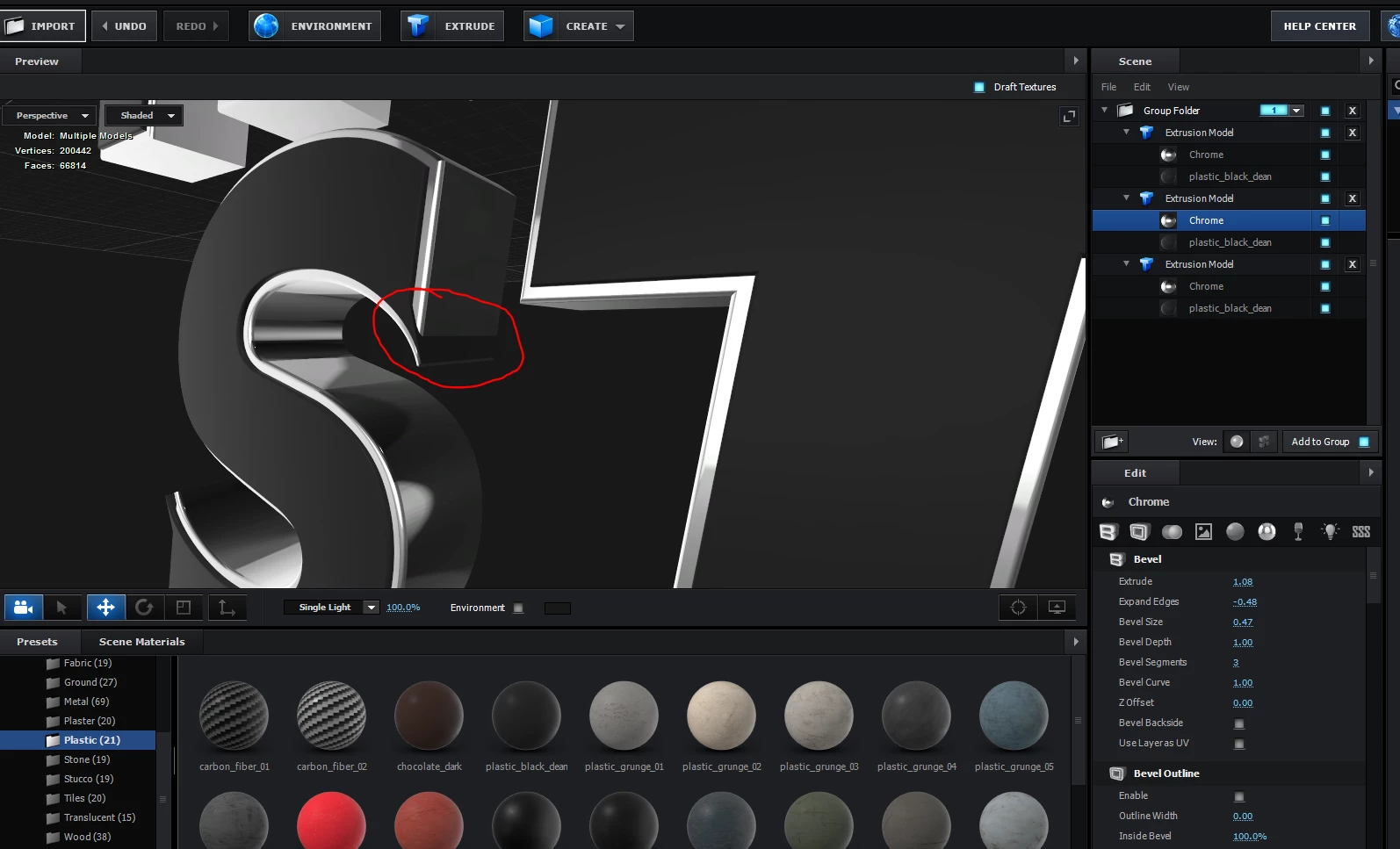
Thank you.

Hi guys,
When I use Element 3D for a text, the letter S has some issues with extrusion (it doesn't fit). Do you know any way that it can be fixed?
Thank you.
Already have an account? Login
Enter your E-mail address. We'll send you an e-mail with instructions to reset your password.
 AdChoices