


Participant
November 27, 2019
Answered

preview has strange horizontal lines [macOS] [AE]

  • November 27, 2019
  • 4 replies
  • 3407 views

Hi,


I am just setting up a new macbook pro 16"  and the footage in AE is not previewing correctly.

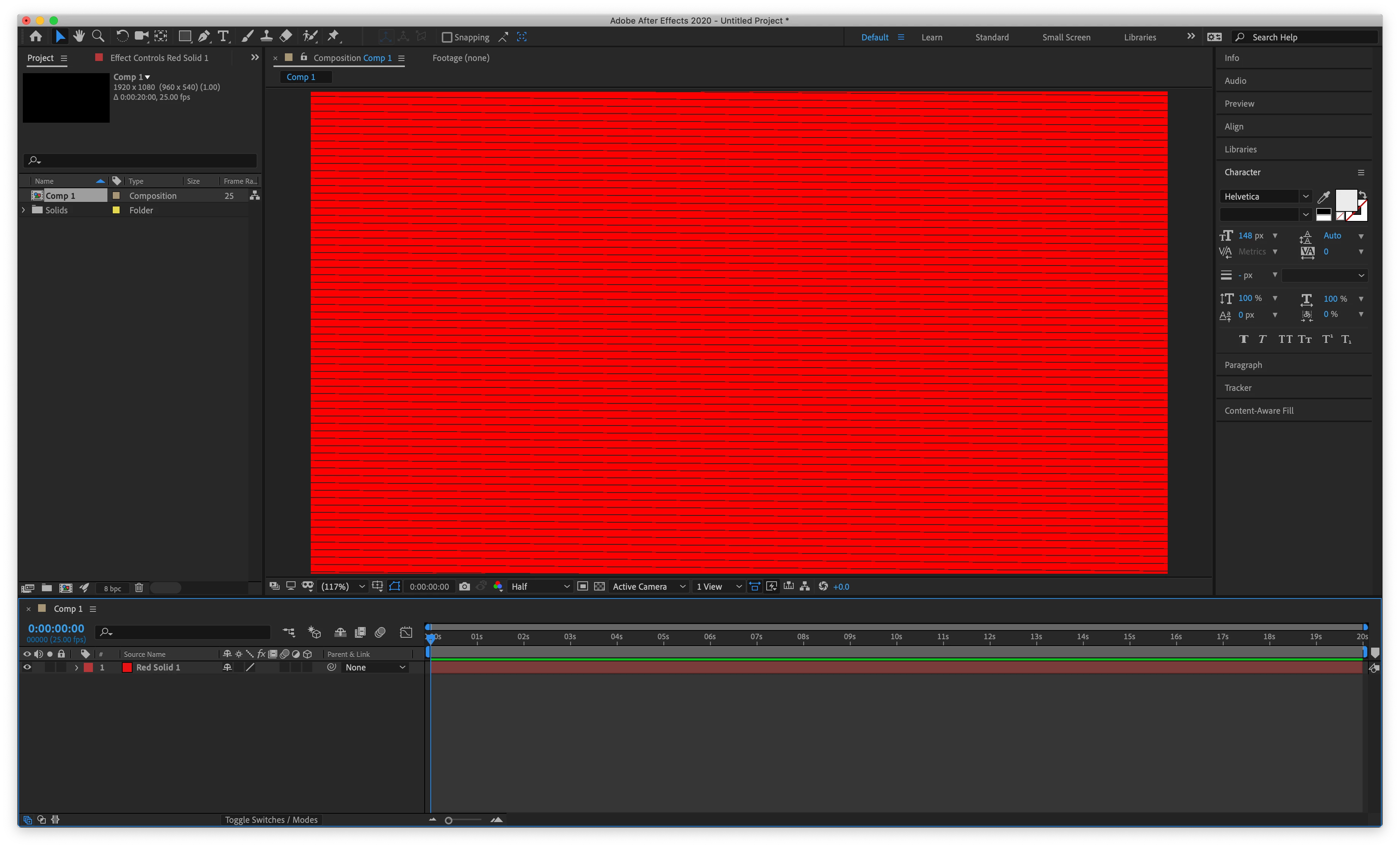
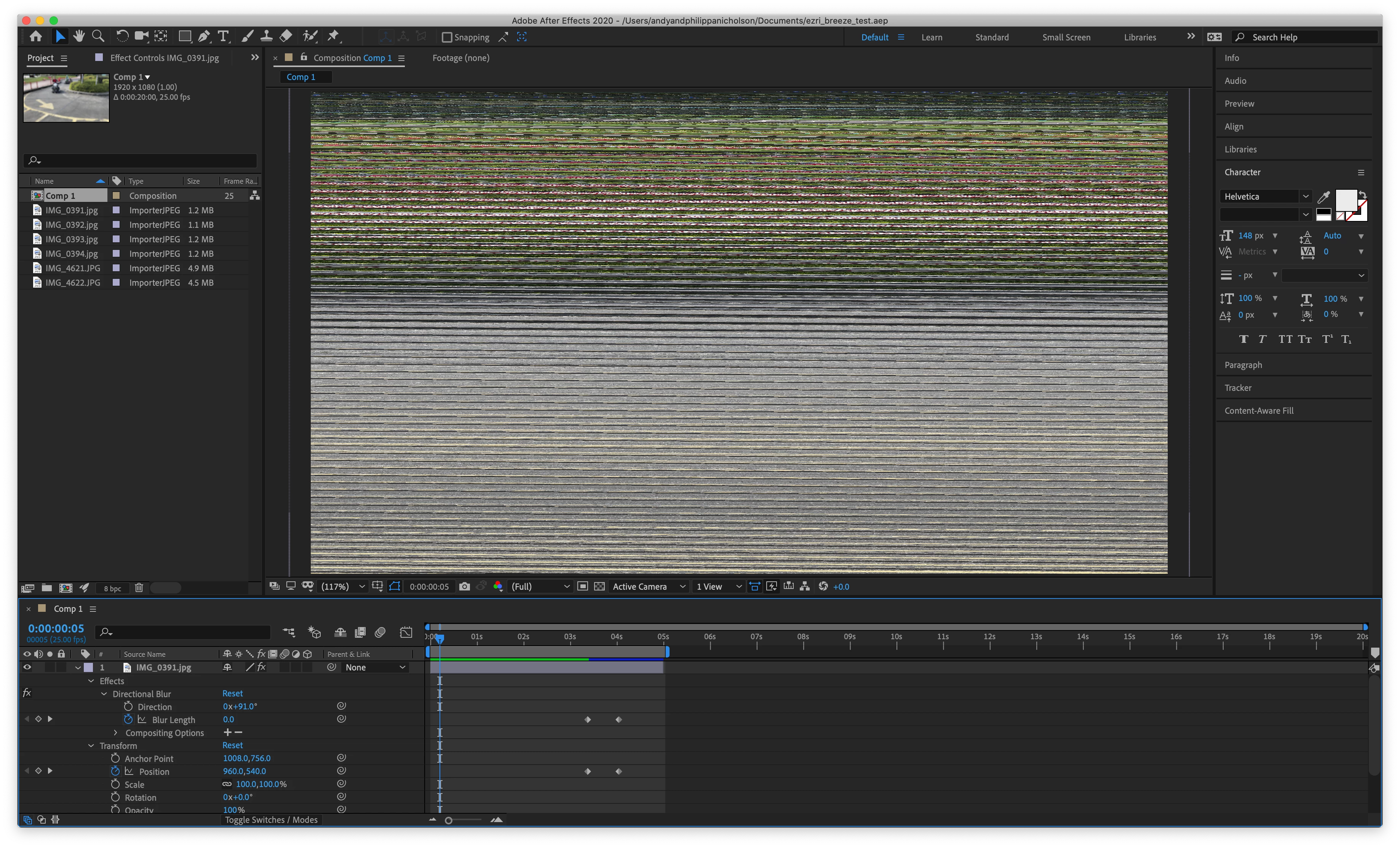
A solid red layer has black horizontal lines and pictures are totally pixelated.


Any ideas how to fix it?


many thanks
 

Title edited by Mod

This topic has been closed for replies.
Correct answer White Dragonfly

While AMD or Adobe sorts this out, I have found that simply turning on Rulers solves this issue. YMMV!

4 replies

Shivangi_Gupta
Community Manager
Community Manager
December 11, 2019

Hi all,


Thanks for your patience. Adobe After Effects has a patch update released which provide a fix for the preview issues on 16" MacBook Pro. For more information, please check https://helpx.adobe.com/after-effects/kb/fixed-issues.html


Let us know if you have any other questions.


Thanks,

Shivangi

White DragonflyCorrect answer
Participant
November 29, 2019

While AMD or Adobe sorts this out, I have found that simply turning on Rulers solves this issue. YMMV!

PIAPAAuthor
Participant
December 2, 2019

Thanks! Turning on rulers worked. I presume it is a bug in the software.

Roland Kahlenberg
Legend
November 27, 2019

This looks very much like a GPU Driver/Compatibility issue. A few users have found workarounds with very specific Project, Preferences and Composition settings. First off, it's a good idea to disable Hardware/GPU acceleration in the Project Dialog and in Preferences>Preview. If these do not resolve your issue,  leave the settings as they are and try different Composition View settings - Zoom Level as well as Resolution.


Then file a Bug Report and include all Hardware Specs, OS, Monitor Brand/Model and Resolution, GPU Model and GPU Driver version. If you found a sweet spot(s) in terms of settings, in AE, that does not result in this issue, then it is important to include these settings too.

Very Advanced After Effects Training | Adaptive & Responsive Toolkits | Intelligent Design Assets (IDAs) | MoGraph Design System DEV
PIAPAAuthor
Participant
November 27, 2019

Further update - on 200% or above it previews OK but on 100% or less or fit it distorts as above.

Participant
November 27, 2019

I am having the same issue - 100% or below is distorted on solid layers & footage.