

공지사항
Roto Brush Masking Not in Correct Place On Exported Video
Hello, I have rotobrushed my subject over an image. As you can see, in AE the preview looks fine...
and the roto mask is tidy around the torso...
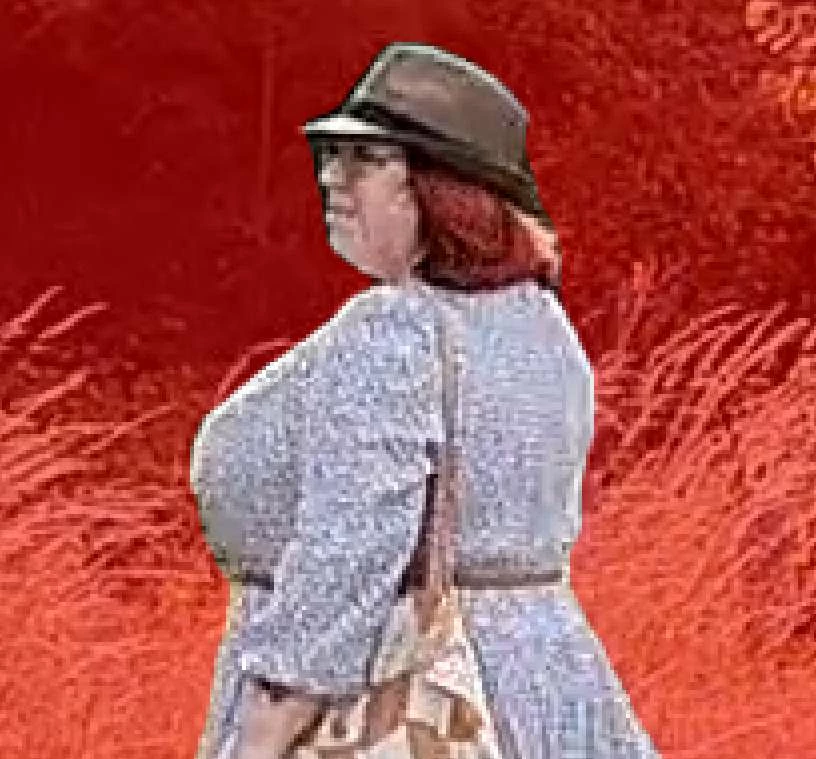
But when I export... the mask is about 10 or 15 pixels forward of where it shoud be...
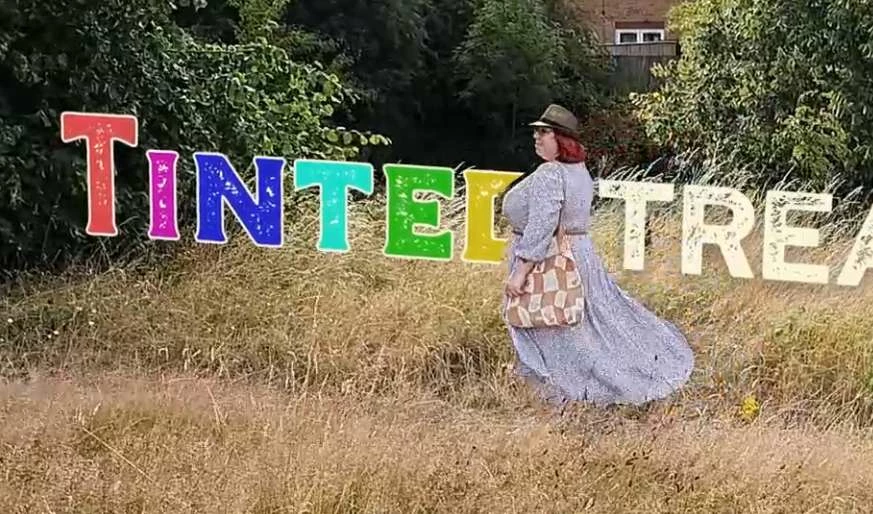
In AE: 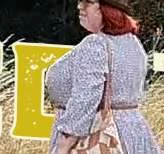 Exported: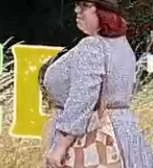
I have the base layer video, the 3D camera tracker, my logo text as a PNG, and then a copy of the video on the top with the Roto Brush applied.
The top roto'd layer doesn't have any transforms on it, it's a straight copy with the roto.
Does anyone have any ideas what I can look at to resolve this please? Many thanks.


 AdChoices