Participating Frequently
February 9, 2017
Question

Unable to Allocate 0.002 MB (After Effects CC 2017.1)

  • February 9, 2017
  • 2 replies
  • 5322 views

I tried to make this as easy to read as possible.

The Issue:

I have had this message show up in the most simple projects. It happens when I am just scrubbing through the timeline, RAM previewing, adjusting an effect, moving a layer...you name it. The only time it doesn't happen is when I am actually rendering/exporting a comp in the Render Queue. When it does pop up, and after you click "OK", it will then let me continue to work and show up again a minute later, or crash After Effects.
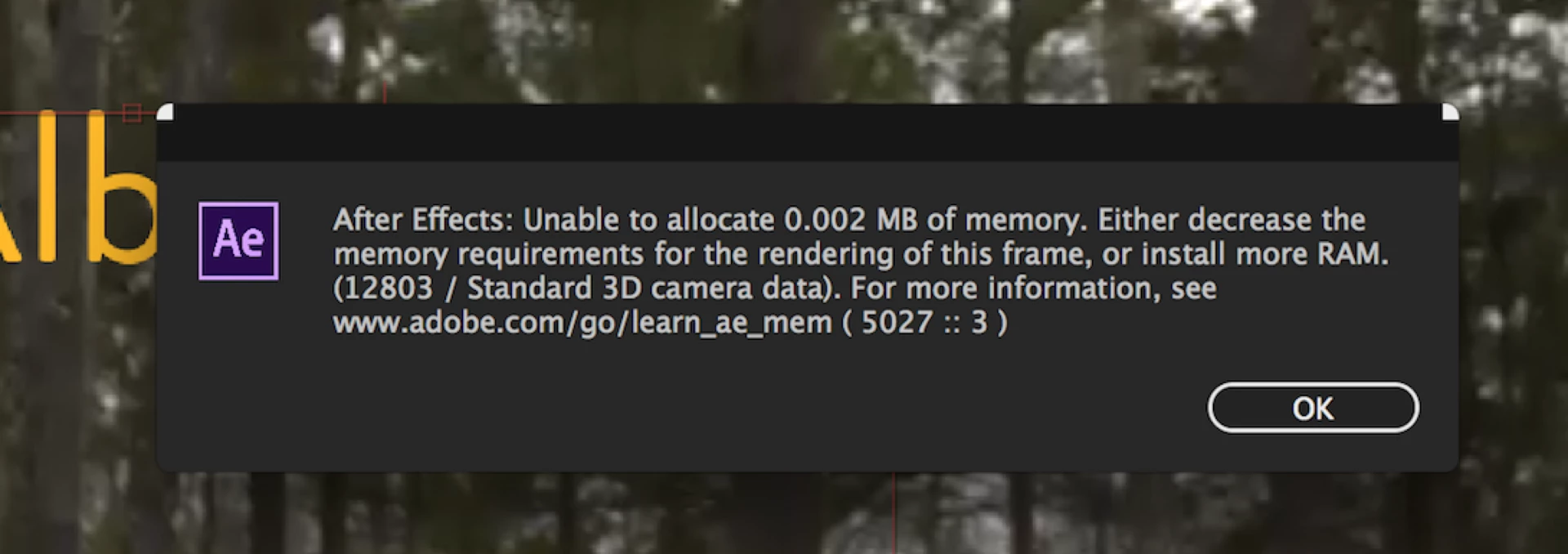
I have tried everything that Adobe's site recommends to do provided in this link ( adobe.com/go/learn_ae_mem ), and still have this issue. I even empty the disk cache every time I open After Effects, emptying out all 93 GB out of 93 GB, and the error still shows up. There is no way this should fill up with the type of projects that I am working on either.

So with the cache being emptied every time I open AE on a daily basis, and have almost all the memory pooled to AE instead of the other Adobe programs, I'm out of options.

Our IT team did find this previous forum post with a user having the same issue and found that this was a bug in AE. Unable to allocate 0.002MB of memory  Unfortunately it does not apply to my version.

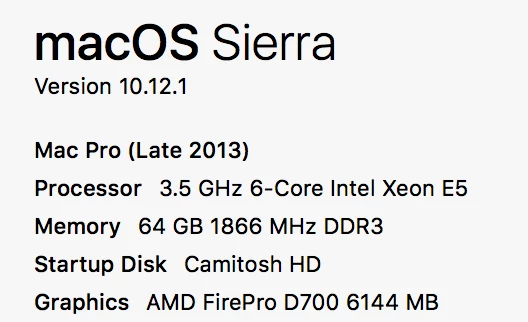
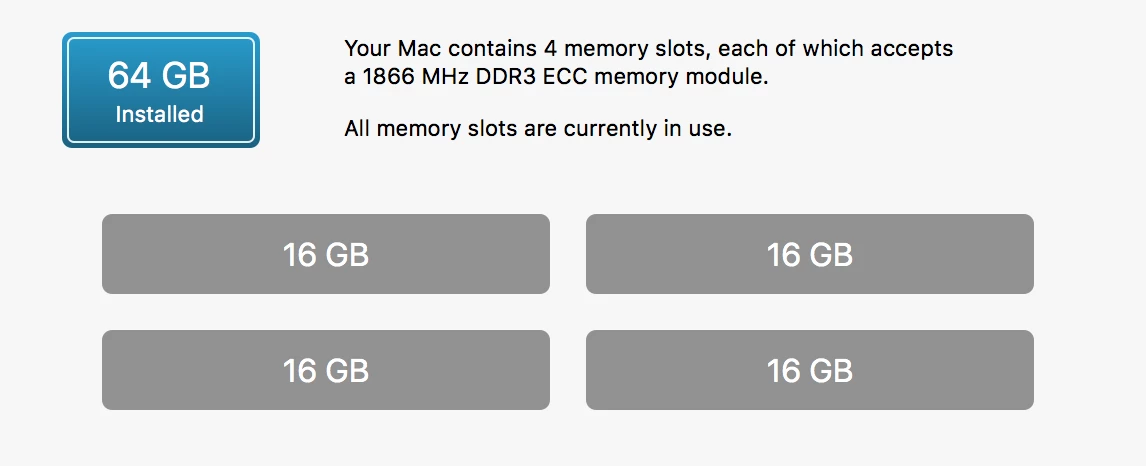
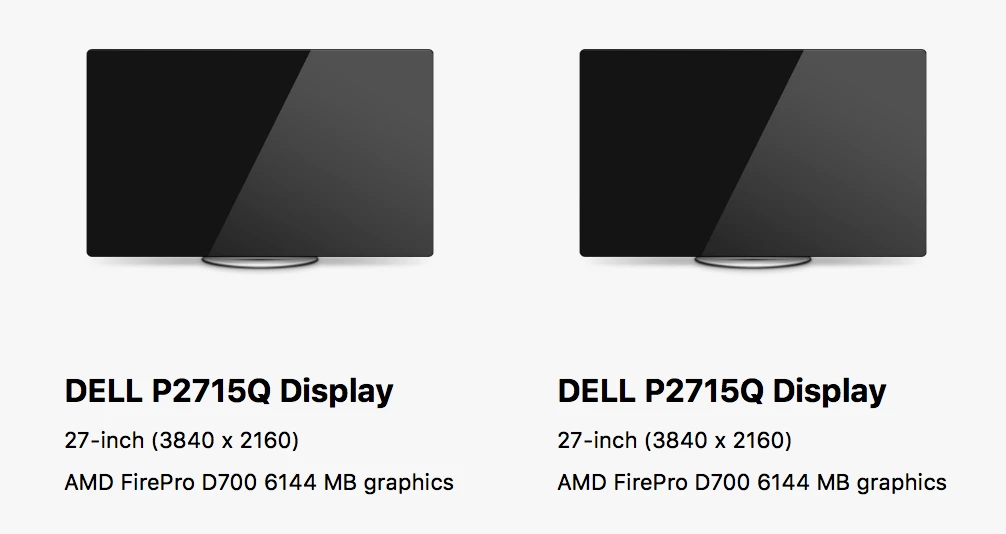
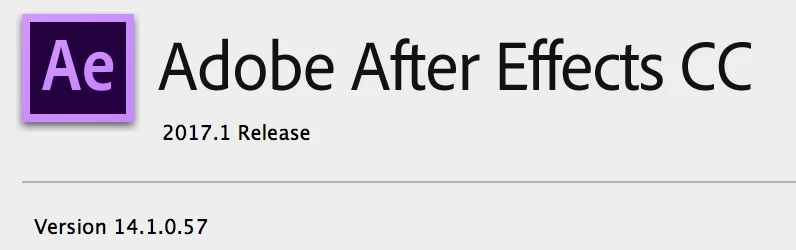
Computer Specs:
Any help will be greatly appreciated!!

-Camille

This topic has been closed for replies.

2 replies

Known Participant
May 24, 2017

It's not your system, it's Adobe. This bug has been around since 2013, they just don't know how to fix it..

Szalam
Community Expert
Community Expert
May 30, 2017

SiebeJanssen  wrote

they just don't know how to fix it..

Looks like that part of your post isn't true! An Adobe staff member says that there's a strong possibility they will have a fix out for many causes of this issue in the next release!

See this post.

They are soliciting bug reports to help get things nailed down.

Szalam
Community Expert
Community Expert
February 9, 2017

Thank you for a very well-crafted post!

First thing I would suggest is taking some memory away from After Effects (counter-intuitive, I know). AE uses some processes that are external, so it's usually recommended to set aside 1/4 of your RAM for other applications.

Error messages like this one pop up on these forums a bit. They've happened even in versions prior to CC, but they started being more common after CC 2015. However, the most recent versions (such as the one you're using) have seen fewer of them (as bug fixes for some of the causes have been successful), but not all of the causes are fixed yet. Any info you can share with the AE team via a bug report could be useful in solving whatever is causing your issue.

Hopefully, changing your memory settings will help (also try ticking the "Reduce cache size" option in the memory preferences). If that doesn't work, file that bug report so the AE team can have more info! It's likely caused by a specific hardware or software combination on your system, so, again, as much info as possible, please.

Participating Frequently
February 14, 2017

Thank you very much for your recommendations! I will give it a try and keep you posted.