


Question
Can't use the "cut and paste" function, only "copy and paste" in Bridge CC 2019
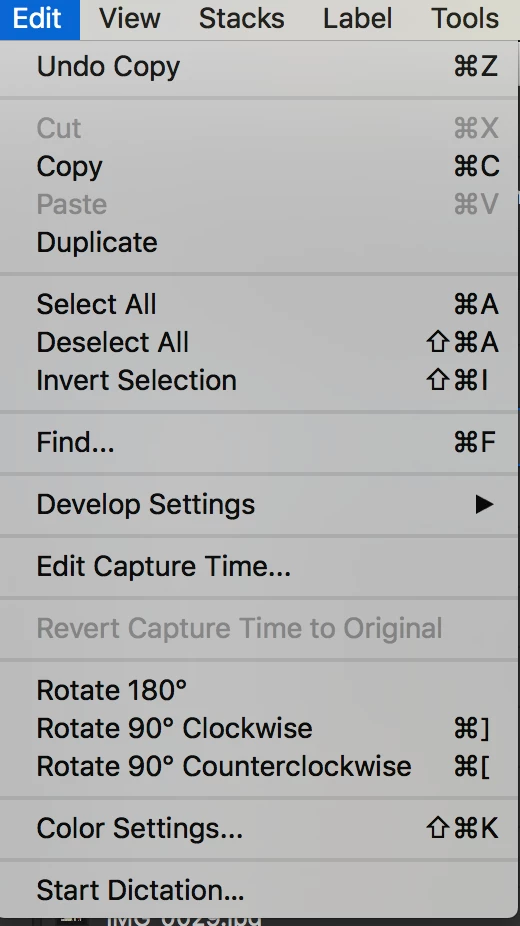
I just installed Bridge CC 2019 yesterday on MacOS Sierra. On local and Network drive files, the option to perform an EDIT -> Cut the file is greyed out. Command + X doesn't work either. I can only Copy and Paste. I tried uninstalling and reinstalling, didn't work. I tried running Bridge 2018 separarely on my MacOS system, and the file cut function works as is it's supposed to. It also works on my Bridge CC 2019 on Windows 10 system as it should, so this is really limited to my install of Bridge 2019 on my iMac.
Anyone else having this issue or facing this problem?
 AdChoices