Simplest way is to press the little + sign on the content panel tab.
Hi @Erik Bloodaxe that is the easiest way but not always the best/most efficient way.
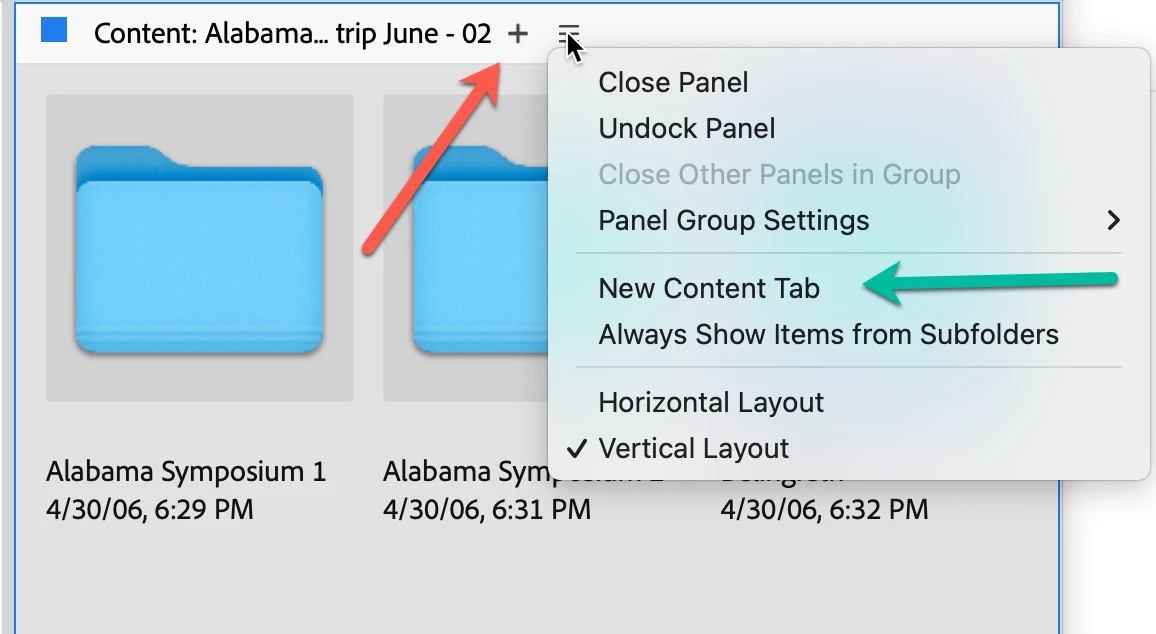
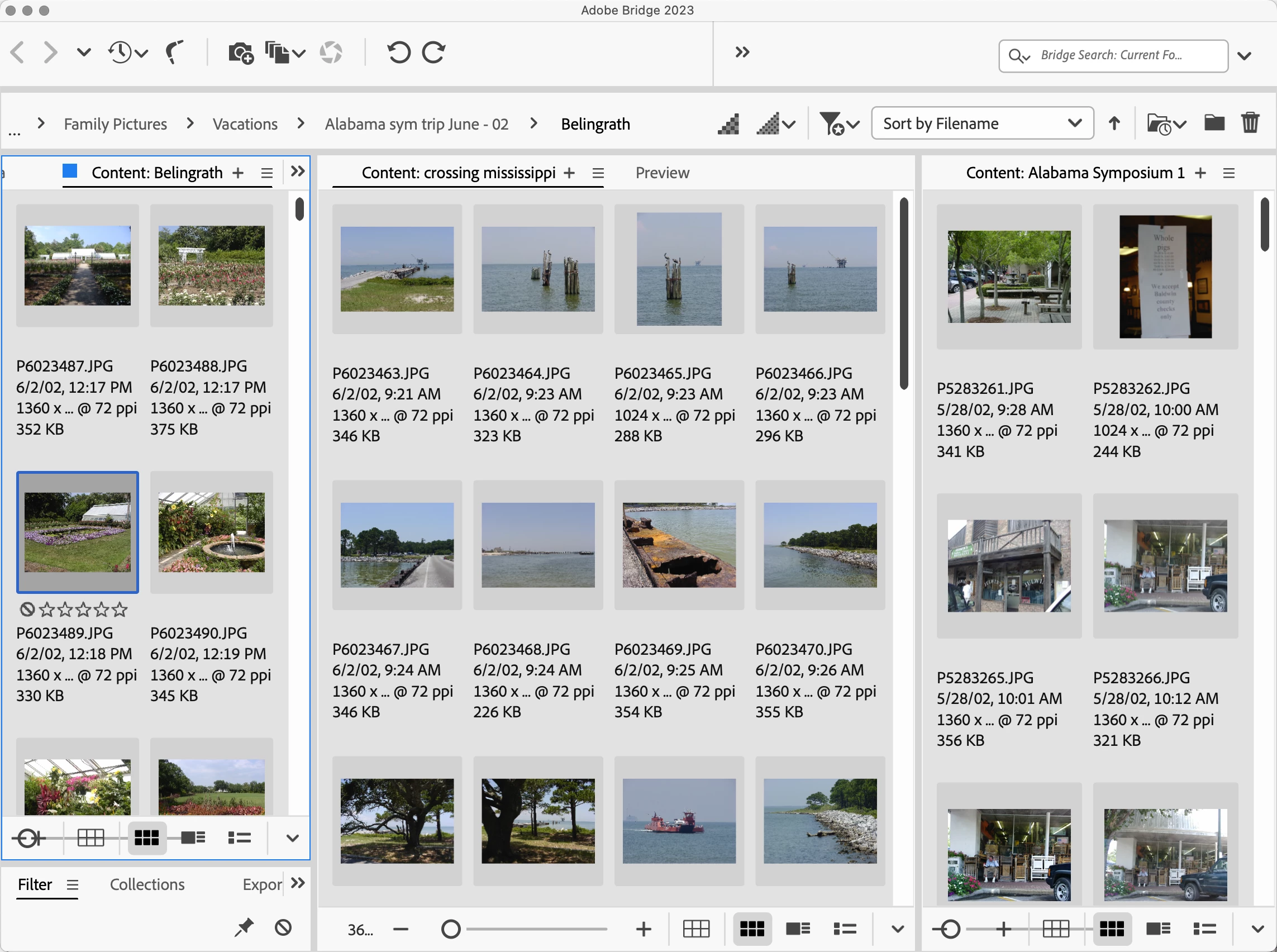
If you look at the Content Panel, note the hamburger menu on the right-hand side (three horizontal lines). To the left of the Hamburger menu, you'll see a plus (+) (red arrow). If you click on that, you'll get a new Content Panel. If you click on the option in the Hamburger menu for a new Content Panel (green arrow), you'll also get a new Content Panel.
The primary disadvantage of these two options currently is that either will default to a "home" position and are not likely to provide access to the folder you want. Fortunately, for any Content Panel that is active (note the blue square and blue line circling the Panel), if you go to the Recent icon in the icons on top, if you select a folder from there, it will open up in that Content Panel.
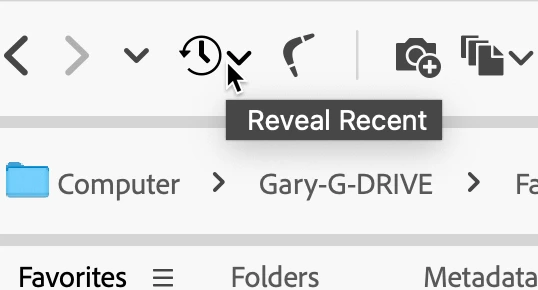
Likewise, if you select a folder from the Folders Panel. In addition, if you take an image or a folder and drag it to the Bridge icon in the Dock, THAT folder will open in the active Content Panel. Hopefully, soon they will provide both "Open" and "Recent" options in the Hamburger menu.
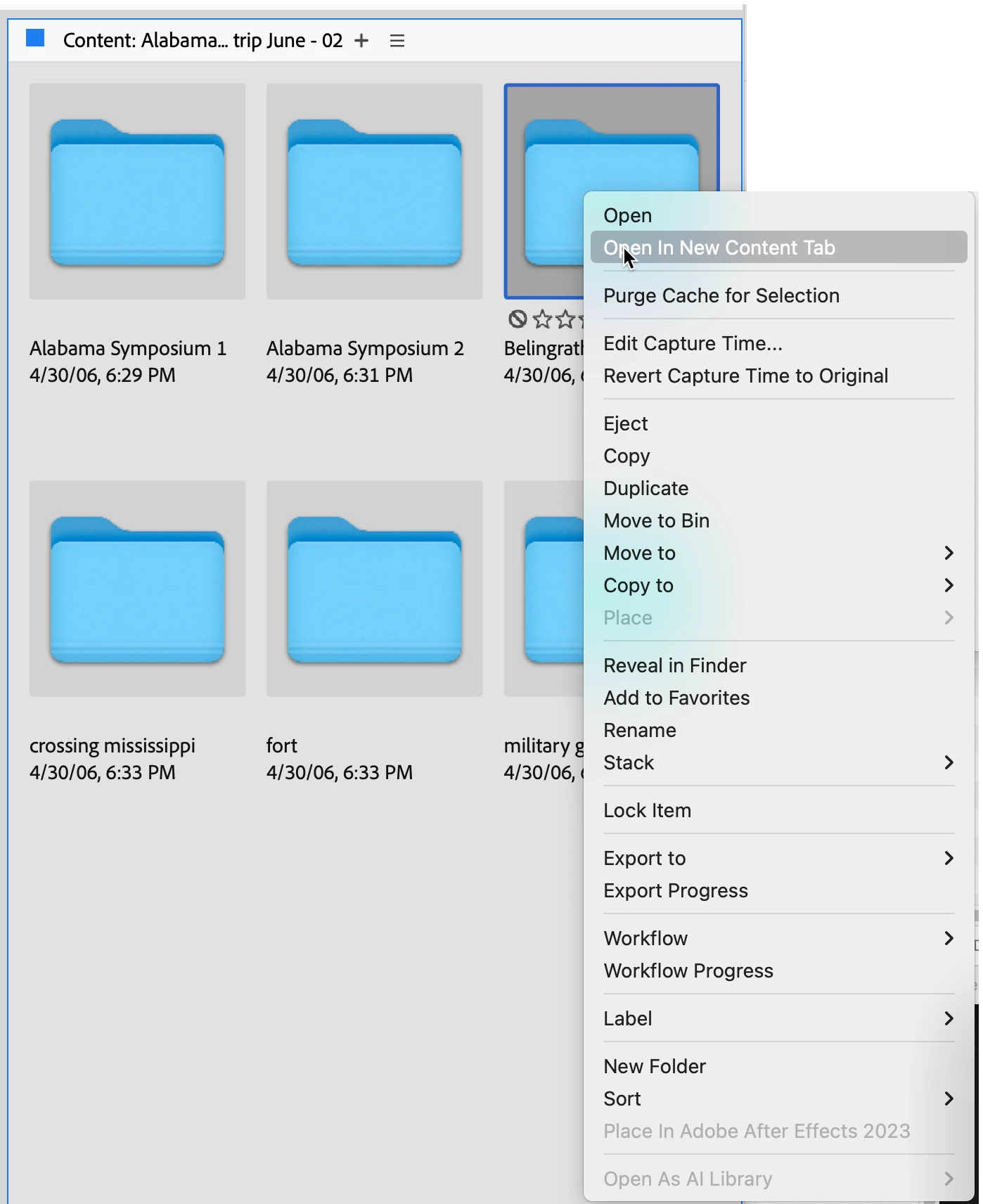
If you have a folder with other sub-folders, you can always right-click on one of the subfolders, and it can be opened in a new Content Panel
Once you have two or more Content Panels, you can drag from one to the other by simply mouse-down on an image (or all selected images), then move the mouse up to the title area of the other Content Panel to make it the active Panel and release. IF YOU MAKE A MISTAKE before you do anything, then Comand/Control-z and you'll be good.
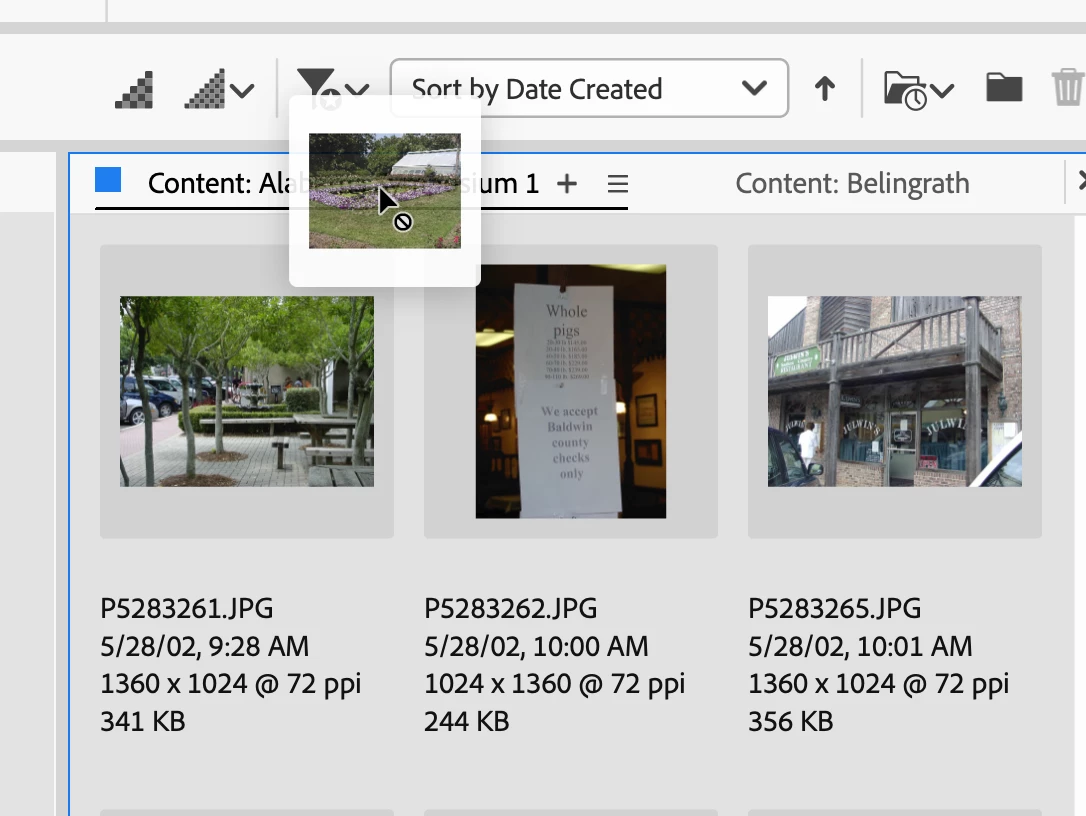
Note also that extra Content Panels can be placed and/or moved to any other location in the Bridge window.
I hope this explains some of the new workflows available to you.






 AdChoices