


Participant
August 4, 2020
Question

Thumbnails not showing in Bridge for other users in shared Amazon Workspace

  • August 4, 2020
  • 3 replies
  • 523 views

Hello! Have an issue where I create InDesign snippets and save into a folder inside an Amazon Workspace. Inside Bridge (Bridge CC 2017 is the version doled out in this environment), I see a thumbnail of the snippet. However, another user inside the same Workspace can see the InDesign default file thumbnail, but not a preview thumbnail of the snippet. 


We have tried purging the cache, refreshing, and other tips in other forums. The sizes of these files are remarkably low -- 100kb would be a stretch for most of the files we're working with. 


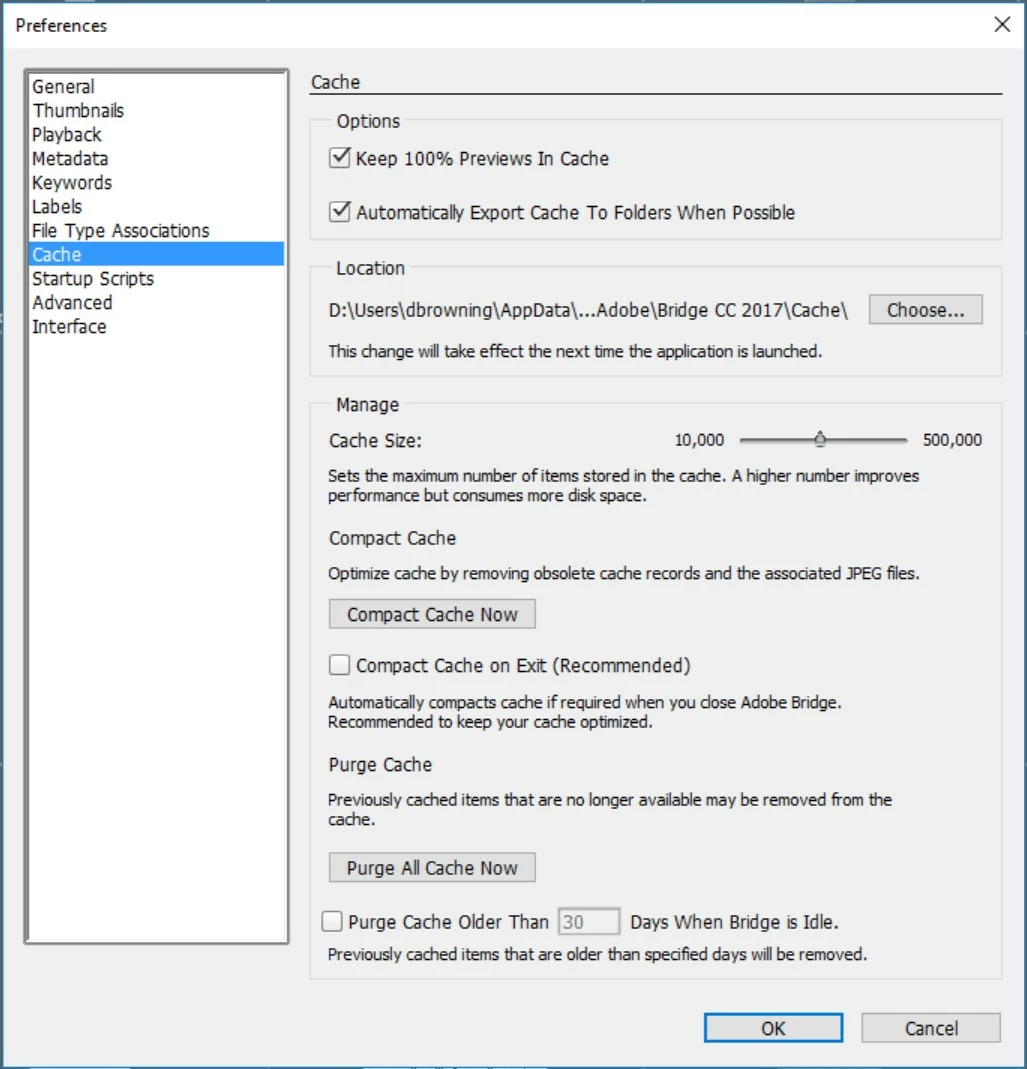
I've attached a screen grab of my preferences, which match the other user's preferences who can't see the preview of the snippet. Any expertise would be much appreciated!
 

This topic has been closed for replies.

3 replies

jbm007
Community Expert
Community Expert
August 5, 2020

Does he have InDesign installed on his machine?

Open up his scripts and see if he has a ID script installed.


Inspiring
August 5, 2020

Any InDesign script in particular?  All the snippets came from InDesign.

Legend
August 5, 2020

Adobe has moved on, Bridge 2020 is the current version and what Adobe supports. Bridge cannot reliably use cloud storage and its usually problematic when someone tries.

djbdesignAuthor
Participant
August 5, 2020

We will definitely take that up with hosting. We'd love to get up to the current version.

Inspiring
August 4, 2020

I did this in a specific order and was able to re-cache thumbnails. 

The folder was read only in Windows. and I reversed that plus all items and subfolders.

I reset my prefs (Ctrl-Alt-Shift then launch Bridge and check all thee checkmarks).

I quit the app.

I went into the AppData folder  -- D:\Users\yourusernamehere\AppData\Roaming\Adobe\Bridge CC 2017 and i deleted my entire Cache folder.
I relaunched Bridge.  The thumbnails are there.  This did not work on the other folders that were read only -- not sure what is North or South here.  Still under review.