

ScooterD76
Brainiac
February 18, 2019
Answered

Imported puppet disappears for 1 frame

  • February 18, 2019
  • 3 replies
  • 765 views

Not sure if this belongs in the AE forum, but my imported CH puppet is blinking out for 1 frame. Halp?
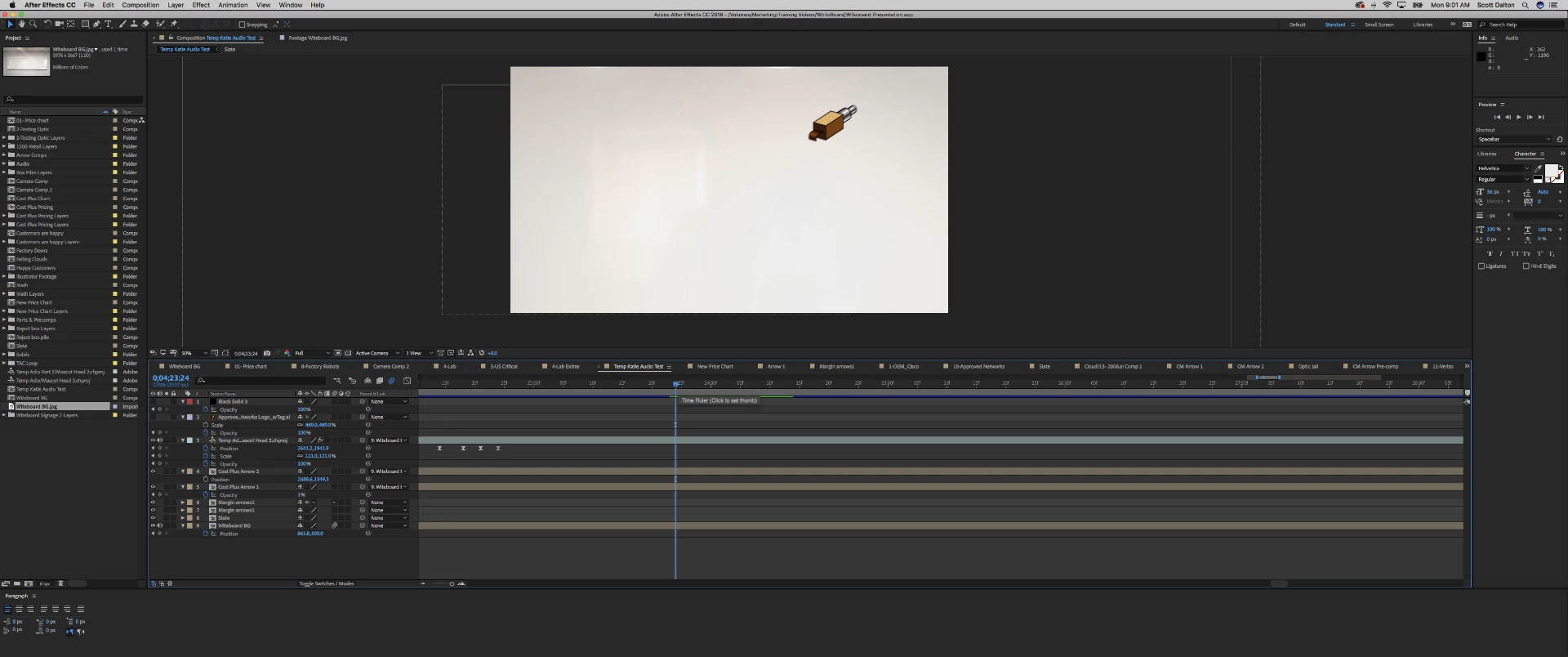
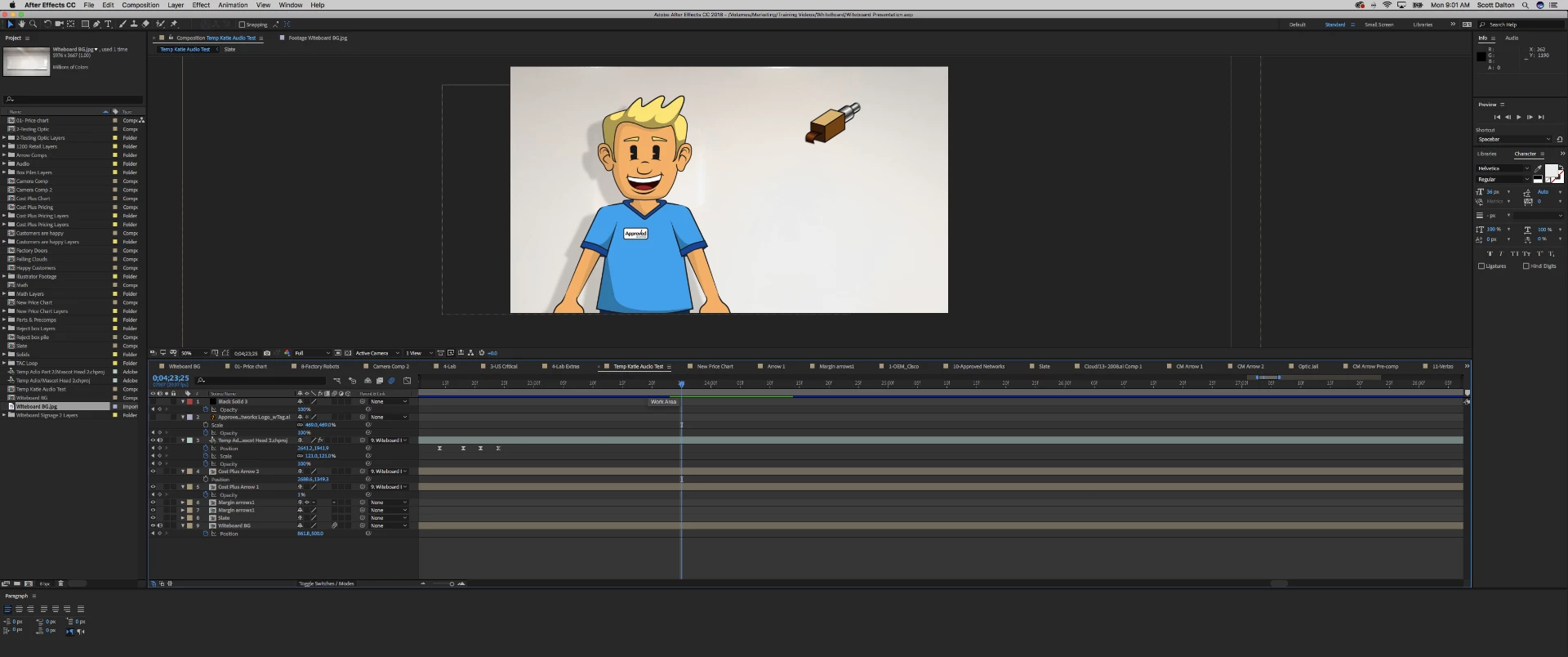
*bonus points if you can identify the object stage right lol

    This topic has been closed for replies.
    Correct answer alank99101739

    Are you sure in CH it is there for the first frame?  I have troubles with AE sometimes because its not snapping (?) so I have to get the position exactly right. That might not be your case, but I would check to make sure in the CH scene the character really is there in the first frame.

    Also is the FPS the same in CH and AE? Wondering if you are triggering an edge condition there if different FPS.

    And what is that thing in upper right? Clear its... ah... its... um... a magical flying robot ticket dispenser head thingy sticking its tongue out at the character! That is the real reason the character disappears - practicing its magic trick!

    (Oh, and ”flush any caches” is usually a good idea as well. Very frustrating tracking down a problem that does not actually exist.)

    3 replies

    alank99101739
    Brainiac
    February 18, 2019

    (Normally I export a MOV file rather than dynamic link - no dynamic updating, but more predictable for me)

    ScooterD76
    Brainiac
    February 19, 2019

    Flushing out the cache seems to be working for now.

    Still making timing adjustments and more animation with the puppet so im keeping with the dynamic link for now. Otherwise i would totally be pre- rendering this layer!

    Thanks!

    alank99101739
    Brainiac
    February 18, 2019

    If you click on a scene in ch there is the properties panel - it has duration, dimensions, frame rate there.

    i don’t know why not appearing for some frames - just wondering if a glitch because of the frame rate difference.

    alank99101739
    alank99101739Correct answer
    Brainiac
    February 18, 2019

    Are you sure in CH it is there for the first frame?  I have troubles with AE sometimes because its not snapping (?) so I have to get the position exactly right. That might not be your case, but I would check to make sure in the CH scene the character really is there in the first frame.

    Also is the FPS the same in CH and AE? Wondering if you are triggering an edge condition there if different FPS.

    And what is that thing in upper right? Clear its... ah... its... um... a magical flying robot ticket dispenser head thingy sticking its tongue out at the character! That is the real reason the character disappears - practicing its magic trick!

    (Oh, and ”flush any caches” is usually a good idea as well. Very frustrating tracking down a problem that does not actually exist.)

    ScooterD76
    Brainiac
    February 18, 2019

    I do have two frame rates

    Can i change it in CH to match my comp? ( cant seem to find where )