
Participant
June 14, 2024
Question

Adobe Bibliothek nicht verwendbar, kein Sync vorhanden, alle Benutzer

  • June 14, 2024
  • 1 reply
  • 244 views

Hallo und danke im Voraus für lesen und helfen

Wir verwenden in der Schule Adobe CC (K12) WIN10 64bit, ich bin der Admin davon. 

Das Problem: Die Bibliotheken funktionieren nicht und werden schon gar nicht angezeigt zur Synchronisation. 
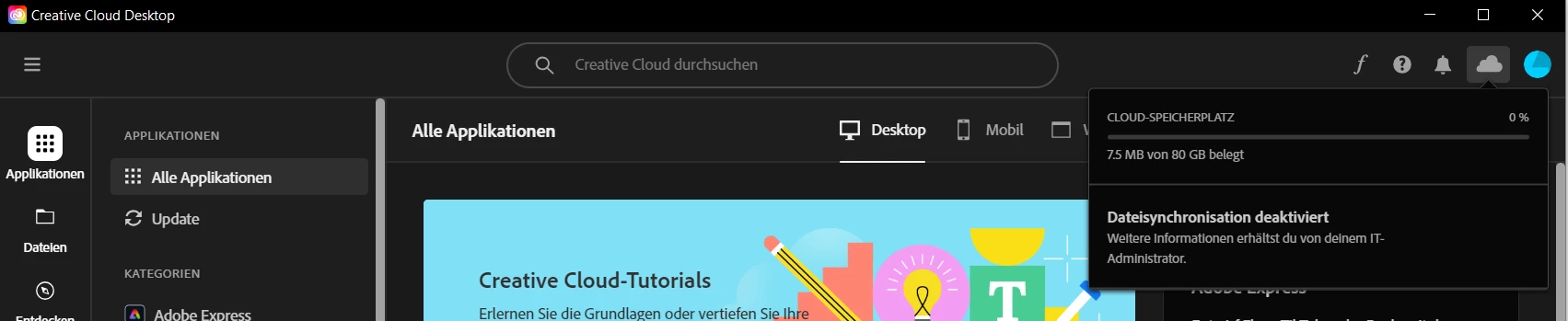
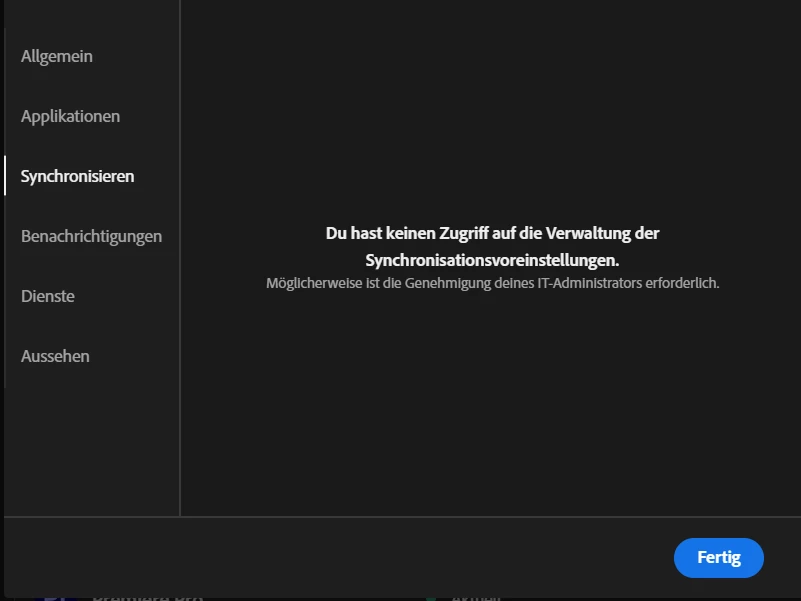
Im Benutzerprofil oben rechts unter Voreinstellungen ist die Synchronisation nicht zugreifbar.  "Möglicherweise ist die Genehmigung deines IT-Administrators erforderlich"...nun ja, der bin ja ich. Ich weiss nicht, wo ich da was Genehmigen könnte. Grundsätzlich haben wir alle Applikationen freigeschaltet und von Synchronisation finde ich niergend etwas.
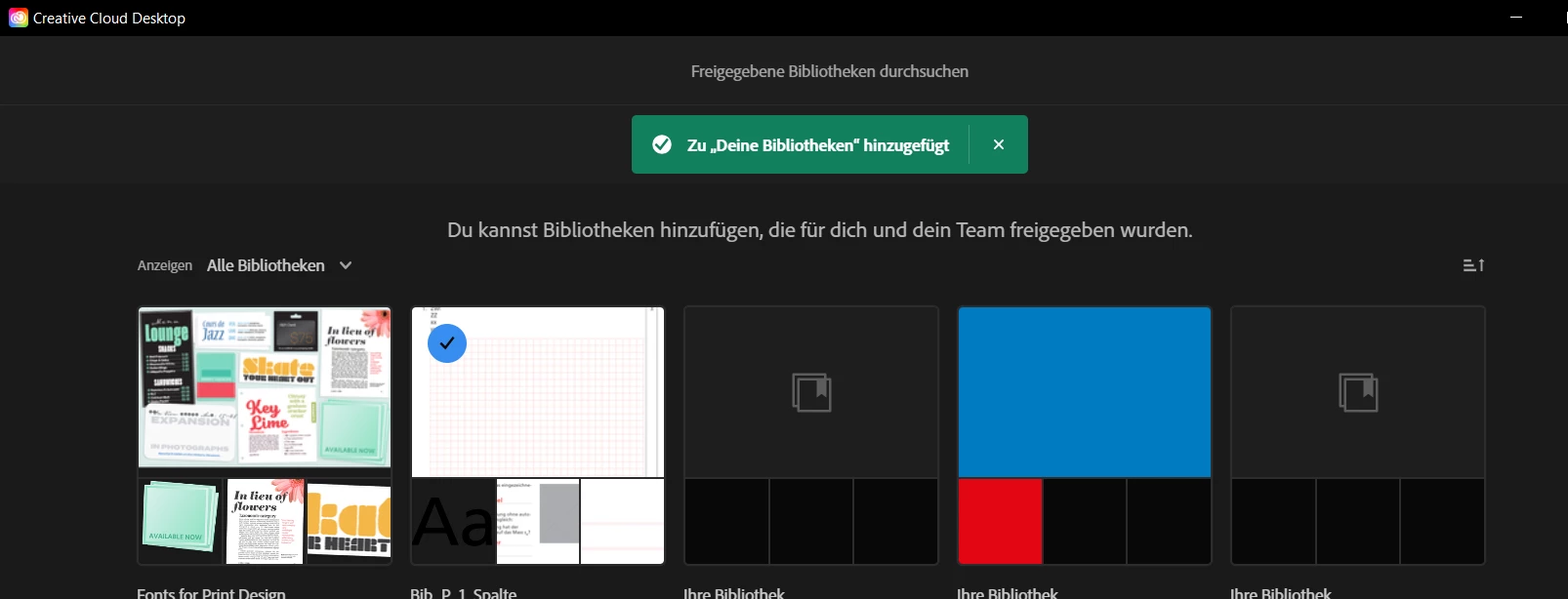
Öffentliche Bibliotheken kann ich anscheinend hinzufügen, sind jedoch dann nicht auffindbar.
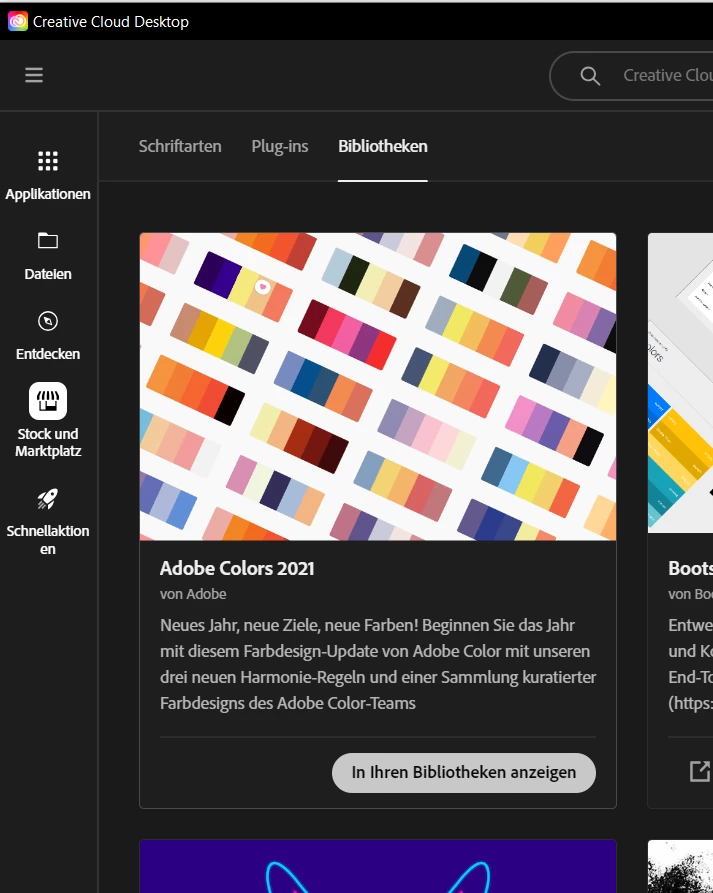
Wenn ich unter "Stock und Marktplatz" im Register "Bibliotheken" bei einem Objekt auf "In Ihren Bibliotheken anzeigen" klicke, erscheint ebenfalls eine Fehlermeldung (siehe Printscreens).
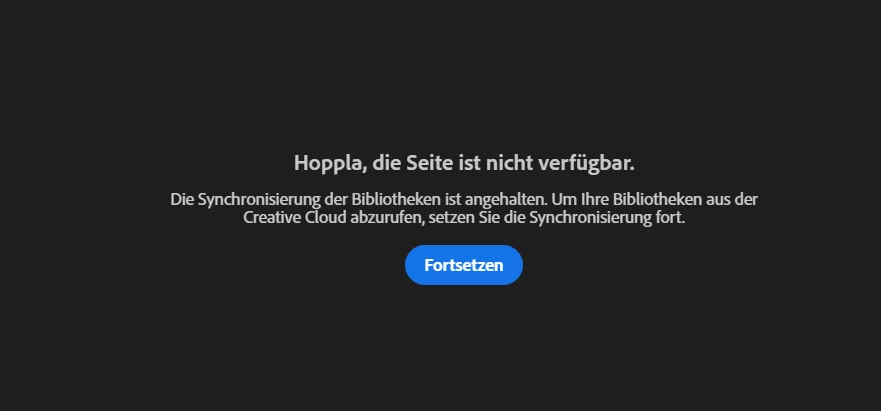
Fortsetzen kann man die Synchronisation nicht, die Meldung bleibt stehen.

Ich habe bereits mit dem Cleanuptool die Bibliothek entfernt und nochmals neu installiert, jedoch ohne eine Lösung.

Weiss jemand Rat? Danke jetzt schon im Voraus.

This topic has been closed for replies.

1 reply

kglad
Community Expert
Community Expert
June 14, 2024

reset the cc desktop app by making sure it's in the foreground, then press:

Win: Ctrl + Alt + R
Mac: Cmd + Opt + R


if that fails, repair per https://helpx.adobe.com/download-install/kb/creative-cloud-install-stuck.html


if that fails and you have windows, open your control panel > add/remove programs > cc desktop app > repair

if that fails, uninstall using the correct uninstaller from https://helpx.adobe.com/creative-cloud/help/uninstall-creative-cloud-desktop-app.html#sa_src=web-messaging and then reinstall using*


if that fails, do a clean cc install carefully following each applicable step:

uninstall every cc app including preferences per https://helpx.adobe.com/creative-cloud/help/uninstall-remove-app.html

then uninstall the cc desktop app, again using the correct uninstaller per https://helpx.adobe.com/creative-cloud/help/uninstall-creative-cloud-desktop-app.html#sa_src=web-messaging

clean your computer of cc files per http://www.adobe.com/support/contact/cscleanertool.html

check for, and if available, update your os

if windows is your os, repair all ms visual c++ versions that can be repaired (use google if you don't know how to do this)

if windows is your os update your ms visual c++, if it can be updated (use google if you don't know how to do this)

restart your computer (don't skip this)

reinstall the cc desktop app using the "alternative download links" at the bottom of the page at https://helpx.adobe.com/download-install/kb/creative-cloud-desktop-app-download.html

use the desktop app to install your cc programs/trials>

if that fails, you probably have a corrupt user account. google your os and how to create a new one.