Participant
August 17, 2023
Question

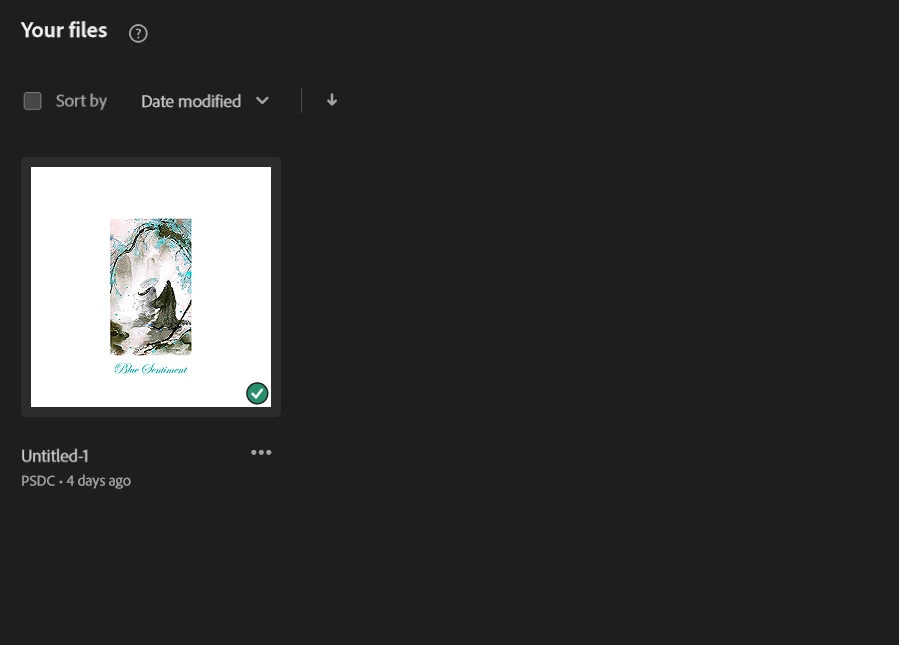
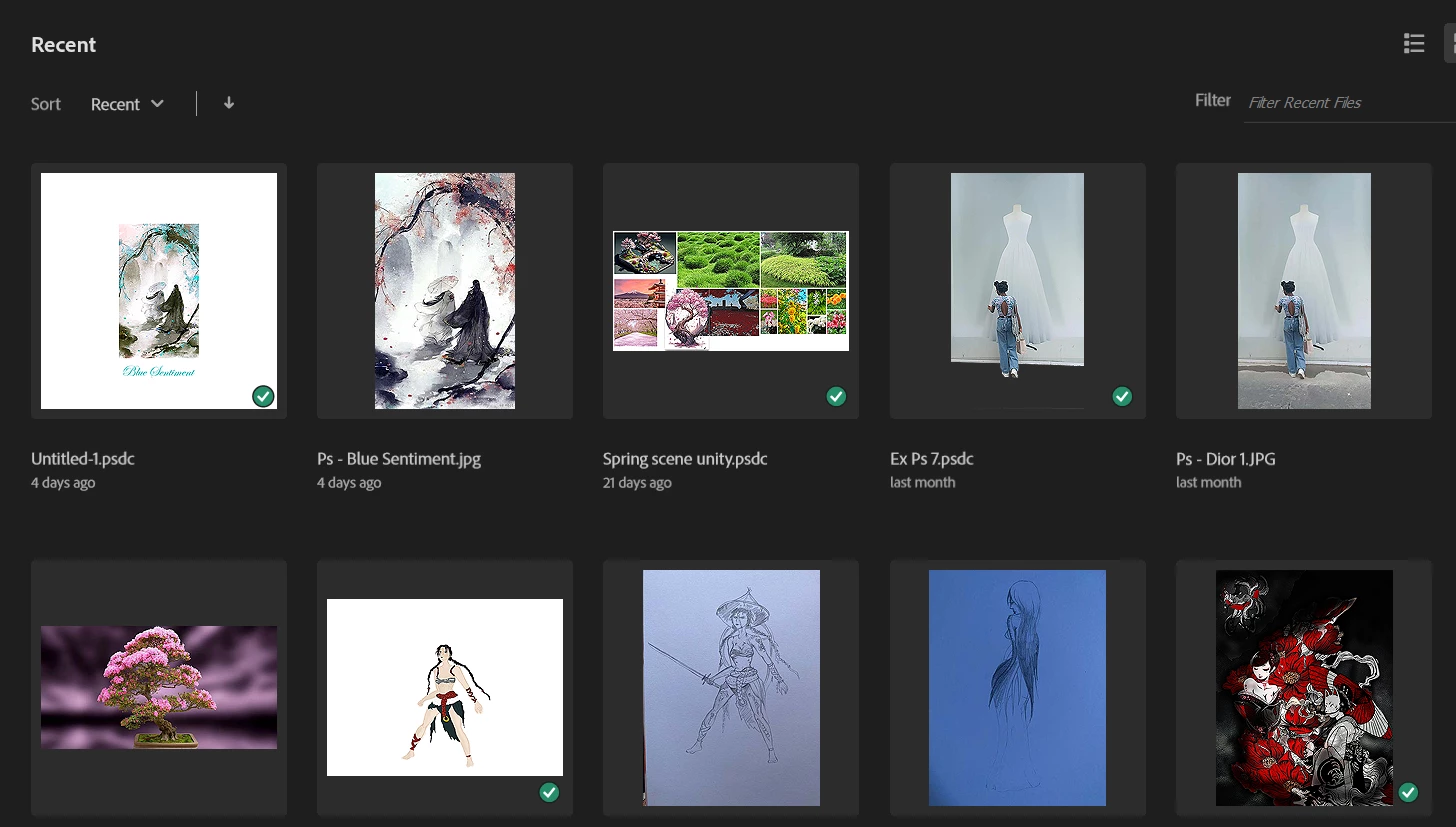
All my files in creative cloud disappeared

  • August 17, 2023
  • 1 reply
  • 111 views

I've had a bunch of artwork synchronized in my creative cloud account so I don't have to worry about missing them, or transfering them on another computer. I've just recently opened my photoshop app to work on a past work, and all my files were missing. What is weird is I can access to some of my old work through the recent files section, but in my librairy, it's completely empty and has only my recent work. It is quite annoying for me because I need my work back and I have no idea of why my work disappeared like this.

Can someone help me ?


Thank You
This topic has been closed for replies.

1 reply

kglad
Community Expert
Community Expert
August 17, 2023

use a web browser to navigate to the following locations. at each location there are several folders/links to check.:


https://assets.adobe.com

https://lightroom.adobe.com

https://documentcloud.adobe.com

https://spark.adobe.com


if you delete anything from any of these locations, check for a deleted folder where your file(s) was (were) moved. if you want to clear space you must delete files in the deleted folder.


the used storage shown at each of those four sites (when totaled), should match the space shown used by your cc files.