Participant
December 23, 2021
Answered

Unable to update. Unable to uninstall.

  • December 23, 2021
  • 2 replies
  • 745 views

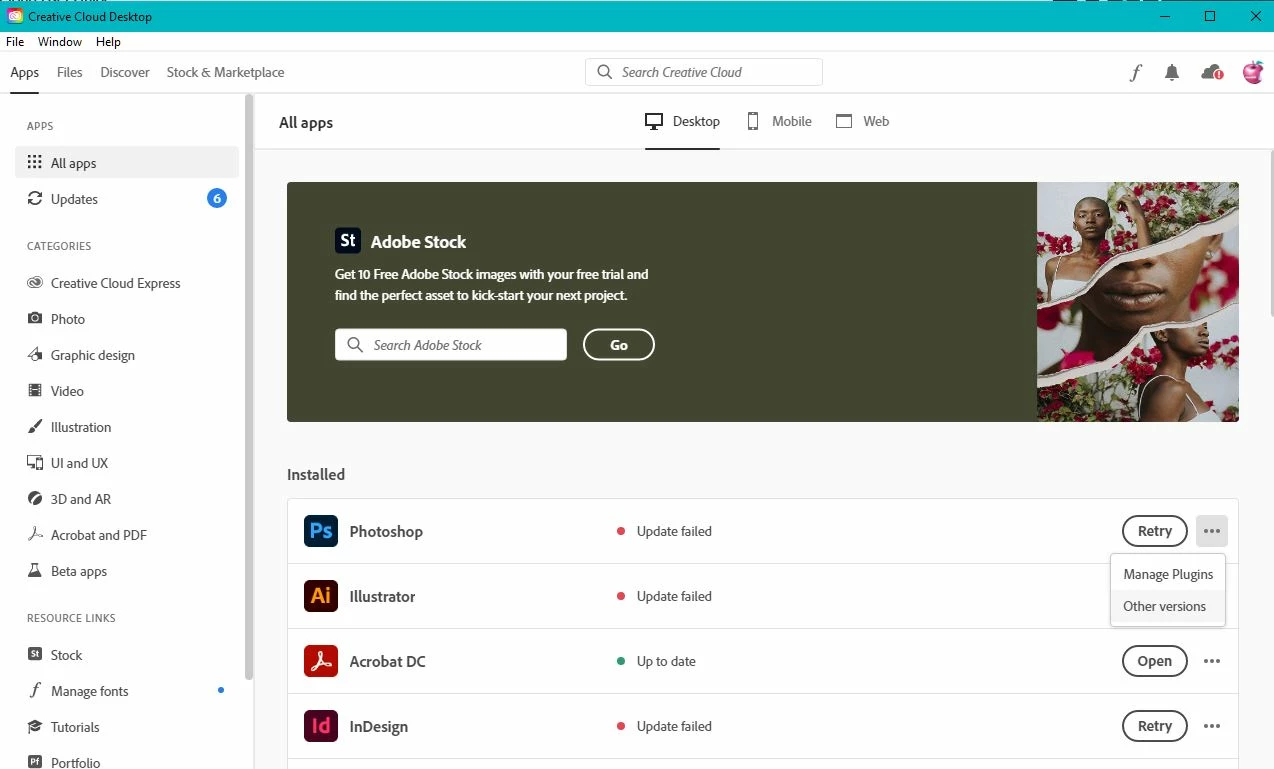
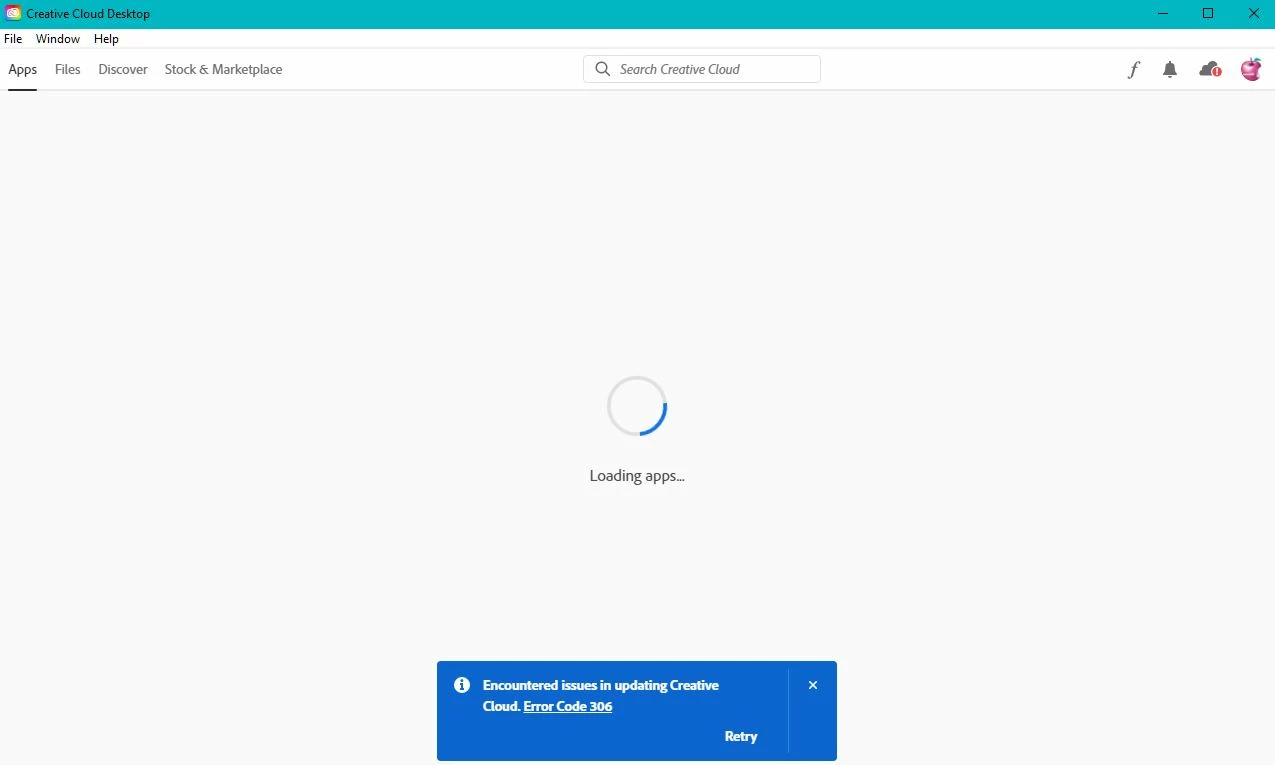
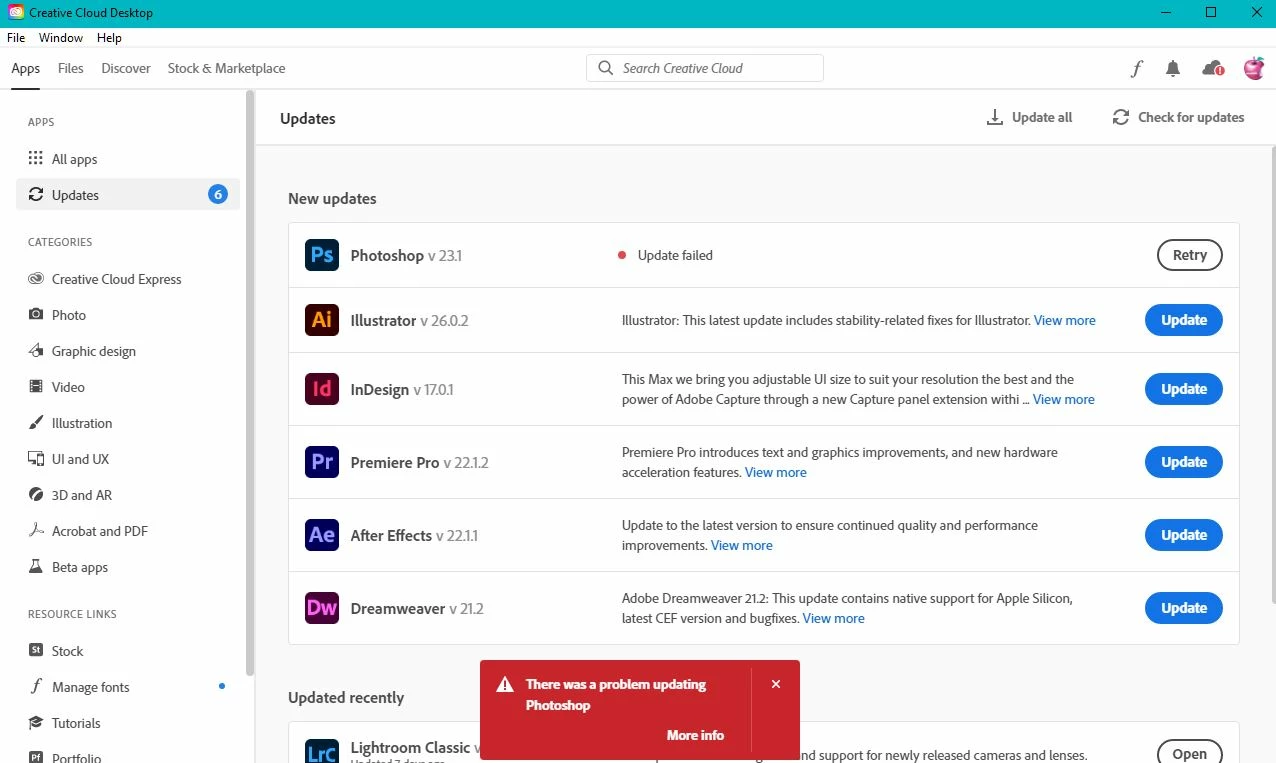
Despite the nice online help library, my CC does not give the options shown in the images of how to uninstall apps. Some of my apps are outdated, as of 1 week ago they suddenly stopped updating, and I have no options other than retry or go and do something more productive like use MS Paint. If anyone has a solution to this, I'd dearly love to hear it so I can get on with my work.
   

This topic has been closed for replies.
Correct answer Skyédesign

UPDATE: Despite not working the first time, apparently running the adobe uninstaller tool and selecting REPAIR actually fixed the issue the second time I ran it. Everything has updated and is working again. Just thought I'd leave this here for anyone who has the same issue to find.

2 replies

SkyédesignAuthorCorrect answer
Participant
December 23, 2021

UPDATE: Despite not working the first time, apparently running the adobe uninstaller tool and selecting REPAIR actually fixed the issue the second time I ran it. Everything has updated and is working again. Just thought I'd leave this here for anyone who has the same issue to find.

Participant
June 2, 2022

This resolved the issue I had with the apps not updating on my desktop system, when they were updating on my laptop.

Ged_Traynor
Community Expert
Community Expert
December 23, 2021

Moving thread to the Creative Cloud Services forum from Photoshop ecosystem