Moving the discussion to Creative Cloud Download & Install forum.
Hi virginie1575,
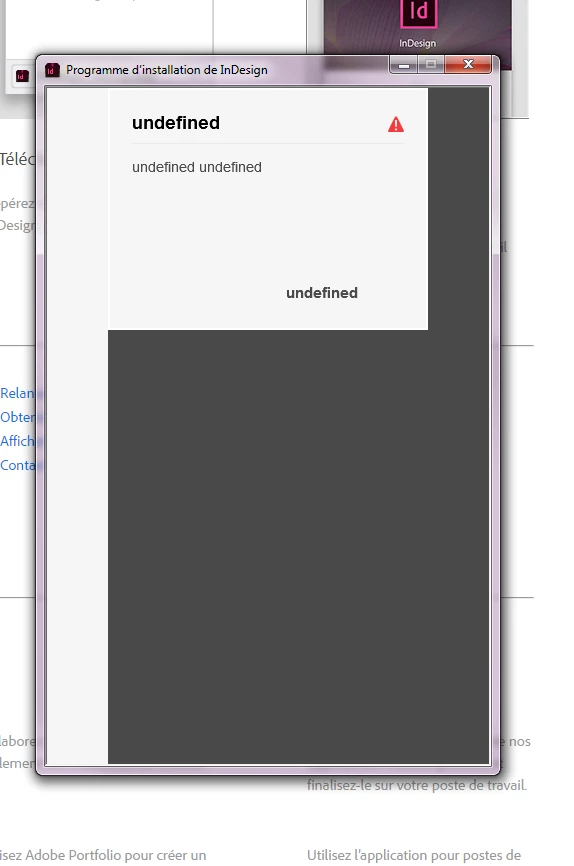
Thanks for sharing the screenshots, it looks like to are unable to download Adobe InDesign CC 2017 from the website on your windows machine. Initially, you encountered "undefined" error and later you see a blank screen after signing in.
I would request you to download Creative Cloud desktop app as Ned suggested using this link: - Download and install Creative Cloud apps. It seems that you are still using Adobe InDesign CC 2017 installer from the web to sign in.
Please update this discussion with the results after install Creative Cloud app.
In case you encounter any error while installing Creative Cloud desktop app, please check the troubleshooting steps mentioned on this link: -Troubleshoot Adobe Creative Cloud download and install issues and for further investigation, you may also use log files and troubleshoot the error code using this link: - Troubleshoot errors using Creative Cloud log files.
Thanks.



 AdChoices