


Problems with CC migrating to a new MacBook air
Hey I recently upgraded from a 2014 macOS CATALINA to a 2022 macOS 12.4 Monterey. I had no issues transfering everything over using the migration assist except for my CC doucments. When I tried to open up CC on my new mac it came up with problems with migration and that it couldnt be opened. I couldn't open up Lightroom or Photoshop because of it and I need those for school work, etc. I tried to use the unistall app for CC but that had the same problem. The notification would come up saying the CC is unssported or damaged. Anyway, I binned everything CC from my apllication and utilities, even downloaded the Adobe Cleaner thing that you guys suggest, so now everything adobe is gone. The next suggestion thing was to download an apllications manager for adobe but that wasn't compatible with this new mac, which was annoying cause that seemed to be the step that worked for everyone else. I have a school provided account that has access to everything so signing into adobe is no problem, but downloading the creative cloud app still doesnt work, just stops at 0.8% download and says there is an error and to quit downloading. Ive researched stuff for hours but still haven't found a solution, hopefully I haven't messed up my new mac. If anyone knows another solution that would be great. ( BTW the creative cloud still works on my old mac, its just very slow and the mac has next to no space. ) 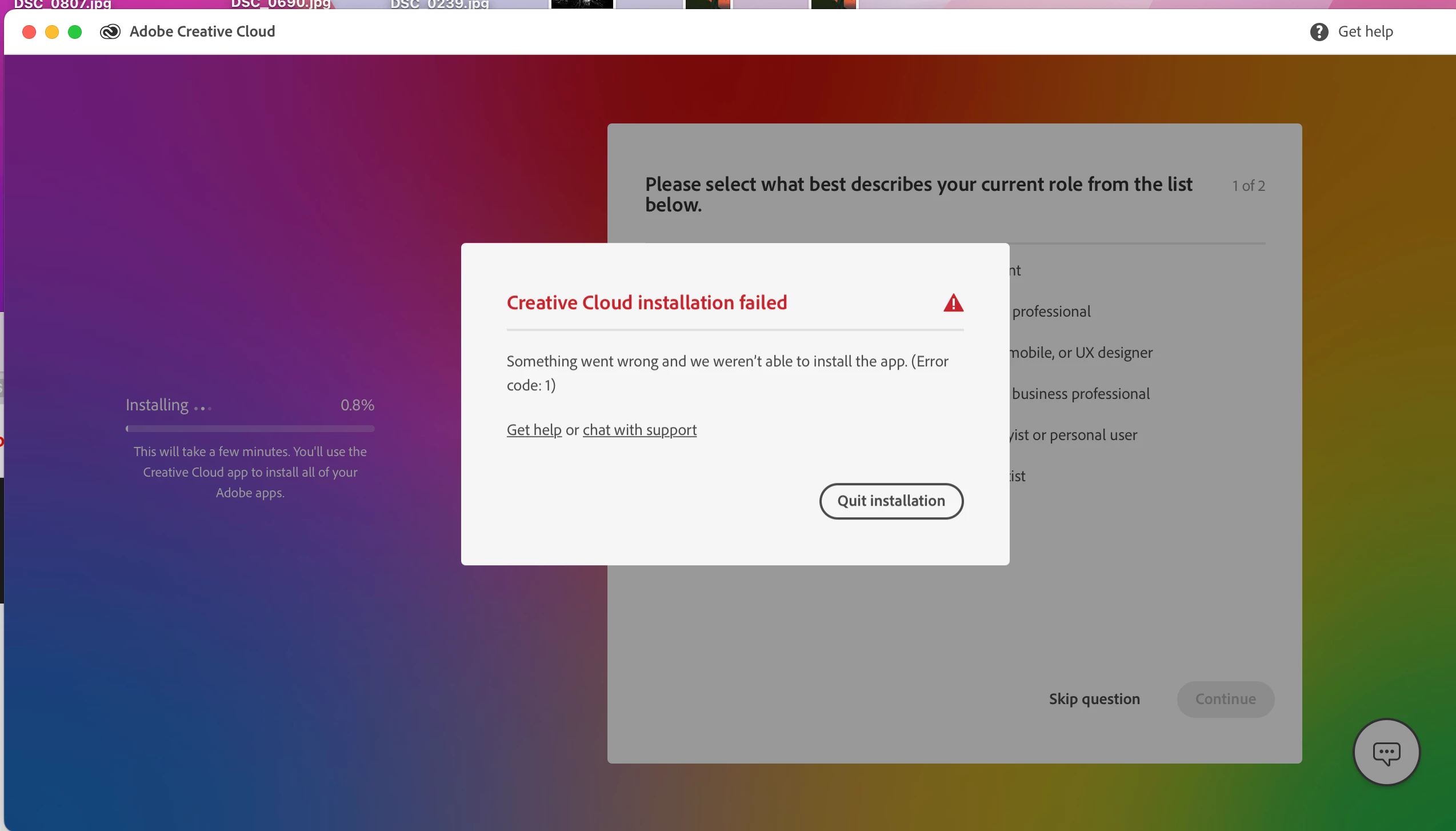

 AdChoices