


Known Participant
August 27, 2025
Question

Unable to uninstall Acrobat

  • August 27, 2025
  • 2 replies
  • 511 views

I'm trying to uninstall Acrobat from a new Mac Mini M4 so I can install the updated version, and I'm having no success:


All files, including Creative Cloud, were uploaded from a Time Machine backup when I first opened this new Mac.


The app Acrobat Unistaller failed, giving me a message "user cancelled authorization dialog."


Unistallation failed when tryin it through the Creative Cloud app after just 1% was done.


AcroCleaner took a half-hour, during which Activity Monitor said the app was not responding; finally, with a message of Done! in the main window, a pop-up says "An error occured in the uninstall process." (I've attached a screenshot of the full log for reference.)
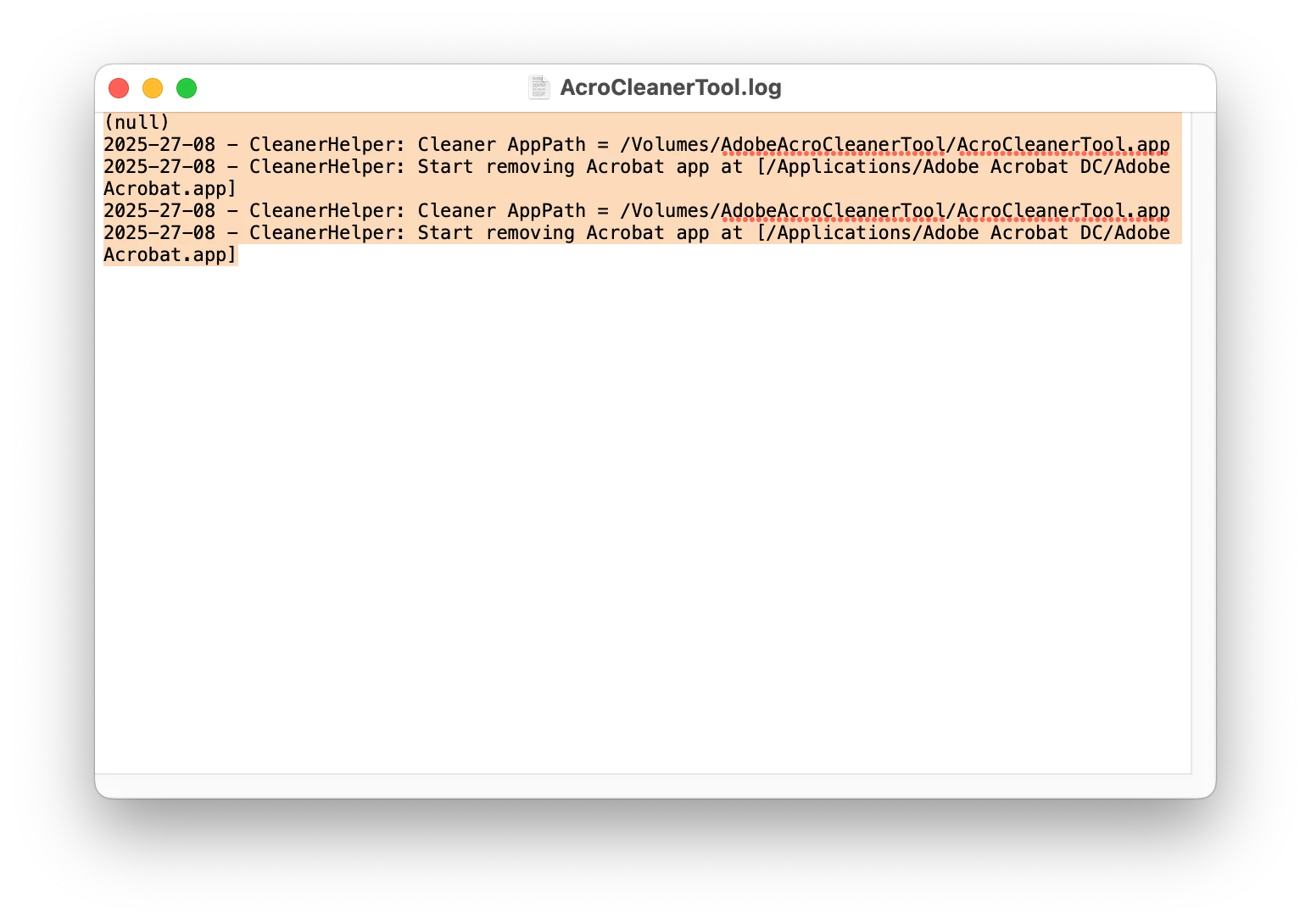
 I restarted my Mac and tried to unistall again through Creative Cloud with the same results as above. I still can't uninstall it.


BTW when I try to open the older Acrobat on this Mac, the message reads "Your application install seems to be damaged, Please reinstall the application," which I can't do.


So how can I update and/or unistall/reinstall Acrobat so I can use it? Please help.

2 replies

John T Smith
Community Expert
Community Expert
August 27, 2025
Jeffrey_A_Wright
Community Manager
Community Manager
August 27, 2025

DHSStudio, congratulations on your new Mac mini! The current error, and likely future errors, with Acrobat and other Adobe applications are due to your use of Time Machine. Since this is a new computer, I recommend you start over and use Time Machine to only transfer over any necessary documents and settings. This is especially important if you are moving from a Mac previously running using Apple's previous processors. For more information, see https://adobe.ly/4oWxTkQ. ^JW

DHStudioAuthor
Known Participant
August 28, 2025

Thanks for the advice, but it took about 18 passive hours to transfer 1TB of data from Time Machine to this new Mac plus several hours installing and/or updating most of my apps, including six from Creative Cloud, so I can work; Acrobat was actually my last application to update. I can't see how I can find the equivalent amount of time to actively determine and copy everything I need for this new computer. Are any other options possible, like the suggestion below for the Creative Cloud Cleaner and then the AcroCleaner. What if I delete every file I can find that inludes "Acro" in its nane and delete all of them except the Uninstaller? This is incredibly frustrating to not be able to just uninstall just one malfunctioning app.

kglad
Community Expert
Community Expert
August 28, 2025

never use time-machine with adobe apps.