Answered
help with reseller dashboard ?? how can i own it
how can i own reseller dashboard and best price am from saudi arabia with + 100 licenses 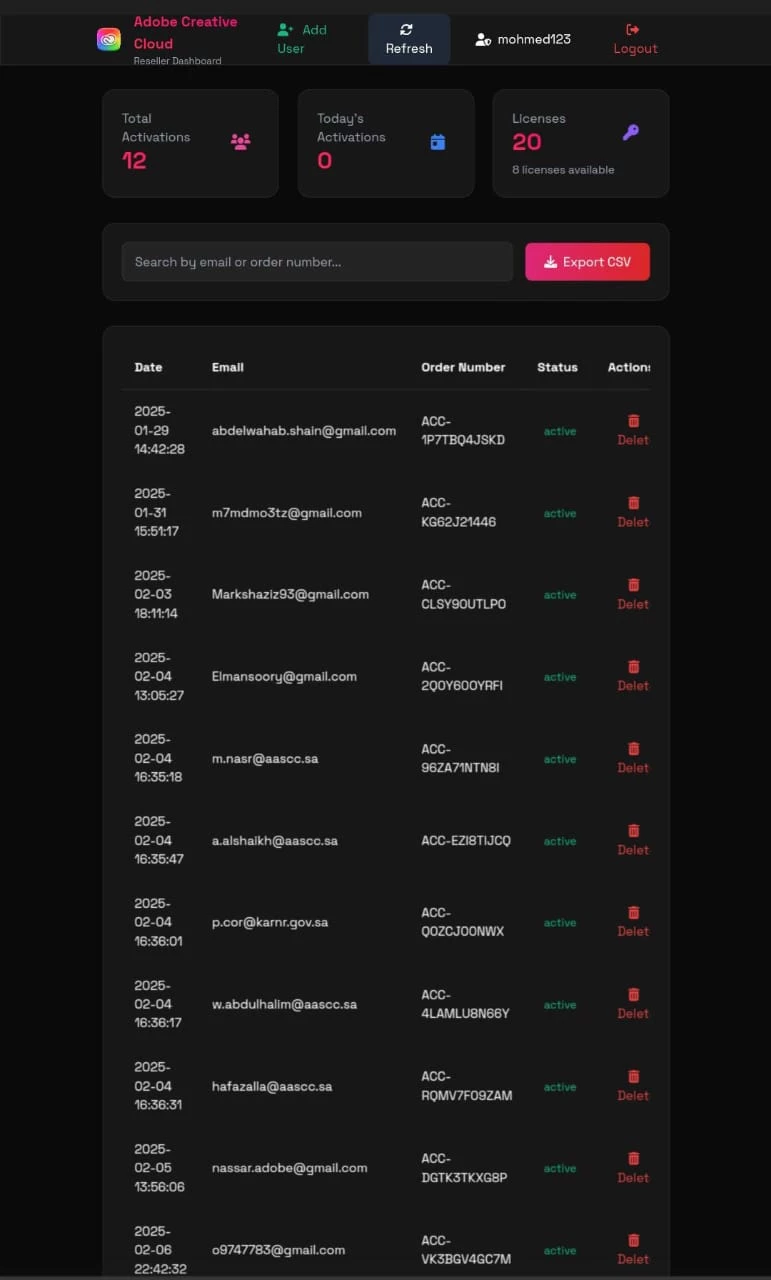

how can i own reseller dashboard and best price am from saudi arabia with + 100 licenses
Hi @user6857838,
Thanks for reaching out. If you're looking to become an Adobe reseller and gain access to the Adobe Reseller Dashboard, you'll need to apply through Adobe’s Value Incentive Plan (VIP) or Adobe Partner Connection (APC) program. Here’s how you can proceed:
Become an Adobe Authorized Reseller:
To become an Adobe Authorized Reseller, you need to apply. This involves meeting certain criteria set by Adobe and going through their approval process. Visit the Adobe Partner Connection page and complete the application process.
Once approved, you will receive an invitation to access the VIP Reseller Console. This is a web-based portal where you can manage your customers' accounts, add licenses, and view order history. You can also add new customers, manage existing ones, create Purchase Authorizations, and track the status of all your customers. For detailed guidance, refer to these resources:
Managing Customers as a Reseller
With 100+ licenses, you may qualify for volume discounts. Adobe offers different discount levels based on the number of licenses purchased. You can find more details on the VIP Marketplace volume discounts page. More details on VIP Licensing are available here.
If you need further guidance, you can request a consultation with Adobe’s sales team by filling out this form: Request a Consultation
Let me know if you need any additional information.
Regards,
^AN
Already have an account? Login
Enter your E-mail address. We'll send you an e-mail with instructions to reset your password.


 AdChoices