



Anubhav M
Community Manager
Community Manager
January 29, 2017
Question

Install previous versions of Illustrator
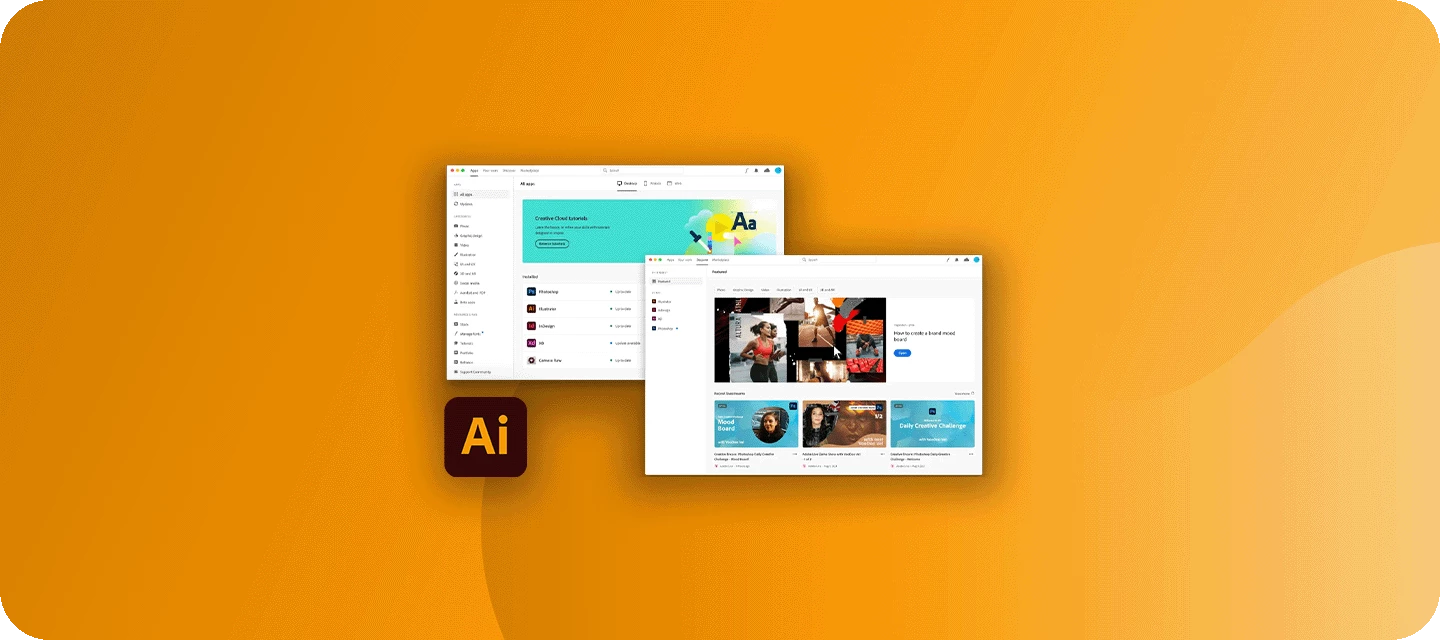
Need help downloading or installing Adobe Illustrator? You’re in the right place!


Whether you’re looking to install Illustrator, explore older Creative Cloud versions, download non-subscription software, or troubleshoot installation errors, our community has all the resources you need. Check out the links below to find the right support and get your apps up and running smoothly!
 

Download and Install


If you’re looking for help downloading Adobe Illustrator or any other Creative Cloud apps, we’ve got you covered!
Please visit the Download & Install community board to post your query.​​​

Install older apps


For guidance on accessing older versions of Creative Cloud applications, check out this helpful discussion.

Install non-subscription Adobe apps


Need to download non-subscription Adobe software? This community post provides all the details.

Installation error codes and solutions


Trouble installing or updating your Adobe app? Quickly find solutions to common download, install, or update errors in this community post.


We'd love to hear from you!


If you found this post helpful, click 👍Like to let us know. Use ⭐Subscribe to stay updated on future replies. You can also share this post with others who might find it useful.

369 replies

Participant
May 6, 2021

I would need your help to get Illustrator CC 2019 (v23.1) downloaded somehow. I have the current CC (corporate licensed) and I am not able to find download option in my profile and its not possible directly from CC anymore as I see. I can't add any serial number to register the product (Illustrator) as every install was done through CC before. I need to have this version to be able to use a plugin with Illustrator.

How can the issue be solved?

Thank you!

Translate
sishamIAGD
Community Expert
Community Expert
May 10, 2021
Participant
May 10, 2021

Hi, 

Thank you, I've already seen this thread but it is irrelevant as I would like to have a downgraded (CC 2019 v23.1) copy of Illustrator too but it does not appear in the list after deleting every version from the OS.

It seems as I read it before that Adobe does not support the download of softwares older than 2 years. If you have to change your computer this situations is very problematic. I changed my workstation and now I can say goodby to a plugin which was very useful just because a download link can not be provided by Adobe. I don't think so that this user request is that problematic at the same time there does not seem to be any solution for it.

Translate
Participant
April 17, 2021

I followed the steps at 

 https://helpx.adobe.com/download-install/using/install-previous-version.html


and the 3 dots for 'more" doesn't give the option for earlier version.

I'm a self-taught graphic designer who mainly uses photoshop, illustrator, premiere, and after effects for personal projects so I don't anticipate upgrading to windows 10 anytime soon. I also rarely use illustrator but for this specific project I need to edit an SVG file and don't know how to do that in photoshop. 


Is there another way to get access to an version ? I'm using a wndows 8.1 64-bit, quad core, Intel 7 4th generation machine with an old NVIDIA Geforce 745 graphics card.  In fact, I'm not even able to update my Nvidia driver anymore. I know eventually I'll have to go to Windows 10, it's just not a priority right now. 


If you know a workaround please help.  😉  Thanks in advance. 

Translate
Doug A Roberts
Community Expert
Community Expert
April 17, 2021

I think the problem here might be Windows 8.1. I don't think any of the currently available CC versions support it.

What Illustrator version do you have installed at the moment?

Translate
Known Participant
September 10, 2021

I have the same problem and I'm working on a Mac. Has a solution been found for this?

Translate
Participant
March 8, 2021

I need to download Illustrator, but my computer is too old and I only have mac OS El Capitan version 10.11.6. Is it possible to find/download an older version of Illustrator that is compatible with my mac OS El Capitan? Thank you!

Translate
S_Gans
Community Expert
Community Expert
March 10, 2021

Hi. When you view an app to download in the Creative Cloud Desktop app, look at the "All Apps" section. At the right hand side of each screen, there's an ellipses (mine are installed, but yours should look the same, with the option TO install). Inside the dropdown on that ellipses, you'll find an option to view (and install) older versions.

Translate
Adobe Community Expert / Adobe Certified Instructor
Participating Frequently
February 24, 2021

What's up I use to be able to find the eariler versions of Adobe software in Creative Cloud, now when I select "earlier versions" 2019 and 2020 aren't listed.


Where can I find the version number posted in relation to it's release year?

Translate
Doug A Roberts
Community Expert
Community Expert
February 24, 2021

In 'other versions' in the CC app:

Version 24 is 2020, version 23 is 2019.

Translate
Participant
January 6, 2021

HI folks I am trying to navigate the hair raising journey of getting a new computer. Thinking refurb so I can keep using my CS6 suite as I am not sure the new OS catalina and subscription software is for me. as I already run my software on 2 computers iMac and Macbook and as the CS6 suite is no longer supported how does one install the CS6 suite on the new computer? will it run if registration is required but it doesn't get recognised? anyone else out there been through this... it is all confusing for a non geek like me. 


{Renamed by MOD}

Translate
lambiloon
Community Expert
Community Expert
January 6, 2021

Hi on new OS your cs6 will not get register....regards

Translate
Ali Sajjad / Graphic Design Trainer / Freelancer / Adobe Certified Professional
jillverkaik117
Participant
November 10, 2020

Hi,


At work, we're running AI 2019 (the newer versions aren't compatible with our type client), and I was having trouble with it so I went to reinstall. It uninstalled, but when I went to reinstall it from the Creative Cloud  platform, the 2019 version isn't available to install. Where can I download the 2019 version? As it is now, I'm unable to do any work.


System: MacOS Mojave 10.14.6 (again, as newer versions aren't compatible with our type client)


Jill

Translate
Participant
November 11, 2020

yeah id like to know this as well

Translate
Participant
November 10, 2020

Hi,

Is there a possibility to find installation on adobe.com to illustrator 23.1.1
My application Creative Cloud doesn't have older version, only witch i have.


Translate
Monika Gause
Community Expert
Community Expert
November 10, 2020

You can only install the current version and the one below.


You could try and contact Customer Care and try and convince them to provide you with the install file, but no guarantee. https://helpx.adobe.com/contact.html

Translate
rcraighead
Legend
November 9, 2020

Is it true Adobe now only allows download of current and previous app versions?? If so, Adobe is no longer a good choice in a production environment. Trying to maintain a production workflow while updating our core software every year is simply not practical, especially when we use a small fraction of the features available in Illustrator. I realize software and hardware changes and apps move on, but giving users only two choices of an application is simply unreasonable. We cannot add a user to our production environment because AI CC 2020 and 2021 will not create an "Illustrator-compatible PDF" that can be edited by "Legacy AI CC" apps. Sure, it would be nice to update everyone but that is not possible right now. I'm disappointed in Adobe's business decision to limit access to their software to paying customers.

If I'm wrong about the limited download options please show me how to download AI CC 2019.

Translate
rcraighead
Legend
November 9, 2020

Thank you for the link, lambiloon. I feel very uncertain of downloading licensed software from a 3rd party site especially when the message appears "download is not secure". I can't believe Adobe would sanction or allow this. Come on Adobe, do the right thing and return to a more reasonable approach to you software subscription policy.

Translate
Larry G. Schneider
Community Expert
Community Expert
November 9, 2020

Ray, you will have to go through customer service to get a download. Try the Chat option and keep pressing for a higher level if you get a no.

Translate
Participant
November 6, 2020

Hi,

 My old Mac (OS X Yosemit version 10.10.5) don't support new illustrator and other (creative cloud...)


what can i do?

which version should I find? 

thank you in advance for your help


Elo

Translate
Participant
November 21, 2020

the one I used here

Translate
Participant
June 4, 2020

I want to download illustrator 2019 not 2020. How can I do that?


Translate
Doug A Roberts
Community Expert
Community Expert
June 4, 2020

In the CC app, click on the three dots next to Illustrator, select 'Other Versions' and choose v23.

Translate
lucae90388177
Participant
March 2, 2022

i cant because i already uninstalled ai,  so now it just make goin around in creative coud website.

Translate