

Answered
Adobe InDesign funktioniert nicht mehr???
Wenn ich InDesign starten möchte, kommt die Fehlermeldung "Adobe InDesign funktioniert nicht mehr". Neuinstallation etc. hilft alles nicht.
Hat jemand eine Ahnung was da los ist?
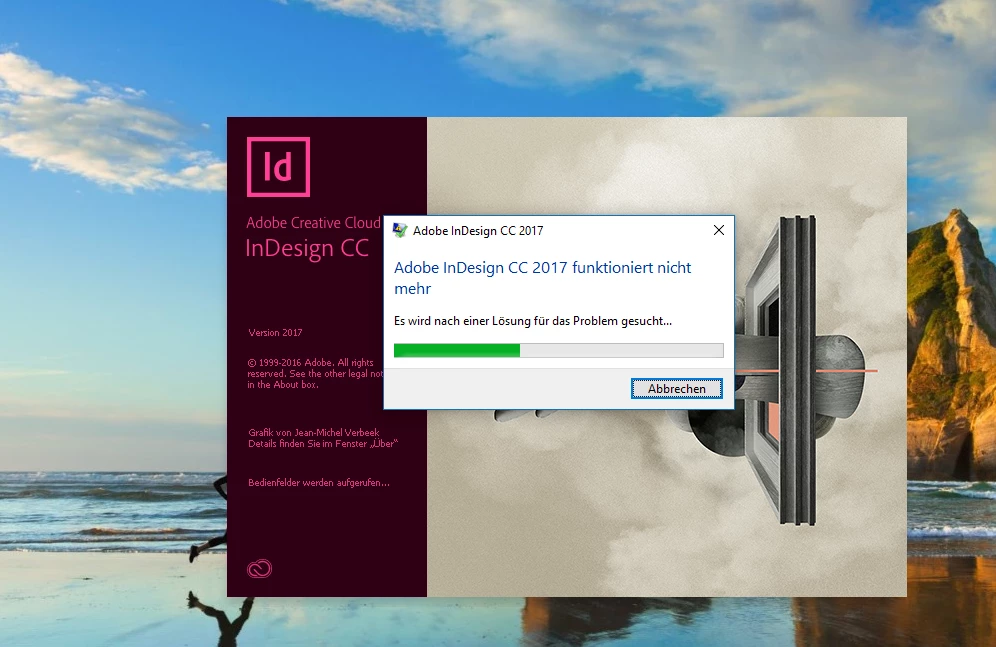
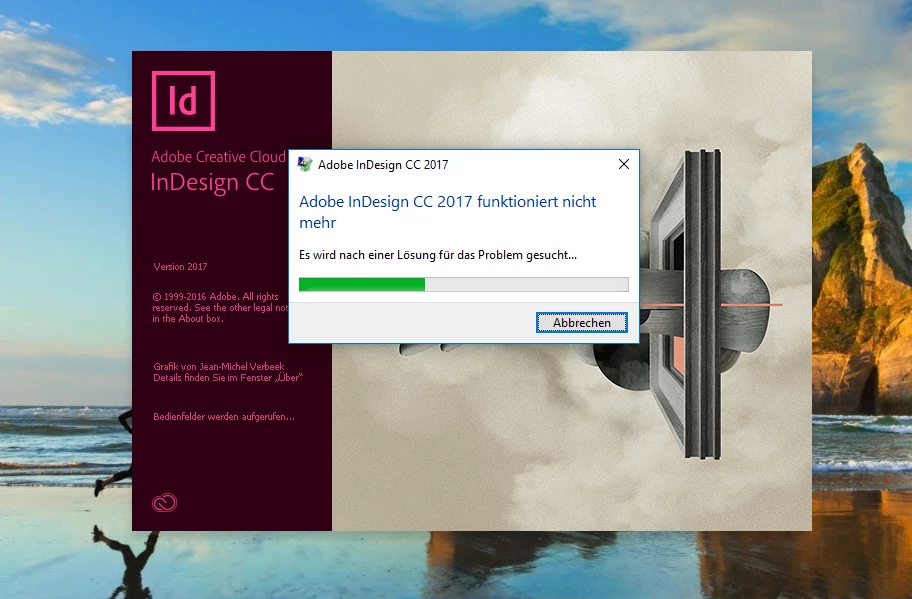

Wenn ich InDesign starten möchte, kommt die Fehlermeldung "Adobe InDesign funktioniert nicht mehr". Neuinstallation etc. hilft alles nicht.
Hat jemand eine Ahnung was da los ist?
Hi,
Please follow the step to clear preference and cache
• InDesign Preference:
Windows XP: C:\Documents and Settings\<USER>\Application Data\Adobe\InDesign\<Version #>\<language>\ (Note: Prior to version 6 [CS4] the language folder is not used).
Windows Vista or Windows 7: C:\Users\<USER>\AppData\Roaming\Adobe\InDesign\<Version #>\<Language>\ (Note: Prior to version 6 [CS4] the language folder is not used).
Macintosh: Hard Drive/Users/<USER>/Library/Preferences/Adobe InDesign/<Version #>/<Language>
• InDesign Cache:
Windows XP: C:\Documents and Settings\<USER>\Local Settings\Application Data\Adobe\InDesign\<Version #>\<Language>\Caches\ (Note: Prior to version 6 [CS4] the language folder is not used).
Windows Vista or Windows 7: C:\Users\<USER>\AppData\Local\Adobe\InDesign\<Version #>\<Language>\Caches\ (Note: Prior to version 6 [CS4] the language folder is not used).
Macintosh: Hard Drive/Users/<USER>/Library/Caches/Adobe InDesign/<Version #>/<Language>/ (Note: Prior to version 6 [CS4] the language folder is not used).
Regards,
Sanyam Talwar
Already have an account? Login
Enter your E-mail address. We'll send you an e-mail with instructions to reset your password.
 AdChoices