


mattbowron
Participant
November 11, 2021
Answered

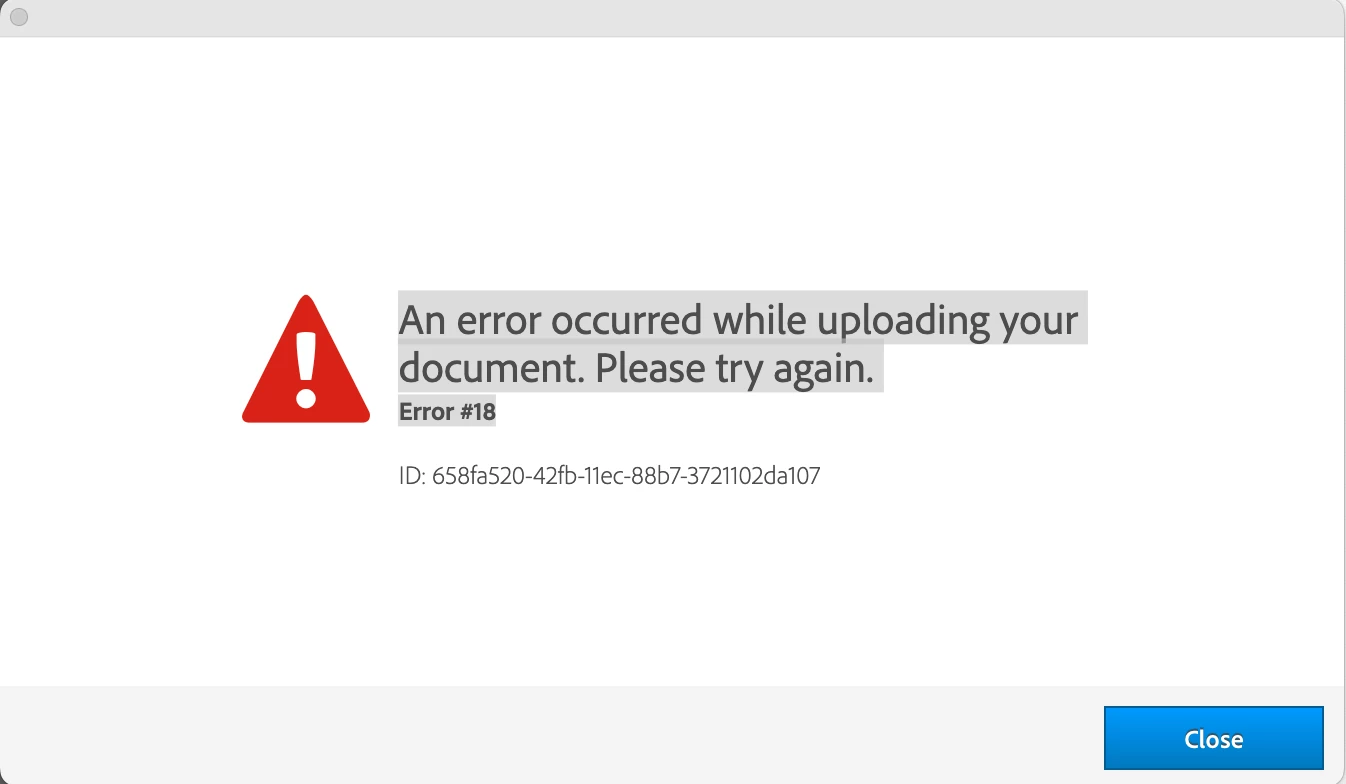
An error occurred while uploading your document Error #18

  • November 11, 2021
  • 1 reply
  • 960 views

I have been running into an issue in Indesign, when I try and Publish Online a document I reach about 90% and then get this error message…

An error occurred while uploading your document Error #18


I have spoken to Adobe customer care and we went through various different ways of resolving the problem listed below…


  • Checked malware and antivirus on computer and removed if any - NO CHANGE
  • Uninstalled Indesign and Creative cloud - NO CHANGE
  • Signed out from Indesign and creative cloud - NO CHANGE
  • Tried uploading from a different computer - NO CHANGE
  • Tried uploading from a different user - NO CHANGE
  • Tried uploading from a different computer with a different wifi - NO CHANGE


This has led me to conclude that this isn’t an issue with my computer or internet provider but it is something to do with my Adobe Account and connecting with their server for publish online documents. I have in the past used a VPN which I wonder may have caused this problem in the first place but I have since cleared this from my computer.


This topic has been closed for replies.
Correct answer MBOW

Hey Uwe


Have resolved the issue now thanks. I found on another forum someone had tried signing themselves up to a seperate Adobe cc trial account from the same computer they were having the issues with, the trial account had no problems. So it turns out it was an issue with my account, I asked Adobe to cancel my account and set me a new one up to another email address and now it works, there is obviously some sort of bug/proxy issue with that account connecting to the adobe server. I'm not sure how technically it works but obviously it was blocking me from uploading anything, I think potentially it's down to the fact I used a VPN once.


All the best

Matt


1 reply

Community Expert
November 11, 2021

I can only tell that Error #18 means:

"Connection lost while publishing. Check your network connection and try again."

https://helpx.adobe.com/indesign/kb/troubleshoot-publish-online-errors.html


Will it work if you change from WLAN to Ethernet?


Regards,
Uwe Laubender

( ACP )

MBOWCorrect answer
Participant
November 11, 2021

Hey Uwe


Have resolved the issue now thanks. I found on another forum someone had tried signing themselves up to a seperate Adobe cc trial account from the same computer they were having the issues with, the trial account had no problems. So it turns out it was an issue with my account, I asked Adobe to cancel my account and set me a new one up to another email address and now it works, there is obviously some sort of bug/proxy issue with that account connecting to the adobe server. I'm not sure how technically it works but obviously it was blocking me from uploading anything, I think potentially it's down to the fact I used a VPN once.


All the best

Matt