
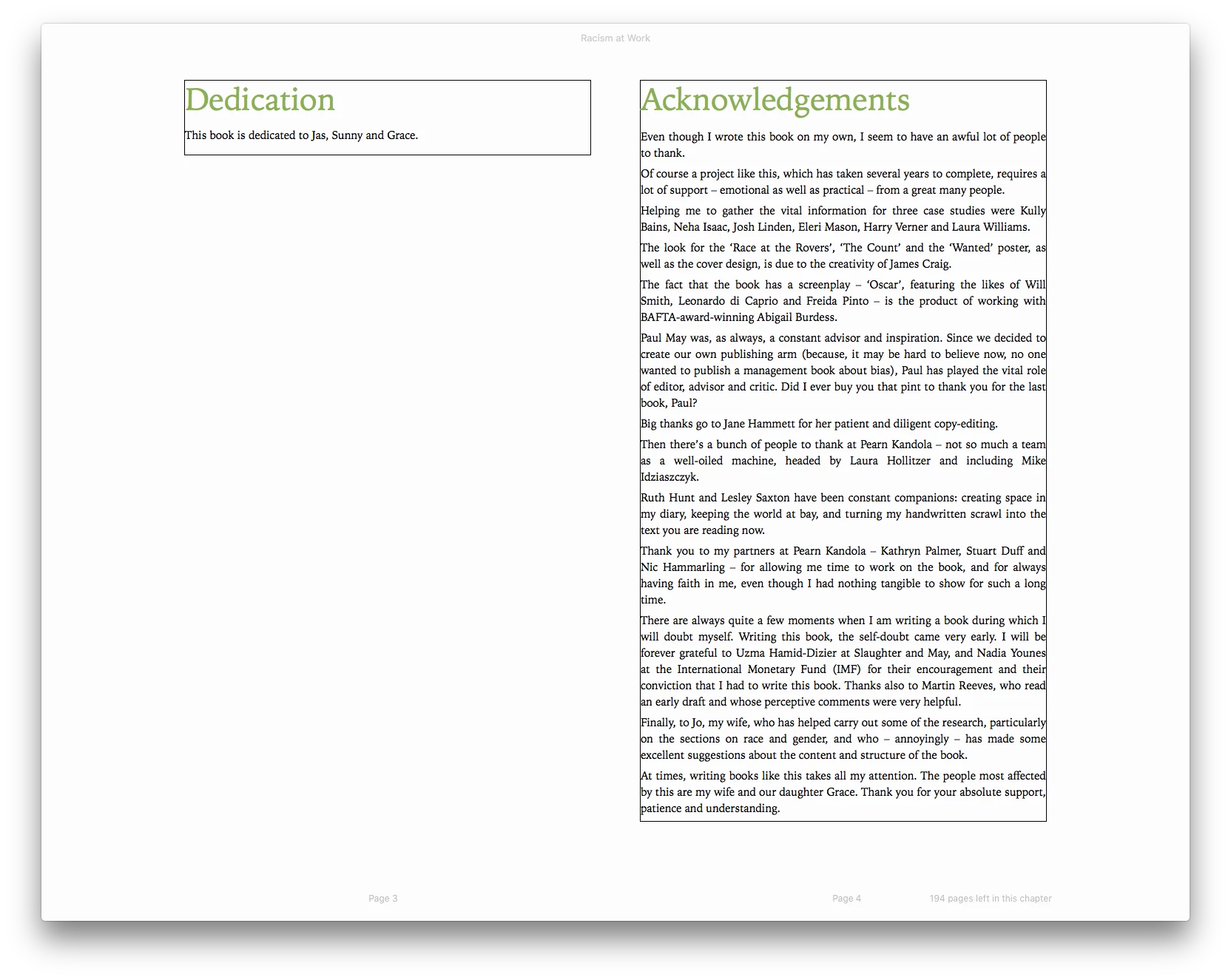
Black border around ePub file
Hi there, long-time INDD user, first-time ePub convertor. I have a 240pp book that I've mostly converted, but am having a couple of issues that I was hoping someone might be able to help with: first of all, there's a thin black border appearing around all-but-three stories and I was wondering if there's a way to remove it? This appears on the iBooks app at least. The only three stories in which it's not appearing are around a set of references, but I've used identical paragraph styles for references elsewhere in the document so I'm not sure what's going on here. The only difference is that the 'clean' references follow on from a set of full-page images.
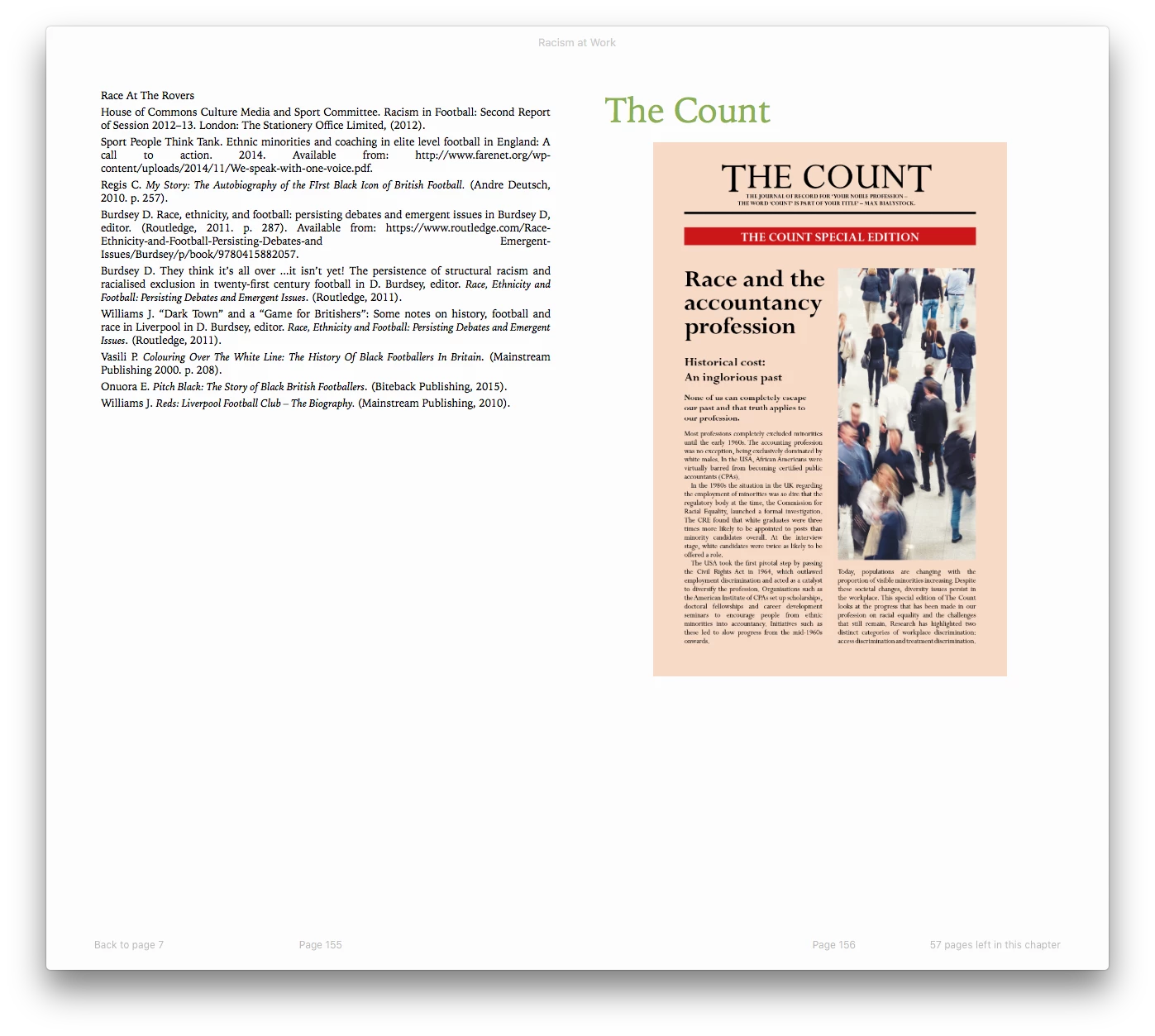
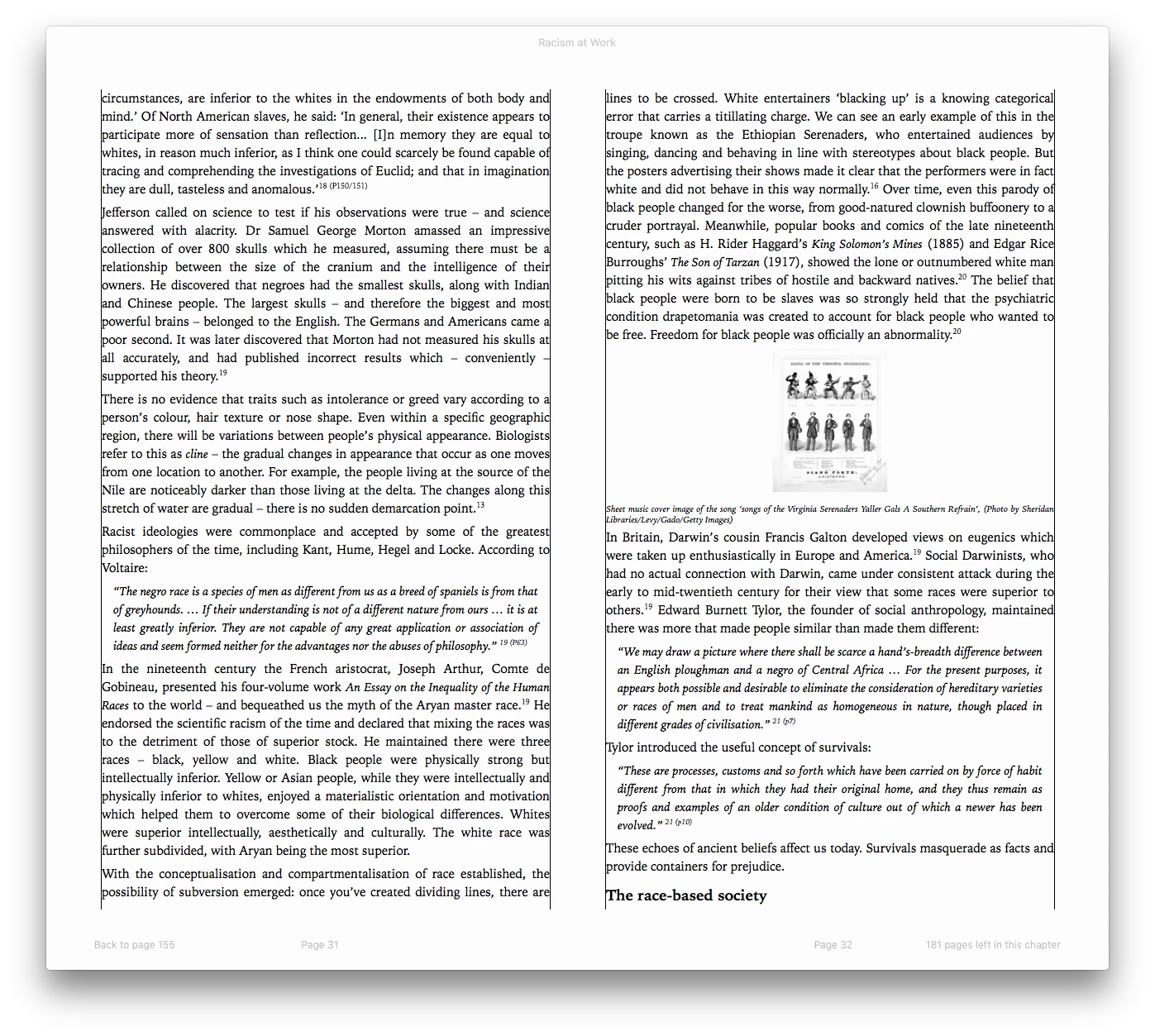
Second query: is there any way to increase the size of images that are placed in-line in text? See screenshot below. It would be great if I could bump the size of these images up but I've no idea what's controlling their scale. Their size within the INDD document doesn't appear to have any effect on their size in the ePub.
Thank you!
 AdChoices