This topic has been closed for replies.
Correct answer Marc Autret

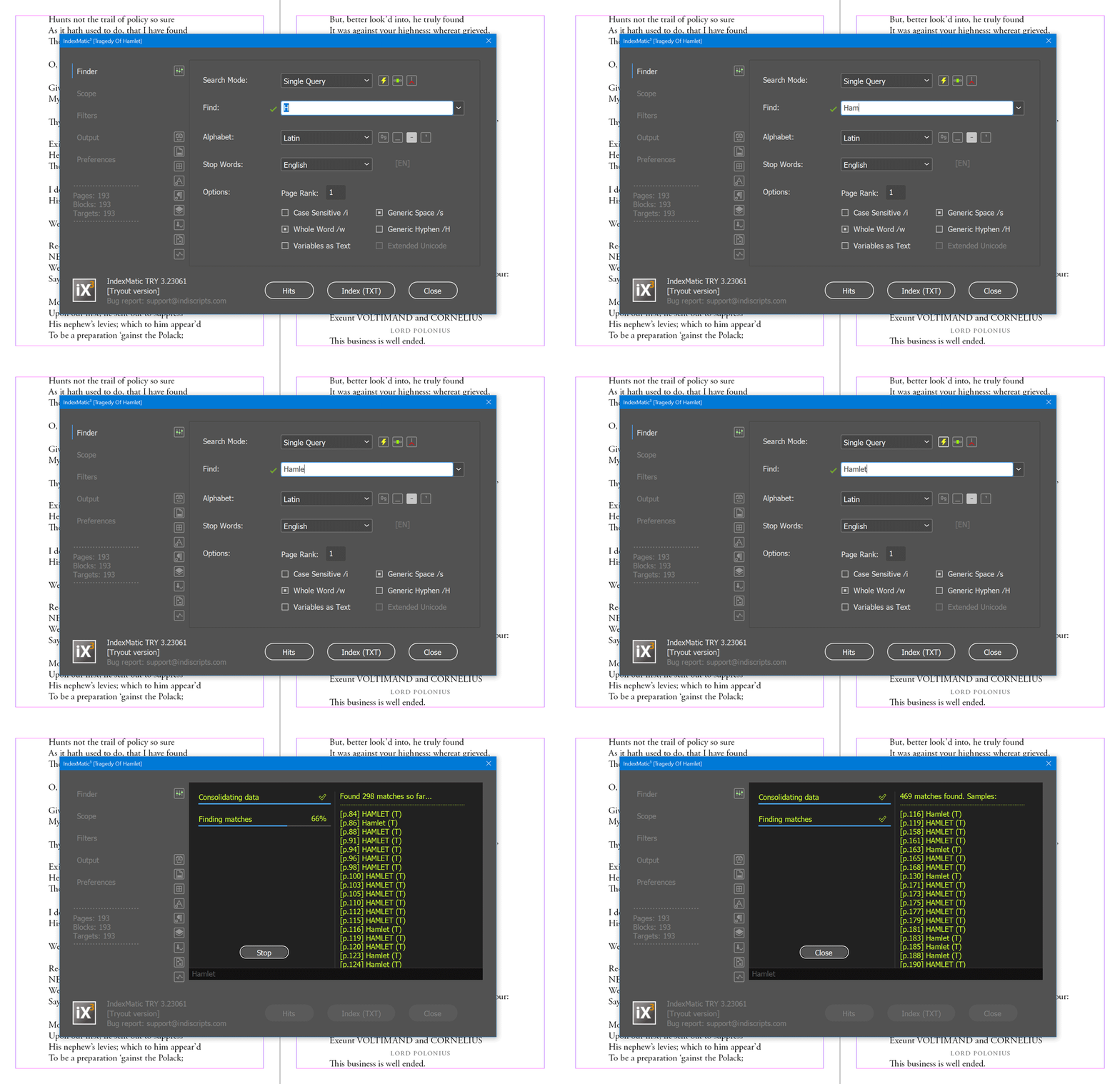
…or using IndexMatic³ TRY (free version of the script)


Best,

Marc

2 replies

Marc Autret
Marc AutretCorrect answer
Legend
July 1, 2023

…or using IndexMatic³ TRY (free version of the script)


Best,

Marc

Harun 34Author
Known Participant
July 1, 2023

thanks ... 

Bill Silbert
Community Expert
Community Expert
June 30, 2023

You could use Find/Change. Put the word you're looking for in the "Find what:" field and something else in the "Change to:" field. Set the "Search:" for "Document" and hit "Change All". A window will pop up that says how many instance have been changed. That will give you the number of times the word you're interested in is repeated. Then revert the document to its previously saved version.

Harun 34Author
Known Participant
July 1, 2023

mr.

I need to know which page the searched word is on

Bill Silbert
Community Expert
Community Expert
July 1, 2023

You can use the same method I already described but instead of hitting "Change All" you can first hit "Find Next" which will bring you to the first instance of the word. Then use "Change/Find" for each subsequent appearance of the word as many times as you need until the program can find no more. If you make sure not to save and revert the document to the previously saved version then the document will be unaffected by the process.