Bear in mind that there is a difference between deleting New Document Presets and Custom Page Sizes. Those are two different, yet similar, things.
I wouldn't recommend trashing ALL the settings just to prune back one thing. InDesign has upwards of 29 presets scattered throughout its program. The 3 finger reset is too scorched-earth. Instead, try these ideas...
Navigate to File > Document Setup. Click on the Page Size drop-down menu and choose Custom... In the Custom Page Size sub-dialog box, type in a name, choose a Height and Width, and then click Add and finally OK. You can also delete custom New Page Sizes within the same Custom Page Size sub-dialog box by selecting the named page size and clicking Delete. Once you click OK, the New Page Sizes.xml file will be rewritten and the Page Sizes folder (a folder under en_US) and New Page Sizes.xml file remain even if you delete all the named custom page sizes.
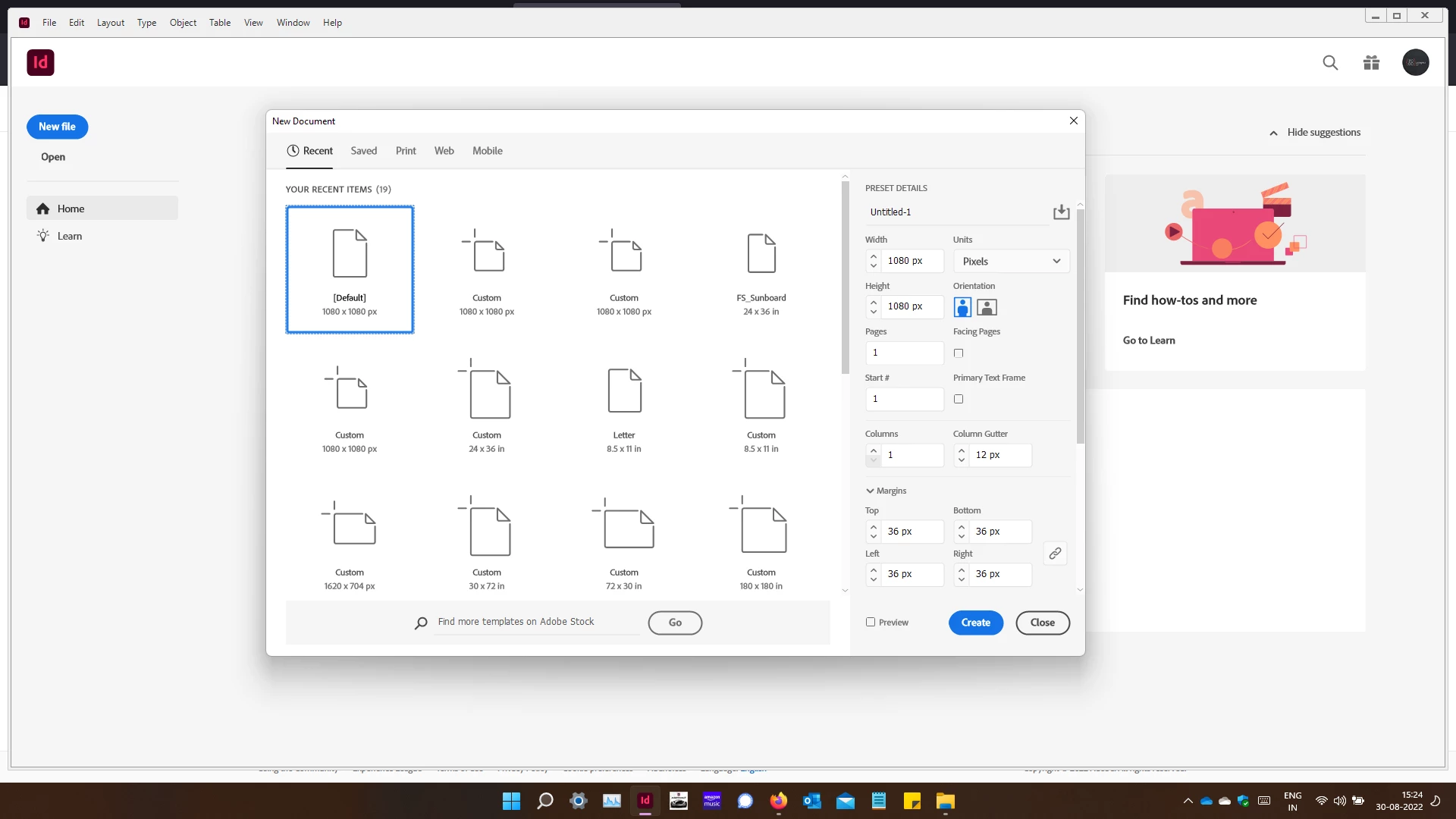
You can delete custom New Document Presets by choosing File > New Document > and going to the Saved tab. If you click on a custom New Document Preset, you will see a trashcan in the upper right corner. Clicking that trashcan icon will delete a saved new document preset.

 AdChoices