Known Participant
August 15, 2022
Answered

Drop shadow knockout best practice

  • August 15, 2022
  • 2 replies
  • 897 views

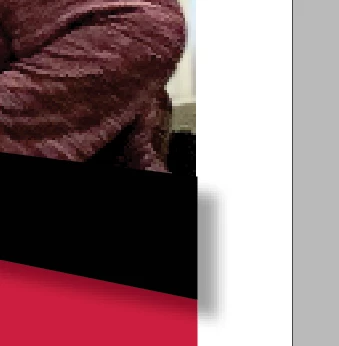
I can think of some ways to work around this, but I am wondering what the best (i.e., what most real pros do) to accomplish this. As you see in this example, I added a drop shadow to the black graphic that shows below it, but I do not want it to show in the right, white margin. What Would A Pro InDesigner Do?


This topic has been closed for replies.
Correct answer SJRiegel

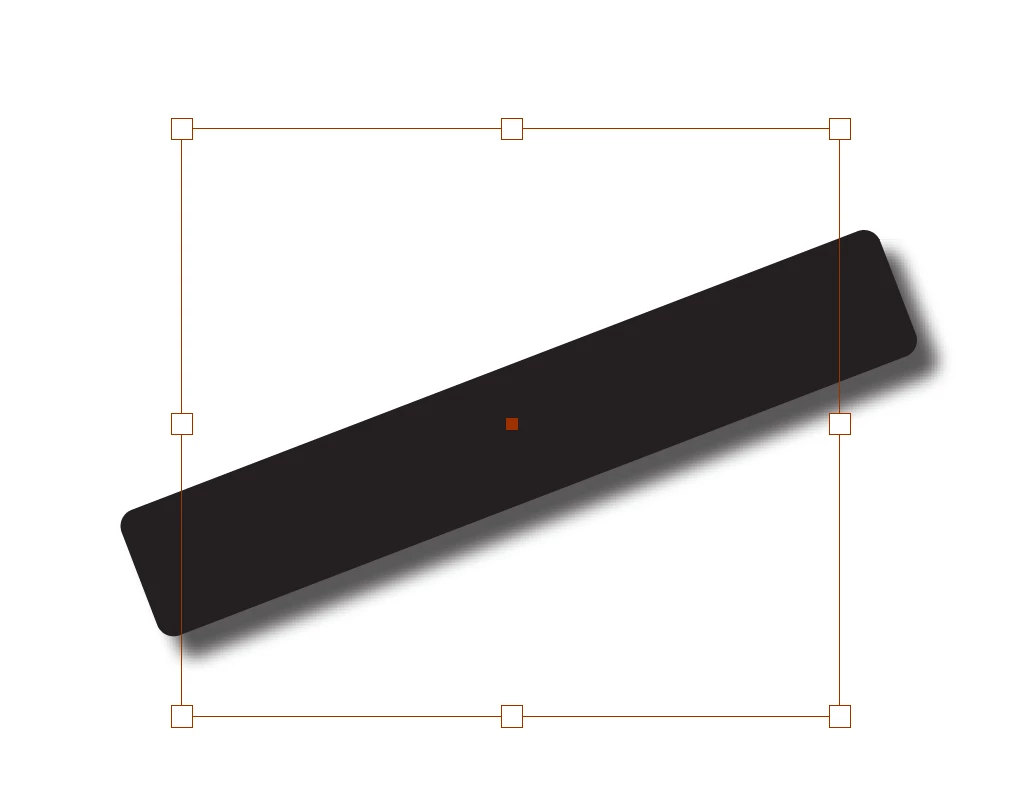
I would draw a rectangular frame taller than the bar, with its left and right edges aligned with the photo. Select the bar and Cut. 

Select the rectangle and Paste Into. This turns the rectangle into a clipping mask for the shape and its drop shadow.

2 replies

Peter Spier
Community Expert
August 15, 2022

You might consider just changing the angle to 90 degrees instead of using the default. this will also extend the shadow to the left edge of the graphic, however, but being a former photographer I think that's a more realistic shadow -- if it isn't cast past the right edge it shouldn't start beyond the left.

SJRiegelCorrect answer
Community Expert
August 15, 2022

I would draw a rectangular frame taller than the bar, with its left and right edges aligned with the photo. Select the bar and Cut. 

Select the rectangle and Paste Into. This turns the rectangle into a clipping mask for the shape and its drop shadow.

James Gifford—NitroPress
Brainiac
August 15, 2022

This. A subtle aspect to keep in mind is that you can apply effects to a graphics frame, the content of the frame, or both. You can choose or combine to get various results.