apiryx
Participant
February 1, 2026
Question

Duller colors in workspace than chosen in color picker

  • February 1, 2026
  • 2 replies
  • 0 views

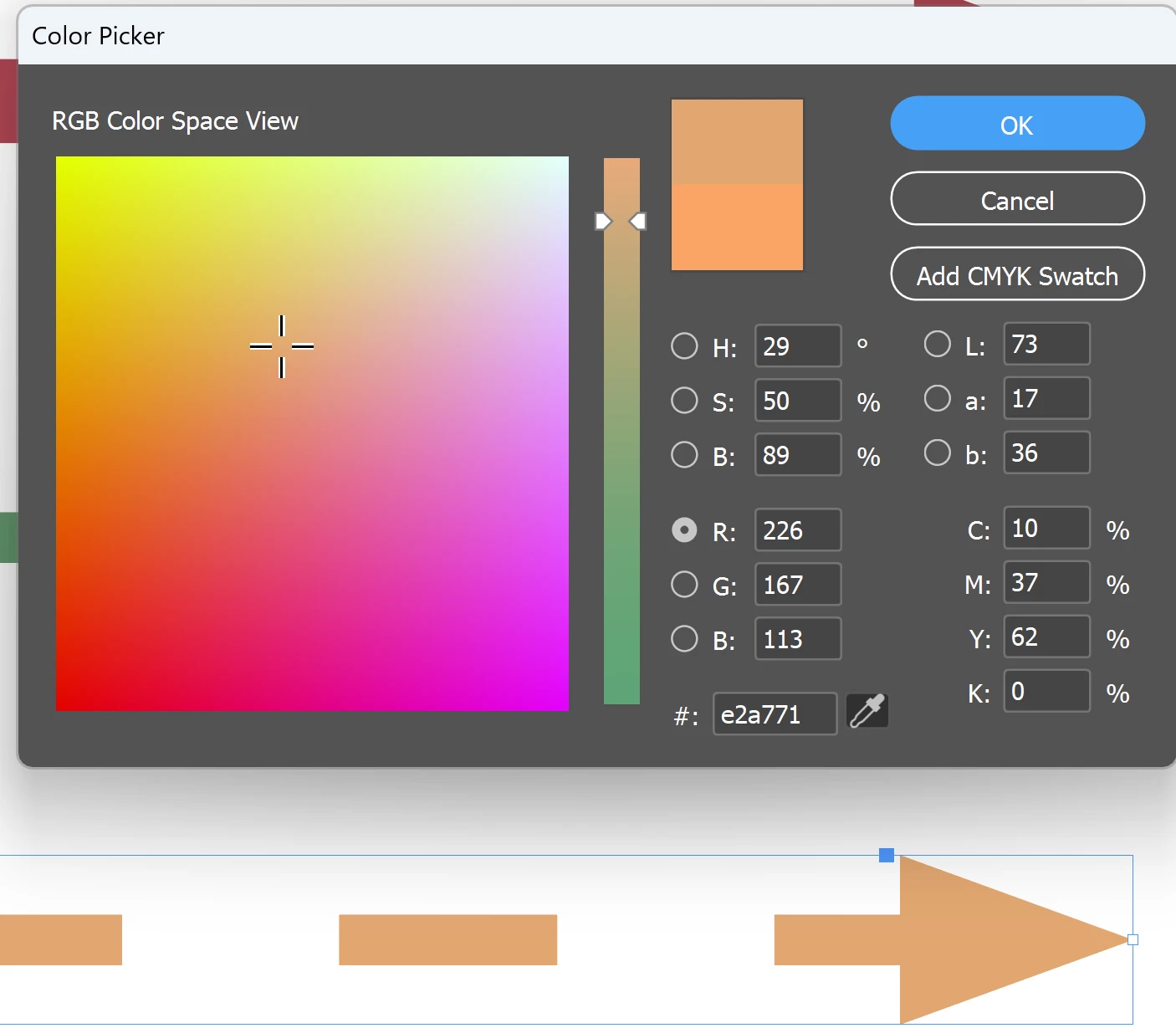
When selecting a color from the color picker- the resulting color in the workspace is much duller and never what I chose in the color picker. Even when I use the color dropper to get the color again, the color code is different than what I chose in the first place, and much duller. 
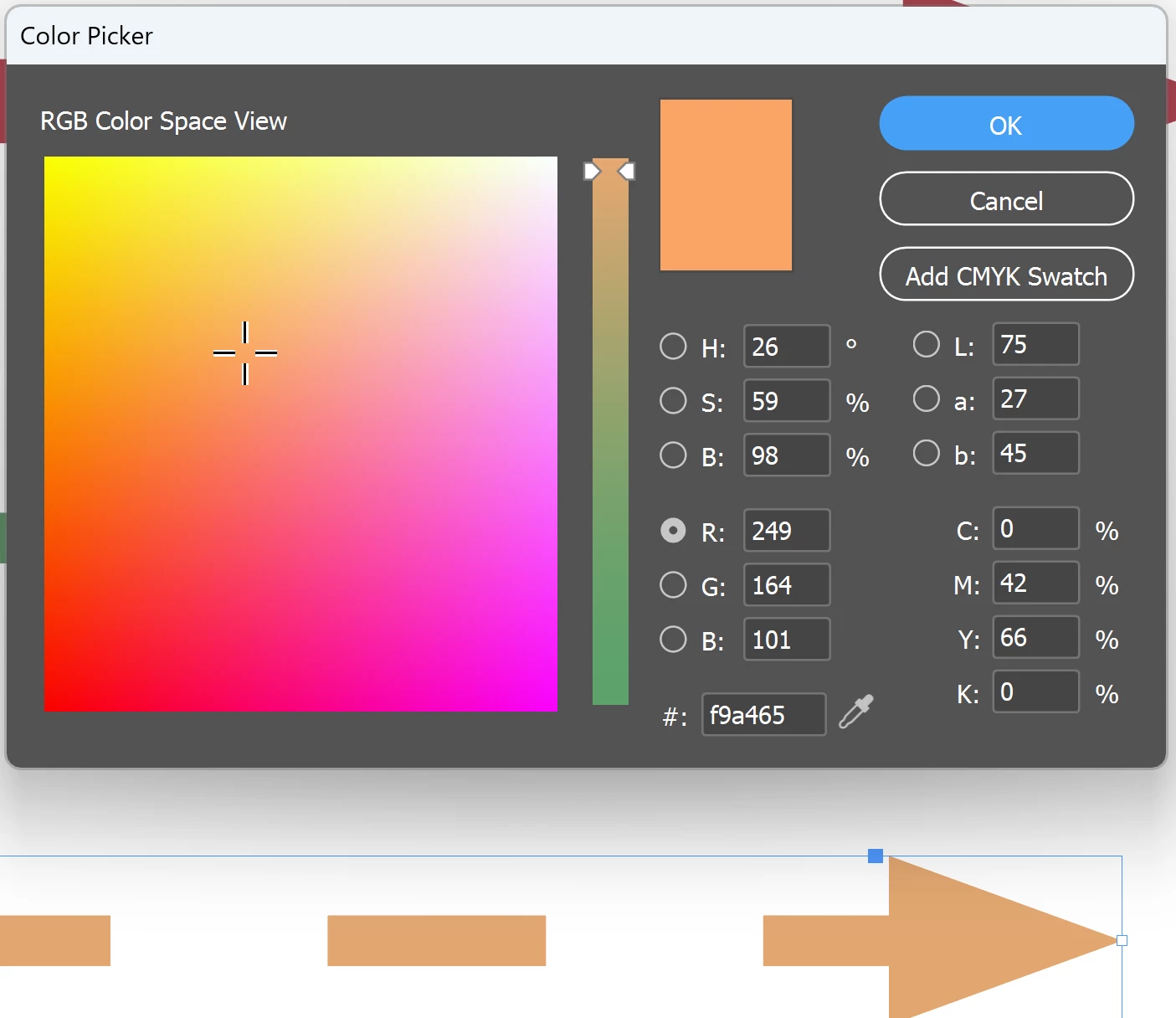
 

This is the first color I selected: #f9a465 
But THIS is the resulting color in the workspace. #e2a771
 

Why does this happen? Do my settings need to be edited to fix this?

    2 replies

    rob day
    Community Expert
    Community Expert
    February 1, 2026

    Hi ​@apiryx , The Color Picker’s Add Swatch responds to where your cursor is in the dialog (not the chosen radio button).


    Your capture is showing Add CMYK Swatch, if you want to add an RGB swatch make sure your cursor is in one of the R,G, or B fields


    Dave Creamer of IDEAS
    Community Expert
    Community Expert
    February 1, 2026

    The default workspace in InDesign is CMYK, which has a much smaller (duller) color range. Also, the difference between additive and subtractive colors. 

    Create a document for the web or mobile to be in RGB. In existing documents, go to the Edit>Transparency Blend Space and choose Document RGB.


    David Creamer: Community Expert (ACI and ACE 1995-2023)