No, don't add extra returns. That's a clunky workflow. Without seeing your layout, here's what I'd do:
- Navigate to the first page that needs an image:
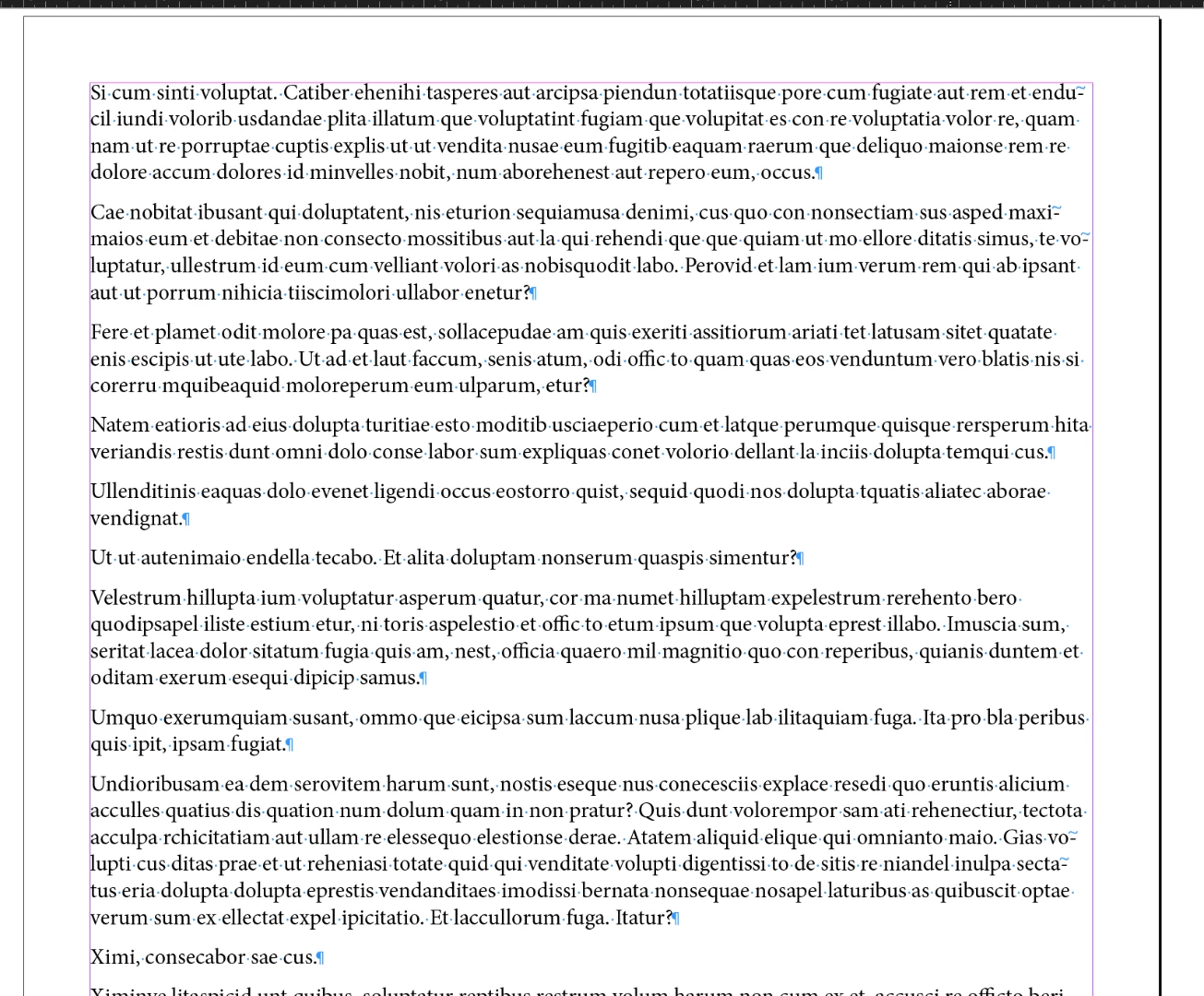
- Use File > Place (Ctrl/Cmd D) to place the image over the text.
- Drag to the desired position. (The image is over the text at this point.)
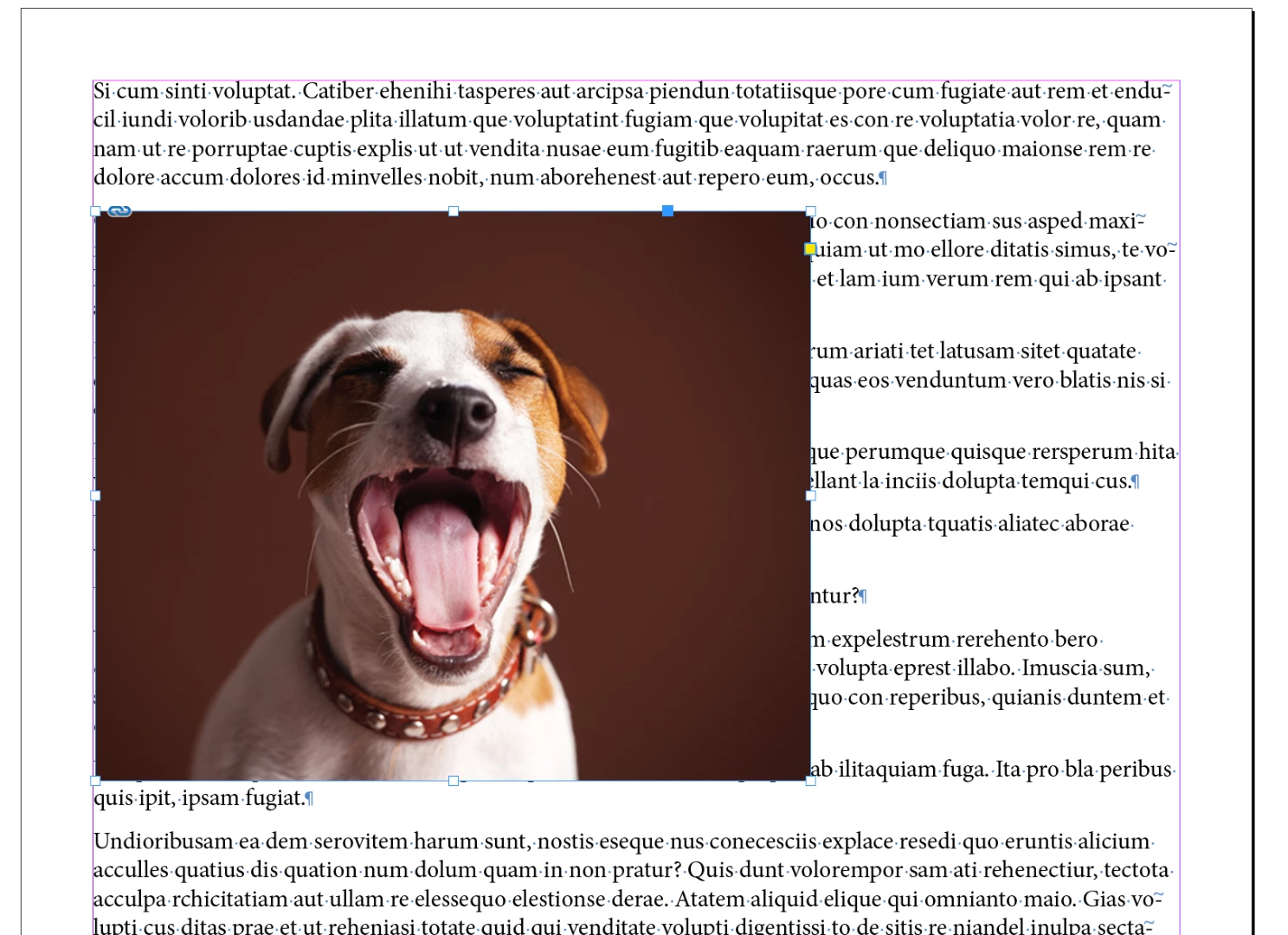
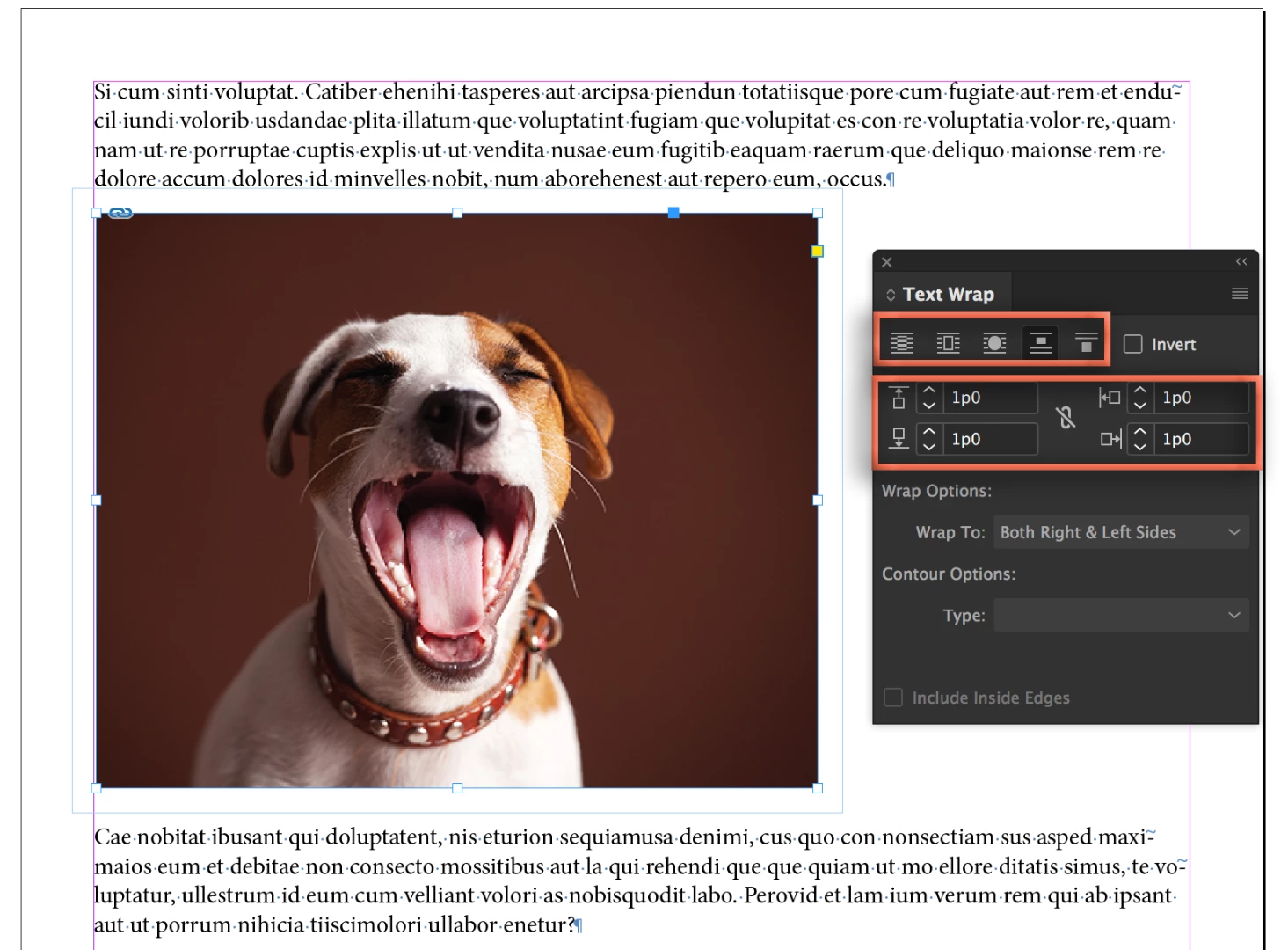
- Choose Window > Text Wrap
- Select the desired text wrap settings to move the text away from the image.
- Optionally, you can anchor the frame to the end of the previous paragraph by Alt/Opt+dragging the blue box to the end of the previous paragraph. This way, if you edit the text, the image will move with the edits.
One down, 99 to go so take a moment to create an object style to save the text wrap settings:
- Window > Styles > Object Styles
- Select the frame
- Alt/Opt click the new style button and give it a logical name, I called mine Photos.
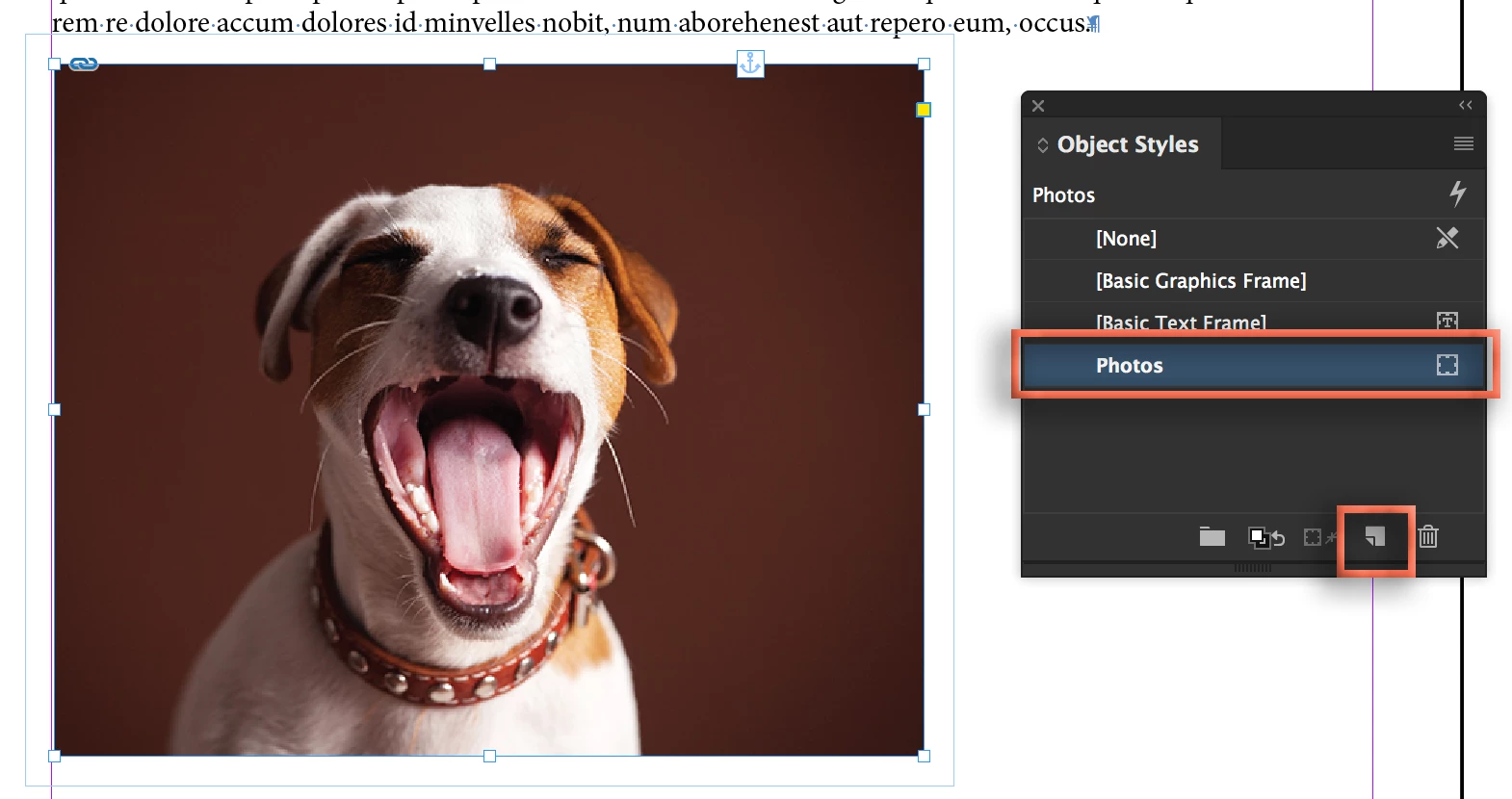
- Click on the new style name to assign it to the frame.
- Navigate to the second page that needs an image. Place it. Drag it to the desired position. With the frame selected, assign the object style by clicking on the name. Anchor if necessary. 98 to go, but no extra ¶s.

~Barb



 AdChoices