

Export Multiple Page Ranges to seperate PDFs from 1 export
Dear Community,
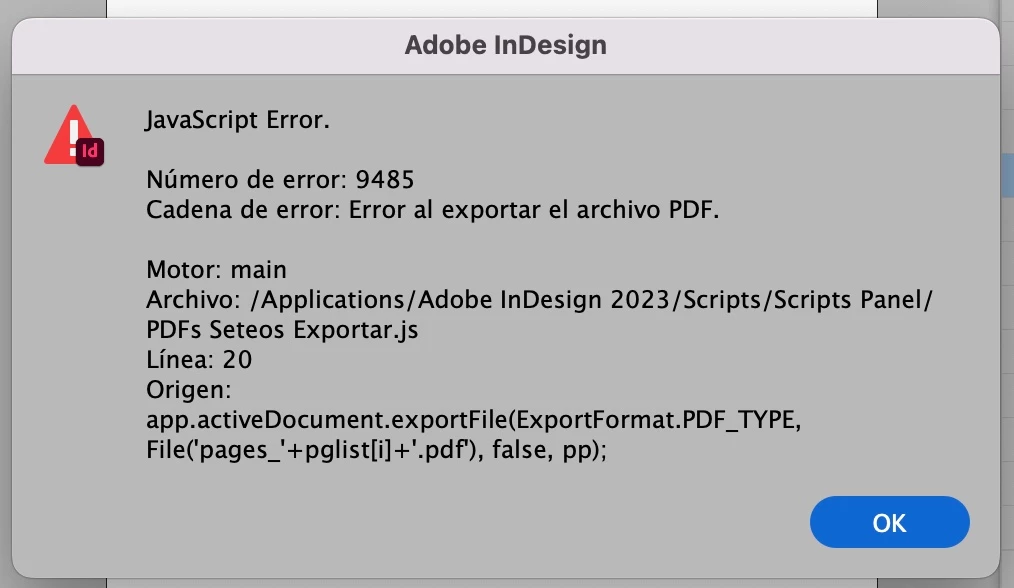
I have been using Indesign since CS2 and I have never came across this particular problem before. I am hoping someone here can help me. I have 7 seperate indesign documents each from a data merge. Each document has close to 300 pages. What I need is very simple but for the life of me I cannot figure out how to do it efficiently. I need to export multiple page ranges for each indesign document and have each range be a seperate pdf. Here's an example of what I mean.
Indesign Document:
1-2, 4-5, 7-16, 18-19, 21-30, 32-35, 37-38, 40-49, 51-52, 54-57, 59-74, 76-79, 81-82, 84-85, 87-92
I need a way to export so that basically the comma means *NEW PDF*.
The only way I found so far to do this is to manually export the ranges 1 at a time which takes literally hours to go through each id file OR I found 1 plugin this morning that may do it called "extract Pages".
https://www.id-extras.com/products/extract-pages/
There's got to be an easier way right? I shouldn't have to spend $50 to do this seemingly insanely simple export.
Any ideas guys?
Thanks!


 AdChoices