
Failure to Publish Online Link - Error #18
Hi all,
I've been trying for days to solve an issue with publishing online links from INDD files.
Every time the export reaches 100%, I'm presented with a pop-up that states 'An error occured while uploading your document. Please try again. ERROR #18'
I understand that ERROR #18 refers to a failure to connect with the internet network, but I am 100% connected to the internet - it's just that Indesign fails to export the file. The file is not corrupt, and my INDD app is running smoothly otherwise.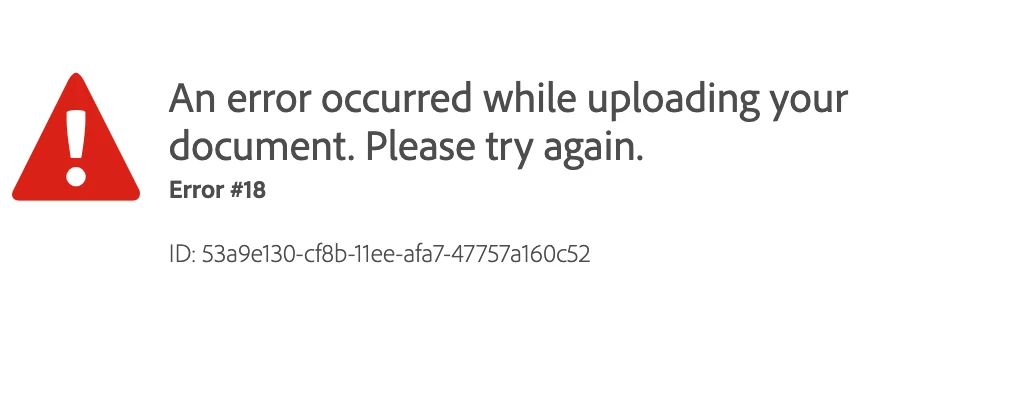
I've already tried:
- changing internet networks
- uninstalling INDD
- installing previous versions of INDD and trying to export
- uninstalling/re-installing entire Adobe CC system
- Using the Adobe Clean tool to clean INDD + other CC apps
- checking if the file is corrupt/saving copies of my INDD file to external hardrives
- restarting my laptop
I'm desperate to get this working as it's part of my job, so any help would be greatly recommended. I'm running macOS Monterey 12.1.
Thank you !
 AdChoices