Spenno
Inspiring
January 18, 2022
Answered

GREP query

  • January 18, 2022
  • 1 reply
  • 6888 views

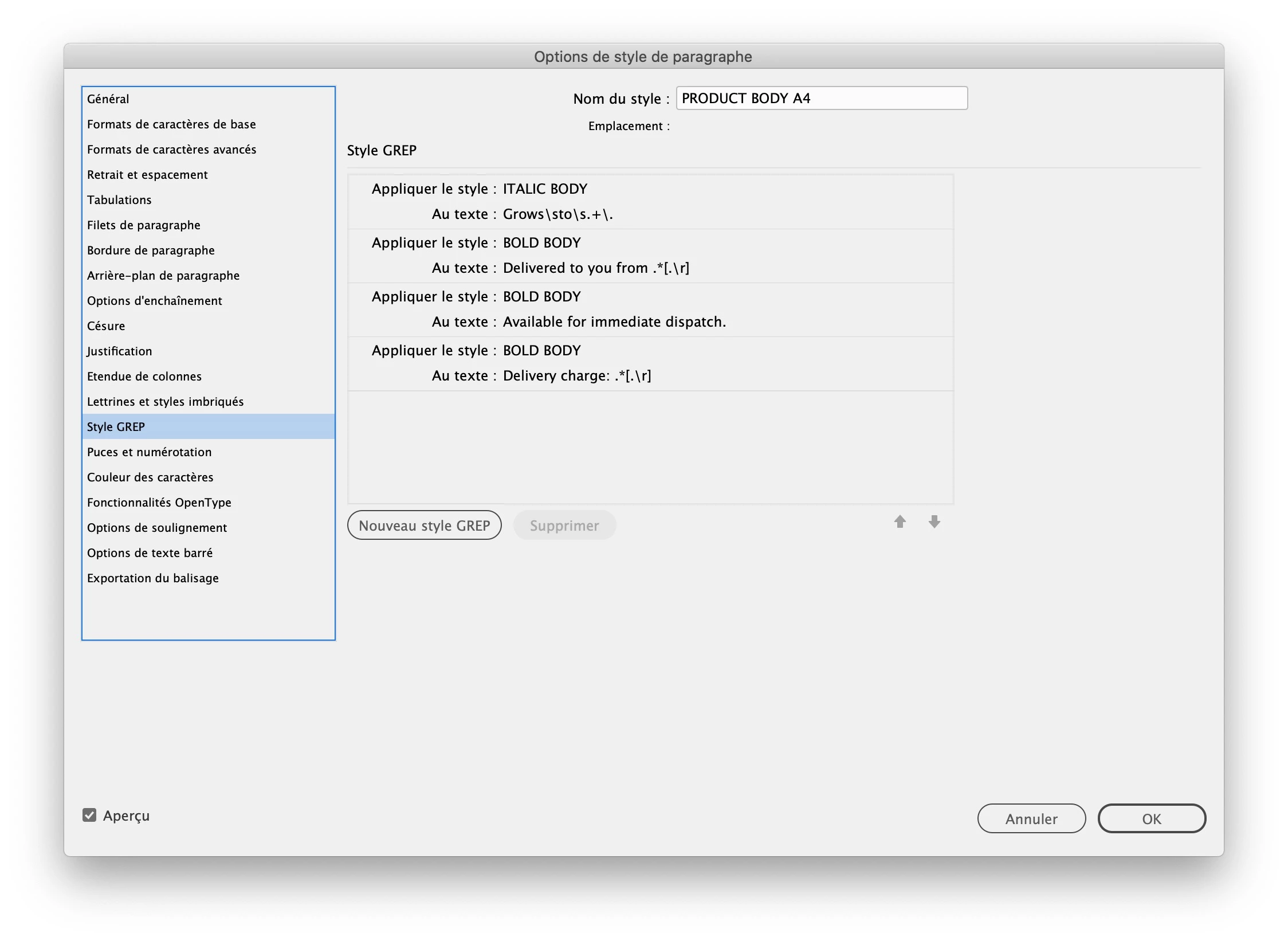
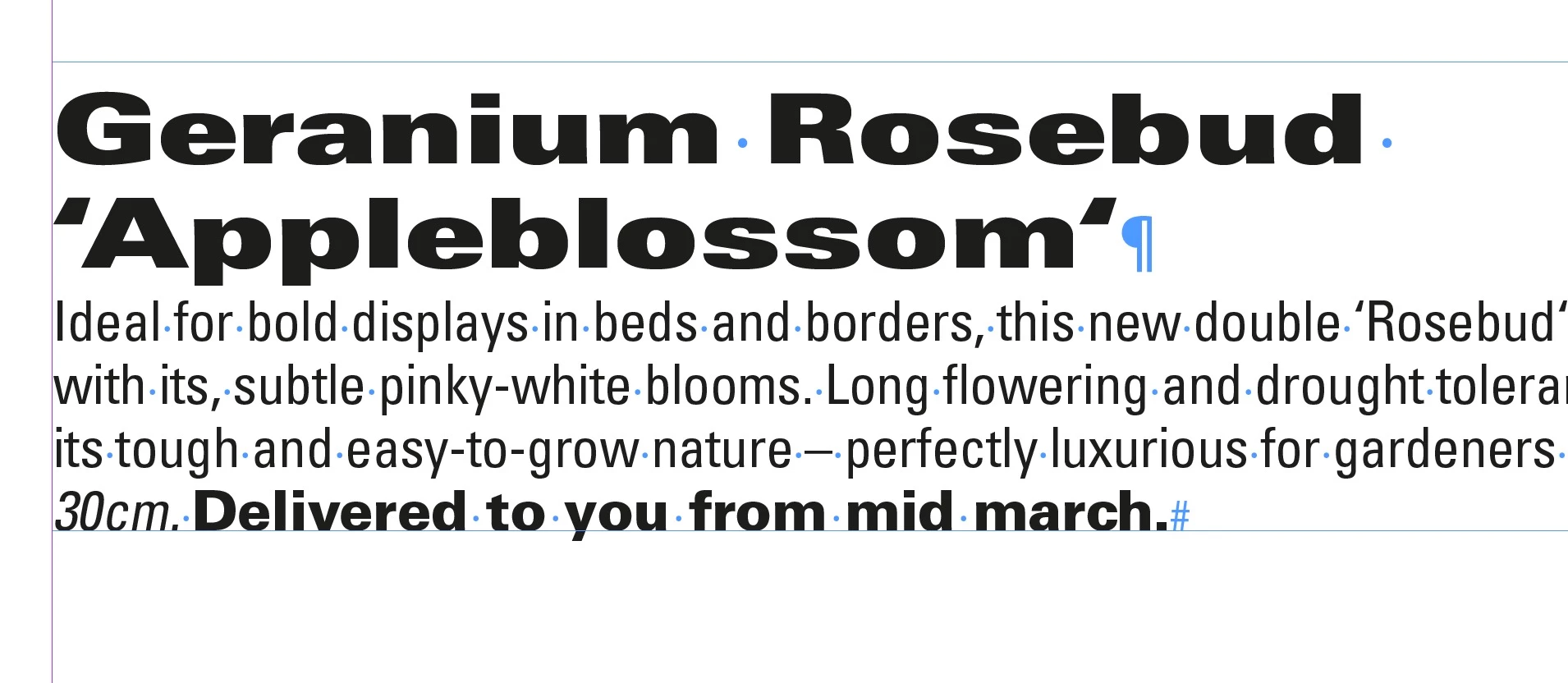
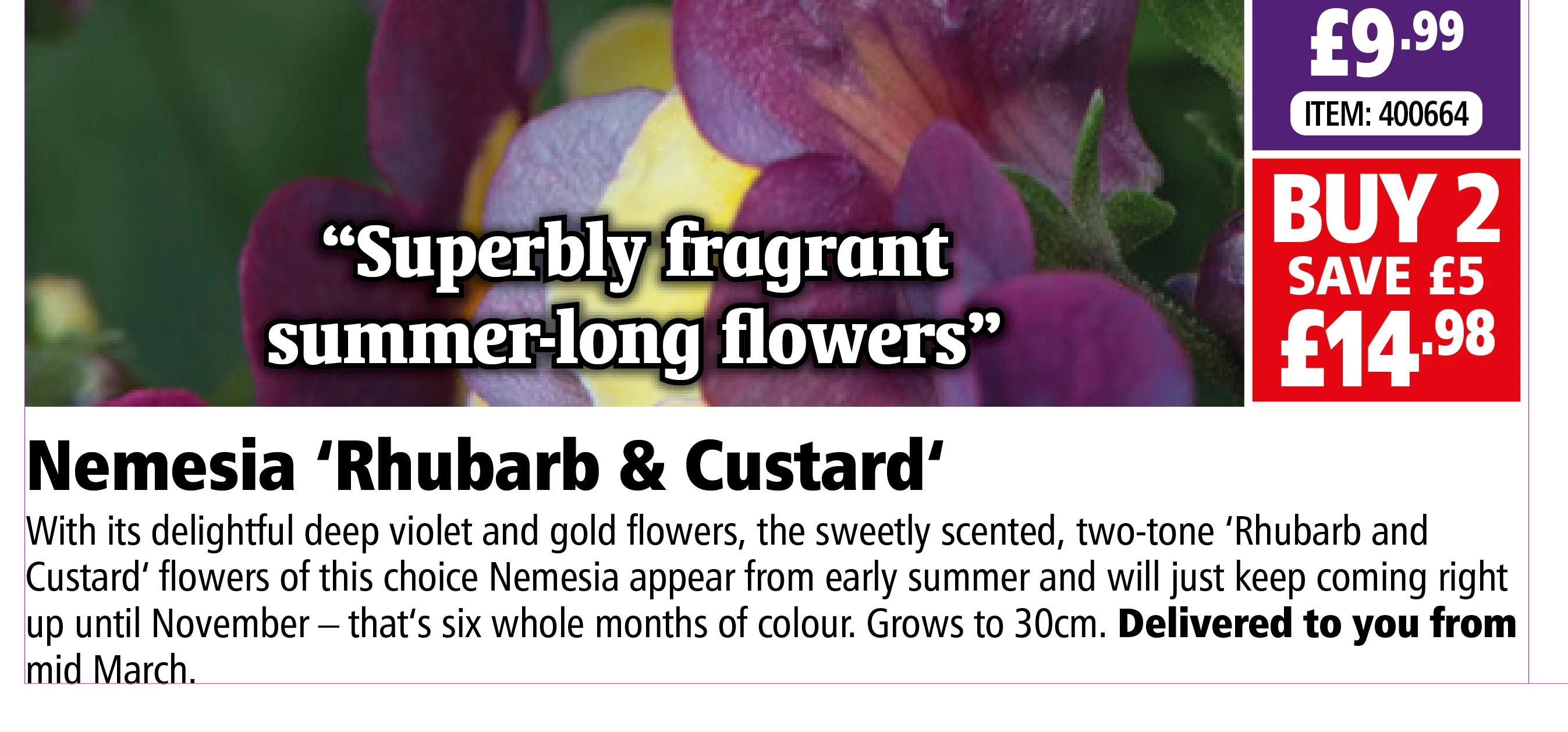
Hi folks. I have what I imagine is a very simple GREP query. All of the products in my catalogue have a 'Delivered to you from ...' date which appears at the end of the text. I'd like it to appear in the bold character style but the text after that varies according to the date, so I'd just like it to continue until it gets to the full-stop ideally (or end of paragraph). When I use 'end of paragraph' within the GREP option after the text it cancels out all of the bold text.

Bonus points if you can help me make the 'grows to ...' text a different style (this appears immediately before the delivery date. 🙂

Thank you very much.
 

This topic has been closed for replies.
Correct answer jmlevy

Here you go, that text contains a paragraph style with the GREP and the two character styles. Many thanks.


I solved the problem by dragging the “italic body” character style at the top of the GREP style list. I am not sure why it works now…

1 reply

Adobe Expert
January 18, 2022

Try if the following works for you

Delivered to you from .*[.\r]

And for Grows to do we need to find it anywhere or just before Delivered to? And also is the search to be terminated at a full stop for this?

-Manan 

Spenno
SpennoAuthor
Inspiring
January 18, 2022

Thank you... 'Grows to...' will always preceed 'Delivered to you from...' as per the example and yes the two are separated by a full stop. Thanks.

Adobe Expert
January 19, 2022

Try the following

(grows to .*?)\.\s*(?=Delivered to you from)

-Manan