



How do I remove invisible linked images and overset text in an InDesign file?
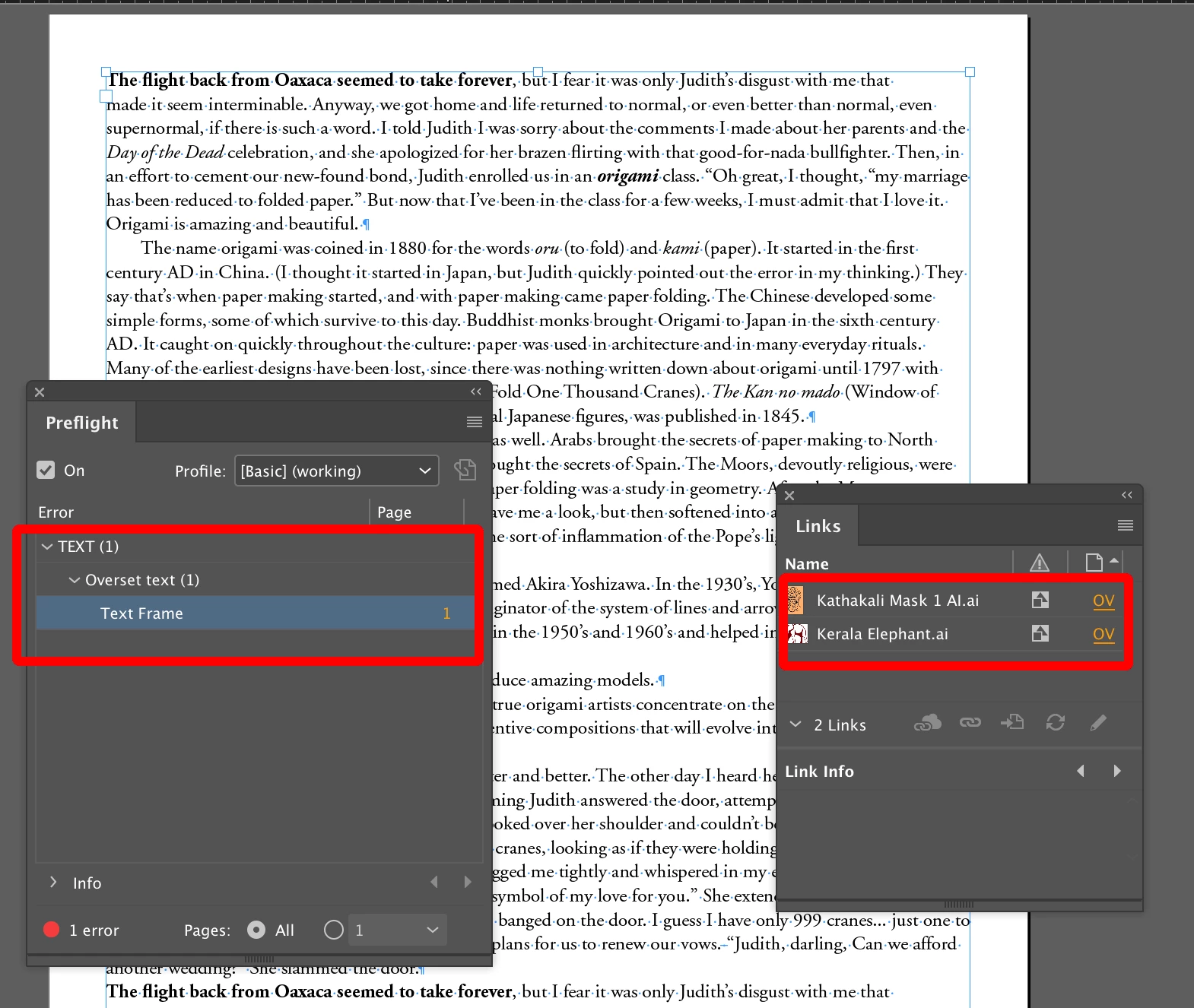
I received an error when making a PDF that there is "overset text" on a certain page. The page in question looks fine. But it would be nice to remove the invisible problem, so I don't get the error anymore. How can I do that?
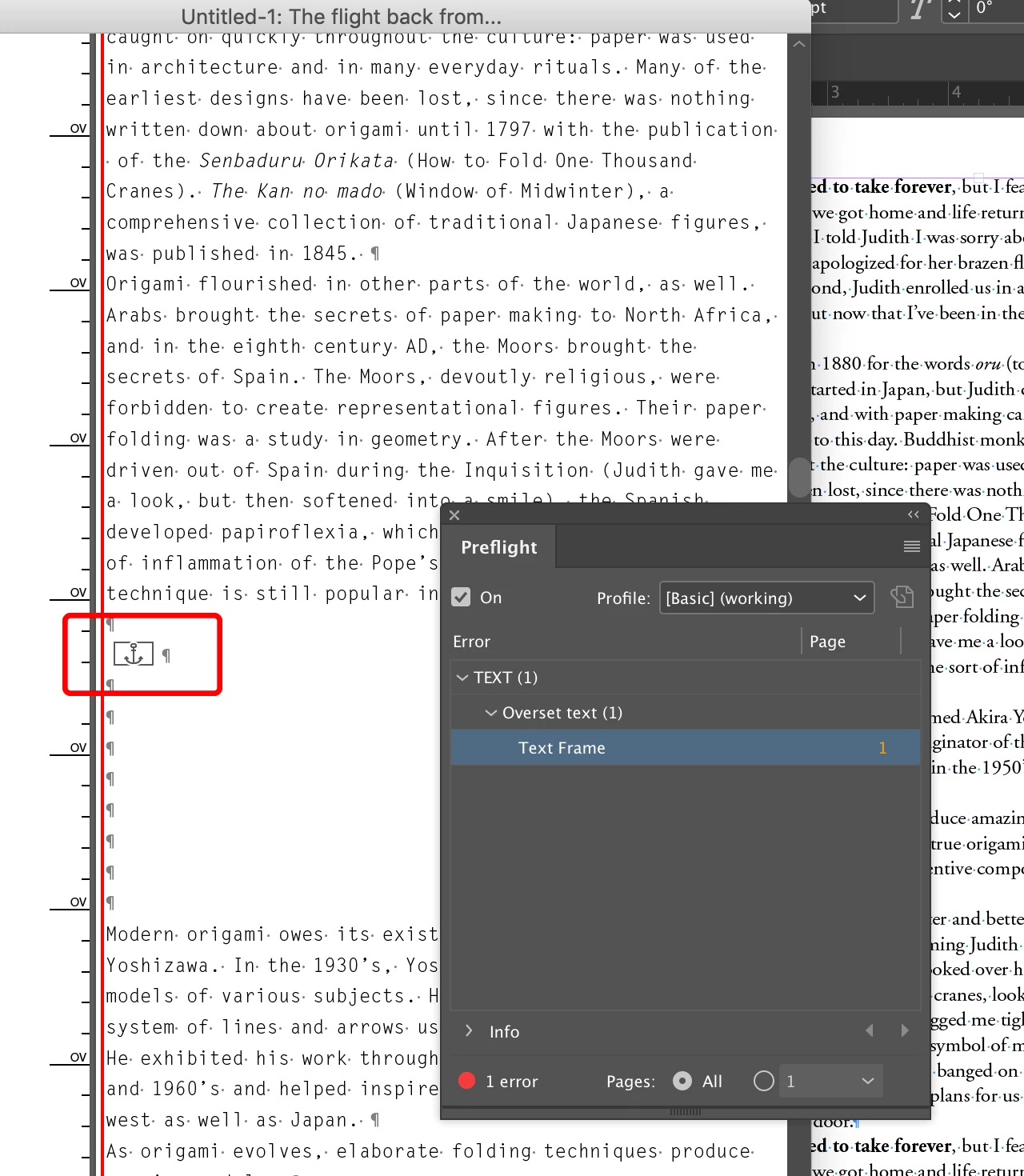
I also received errors that I have several linked images in the file with broken links. In looking at these images, I realized that the person who prepared this InDesign file scanned a book to obtain the text. (No worries about copyright here --- this is an old book previously published by the publisher I work for; the scanning was necessary because the old text files were lost.) The "images" in the file are shadows of the edges of the scanned book pages. When I click on the link to the images, I get this error message:
"Cannot show link: the selected item is hidden in overset text."
How can I remove linked images and overset text? When I right-clicked on the link in the Links drop-down box, I expected the menu to include a "delete" option, but nothing like that appears.
 AdChoices