Christine Holzmann
Known Participant
October 29, 2018
Answered

How to automatically add paragraph return or line break after every first word?

  • October 29, 2018
  • 2 replies
  • 1964 views

Hi all,

I thought this was SO EASY to do and that I already knew how to do it... but all of a sudden I am battling to do it, maybe because I am trying to do it in a hurry...

I have been working on data merge today (finally got my problems with THAT sorted out yahoo!!) and need one of the fields/styles to be set on two lines instead of one, with the person's first name on the first line and their surname on the second line....so it looks like this:

Frank

Sullivan

instead of one line.

I have been fiddling with nested styles but am battling to find an easy way to do this.  Before today I thought I was a PRO with nested files and thought this would be SO easy but.... Instead of doing this manually (there are just soooooooooooo many names to do   ) I would love for it to happen automatically as part of the style.

Help???
    This topic has been closed for replies.
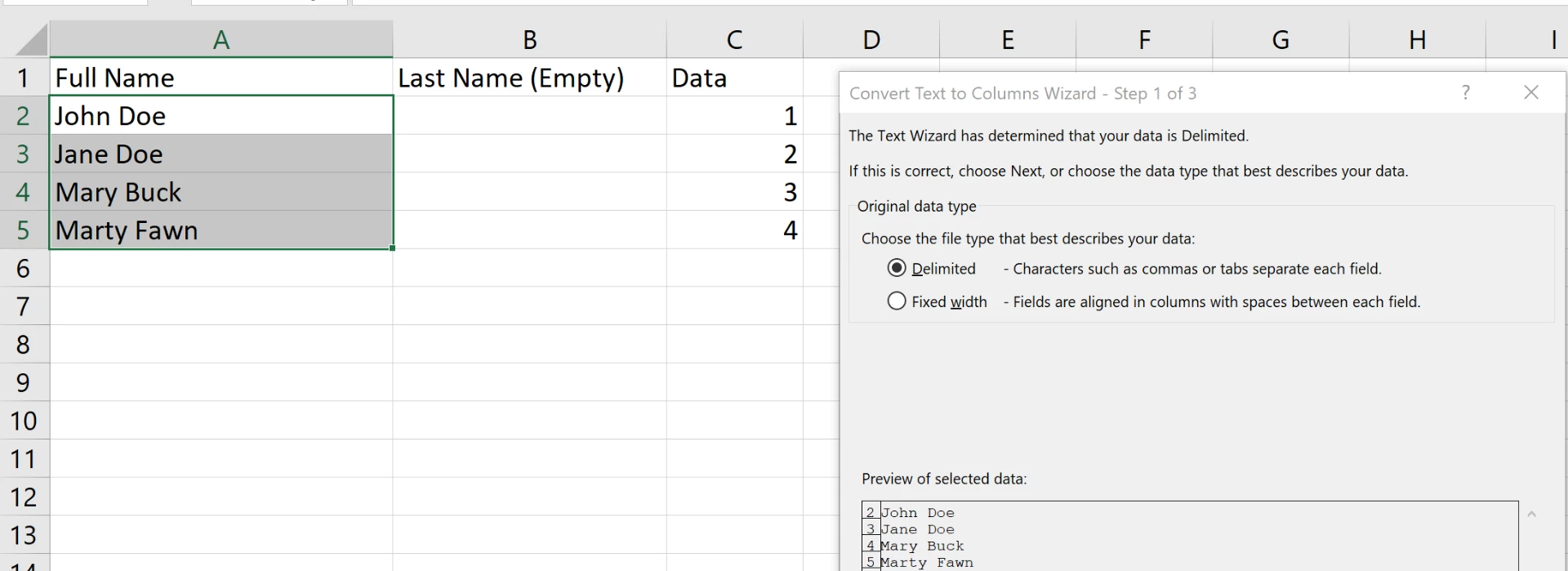
    Correct answer FRIdNGE
    1. Save first, so you can close without saving if needed
    2. Make sure there is an empty column to the right
    3. Select this column


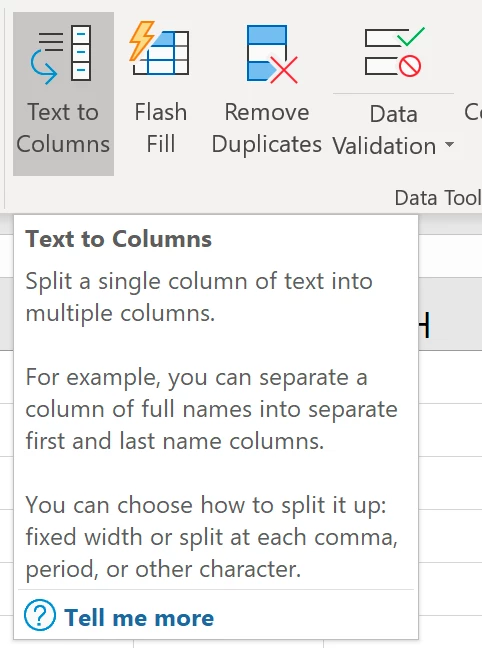
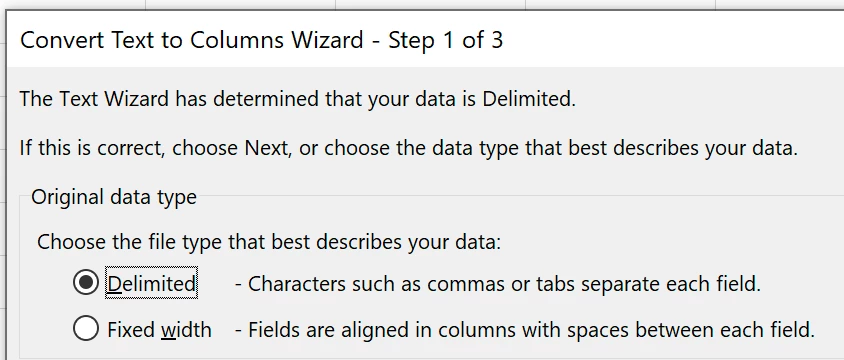
    4. Data tab > Data Tools > Text to Columns > Delimited > Next
    5. The delimiter is the space
    6. Confirm the preview and click Next


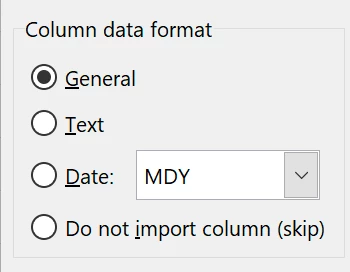
    7. Keep General (or change the format) and click Next
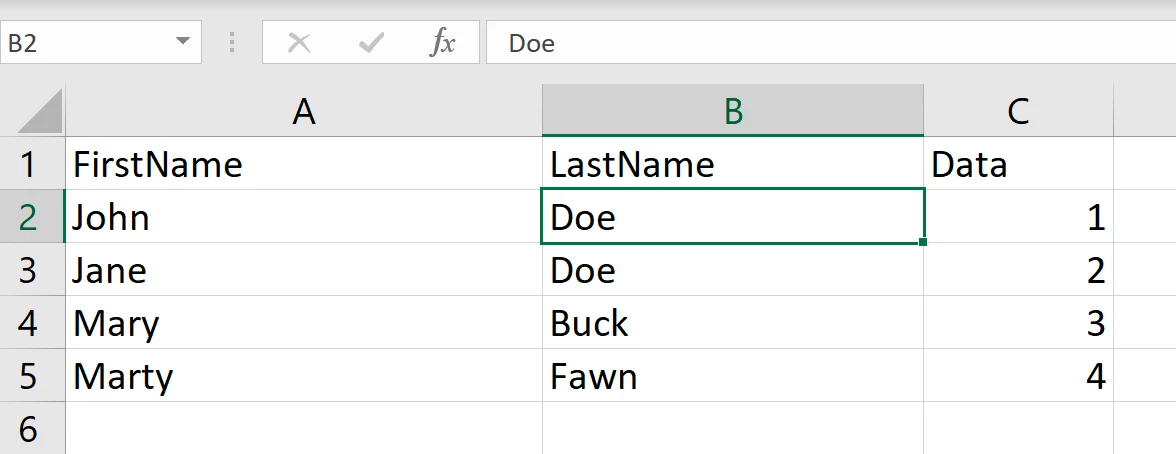
    8. Change the headings to say FirstName and LastName. You are done in Excel. Later you can concatenate to bring them back together if needed. Use these field instead.

    Short version:

    Grep code: (?s)^\H+\K\h

    Char style: +tracking = 10000, +horizontal scaling = 1000

    2 replies

    FRIdNGE
    Inspiring
    October 29, 2018

    Hi,

    Just include a grep style in the para style! …

    Best,

    Michel, for FRIdNGE

    jane-e
    Community Expert
    Community Expert
    October 29, 2018

    So two choices, Michel!

    I prefer a clean Excel document, and Text to Columns takes less than two minutes. Good database design includes that each piece of data goes into its own field. First and Last names should never get stored in the same field.

    But wait, Michel, not a script?

    jane-e
    Community Expert
    Community Expert
    October 29, 2018

    Are FirstName and LastName two fields (as they should be) or one? Are there any middle names or initials?

    If they are in two fields, press Return after the first name field and put last name on the second line. Run data merge again.

    If they are in one field, you can split it in Excel. Tell me if you need to know that.

    Christine Holzmann
    Known Participant
    October 29, 2018

    Jane,

    They are in one field in Excel This is how the spreadsheets were given to me.

    Can you let me know how to split it in Excel then?

    jane-e
    Community Expert
    Community Expert
    October 29, 2018
    1. Save first, so you can close without saving if needed
    2. Make sure there is an empty column to the right
    3. Select this column


    4. Data tab > Data Tools > Text to Columns > Delimited > Next
    5. The delimiter is the space
    6. Confirm the preview and click Next


    7. Keep General (or change the format) and click Next
    8. Change the headings to say FirstName and LastName. You are done in Excel. Later you can concatenate to bring them back together if needed. Use these field instead.