
Participant
August 23, 2022
Answered

I need to place two images (FG and BG) to indesign using Data Merge in Indesign

  • August 23, 2022
  • 3 replies
  • 591 views

I need to place a foreground and background image in Indesign for a book. I have a background artwork folder and a foreground artwork folder that I'm pulling from. I've successfully used datamerge to create a new doc with the background artwork exactly how I need with the correct number of pages. But when i try using data merge to add the foreground artwork over the new doc on the background artwork, it creates a new document but only places one image. Is there a way to add multiple images to a doc with several images already created?
This is where i pulled the tutorial for how to start but im finding it difficult to add a foreground layer to this process
https://www.youtube.com/watch?v=R4iuYNdMC0A
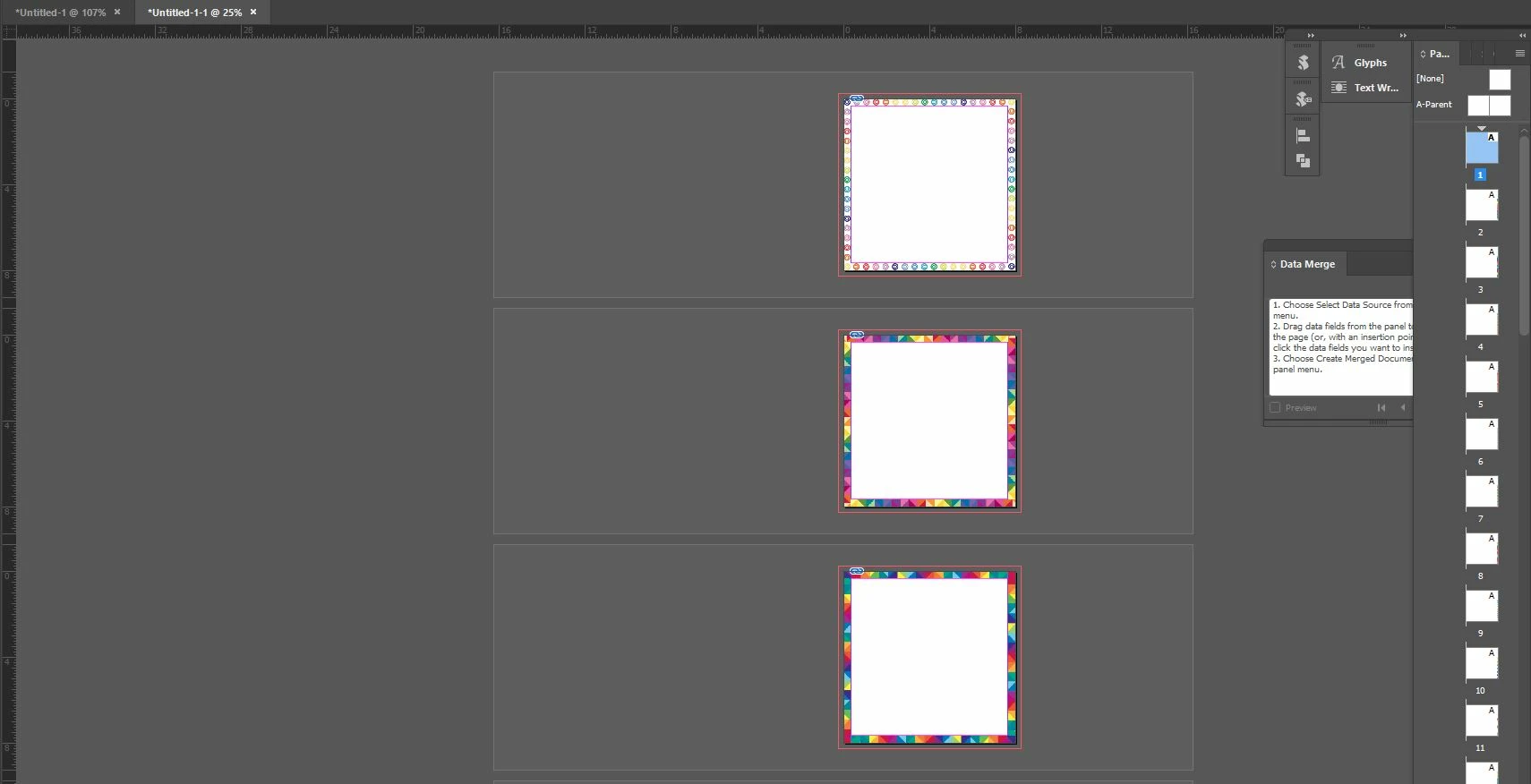
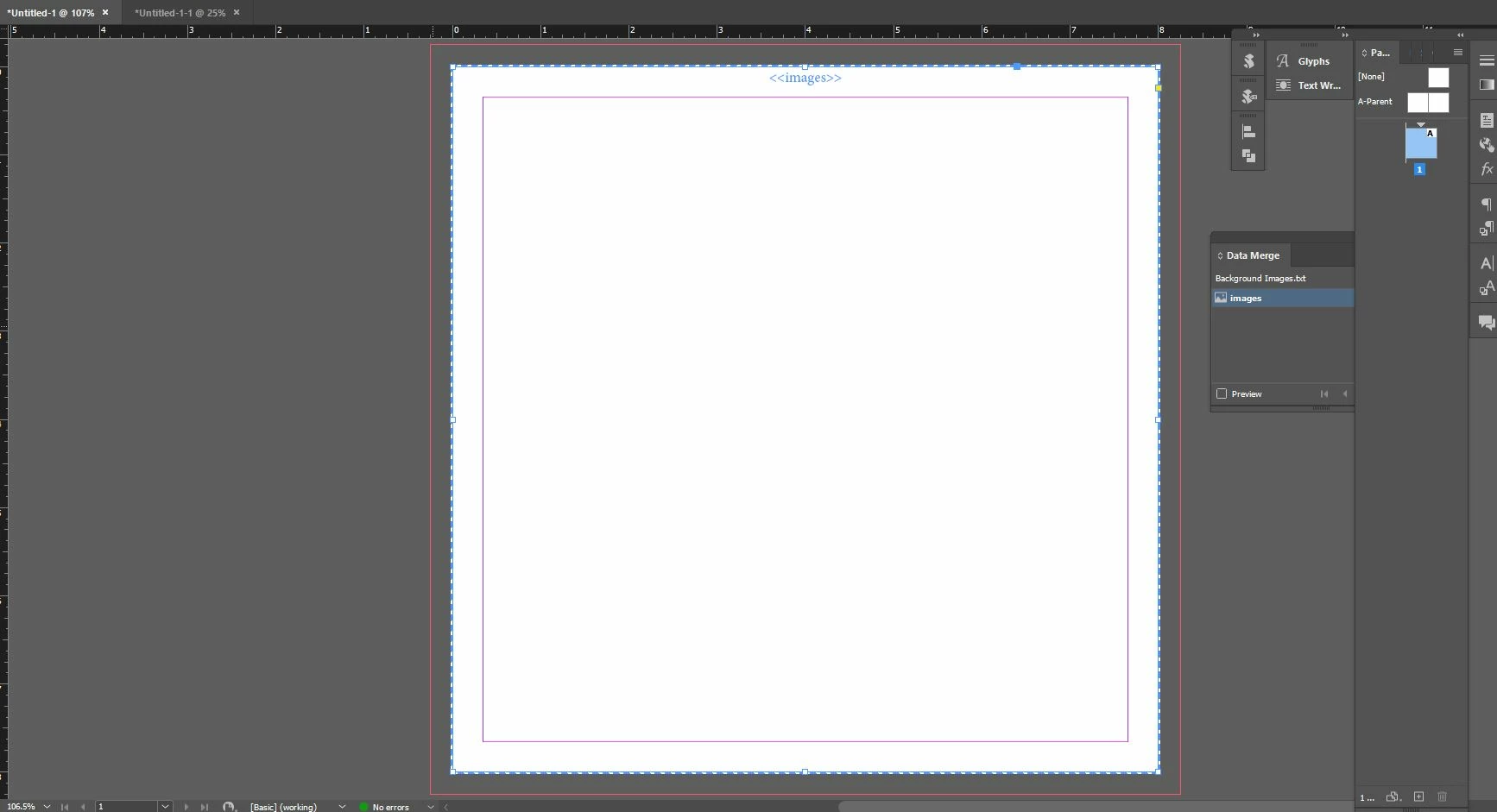
Thank you!

    This topic has been closed for replies.
    Correct answer John Mensinger

    Data Merge is effectively a 'one-off' process. You can't (as you already discovered) run a second merge on a multi-page, already-merged document. As SJRiegel advised, you'll have to merge both the BG and FG images in one go using separate coumns in your data sheet.

    3 replies

    John Mensinger
    Community Expert
    John MensingerCommunity ExpertCorrect answer
    Community Expert
    August 23, 2022

    Data Merge is effectively a 'one-off' process. You can't (as you already discovered) run a second merge on a multi-page, already-merged document. As SJRiegel advised, you'll have to merge both the BG and FG images in one go using separate coumns in your data sheet.

    Participant
    August 23, 2022

    Very appreciated! Interesting, so the way im pulling is through two separate txt files, would i need to then translate the images into an excel sheet or can i continue using the txt file?

    Legend
    August 23, 2022

    Are you trying to put two images on each page (the foreground one and the background one)?  

    If so, you will need to have two columns in data files, and merge them in a single merge operation.

    Participant
    August 23, 2022

    Omg thank you! How would i go about that, is there a tutorial on the youtube or a step by step?
    Sorry im not an Indesign person, i'm more Photoshop and Premiere so this is new territory for me, thanks again!


    Participant
    August 23, 2022

    You can create your data in a two-column spreadsheet, then save it as tab-delimited text. Be sure to put the @ symbol at the start of the column name. (you will have to type it as '@ in Excel)

    Since your photos are in two separate folders, you will have to put full paths in the photo name columns (unless you can put all of your images in a folder together).

    I always have all of my images in one folder, so I don't know any tricks for getting the file paths into the spreadsheet.

    Ged_Traynor
    Community Expert
    Community Expert
    August 23, 2022

    Moving thread to the InDesign forum from Using the Community