Hi everyone,
Thank you all for continuing to share your observations and test the suggested workarounds.
Previously, the product team confirmed that this issue was addressed in Illustrator 30.3, and that older Illustrator files need to be opened and re-saved in the latest Illustrator version before placing or relinking them in InDesign. If you haven't already, please update to the latest Illustrator version, open the affected AI files, save them again, and then place or relink them in InDesign. Also, please try disabling "Save in Background" in Illustrator > Preferences > File Handling, save the file again, and test once more.
For reference, this issue has also been tracked here:
https://illustrator.uservoice.com/forums/601447-illustrator-desktop-bugs/suggestions/51032623-file-links-breaking
If you've already tried the steps above using Illustrator 30.3 or later (the latest version is 30.6) and are still experiencing the issue, a new bug has been logged with the product team, and they are actively investigating it.
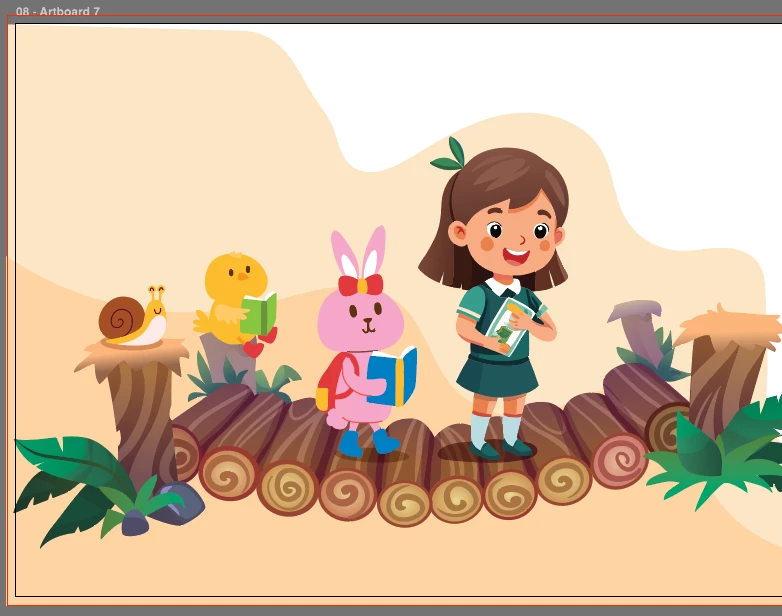
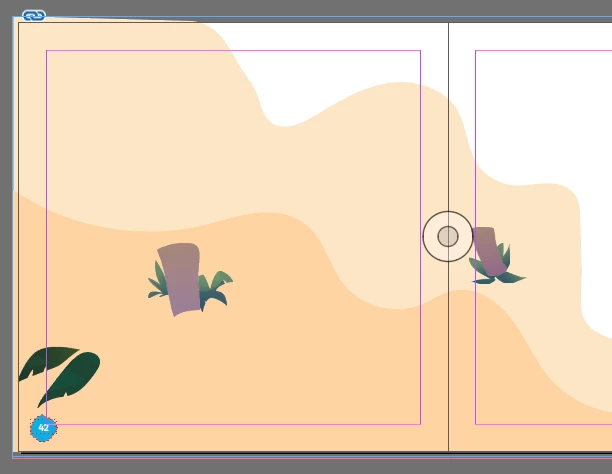
We've tried multiple scenarios to reproduce the issue but haven't been able to replicate it. To help us investigate further, could you please share a screen recording of your complete workflow? Please start by saving the file in Illustrator, then place it in InDesign, and demonstrate the change you're seeing.
If possible, please also share the Illustrator (after packaging via File > Package) and InDesign (packaged) files with us. You can attach them here, or if they're confidential, feel free to send them to us via direct message and can use any of the cloud sharing services like Google Drive, Dropbox, etc.
I'll continue working with the product team and will keep this thread updated as soon as I have more information to share.
Thank you all for your continued patience and for helping us investigate this further.
Abhishek
<Marking as correct for better visibility on the thread>