



rodneyg36738858
Participant
February 2, 2026
Question

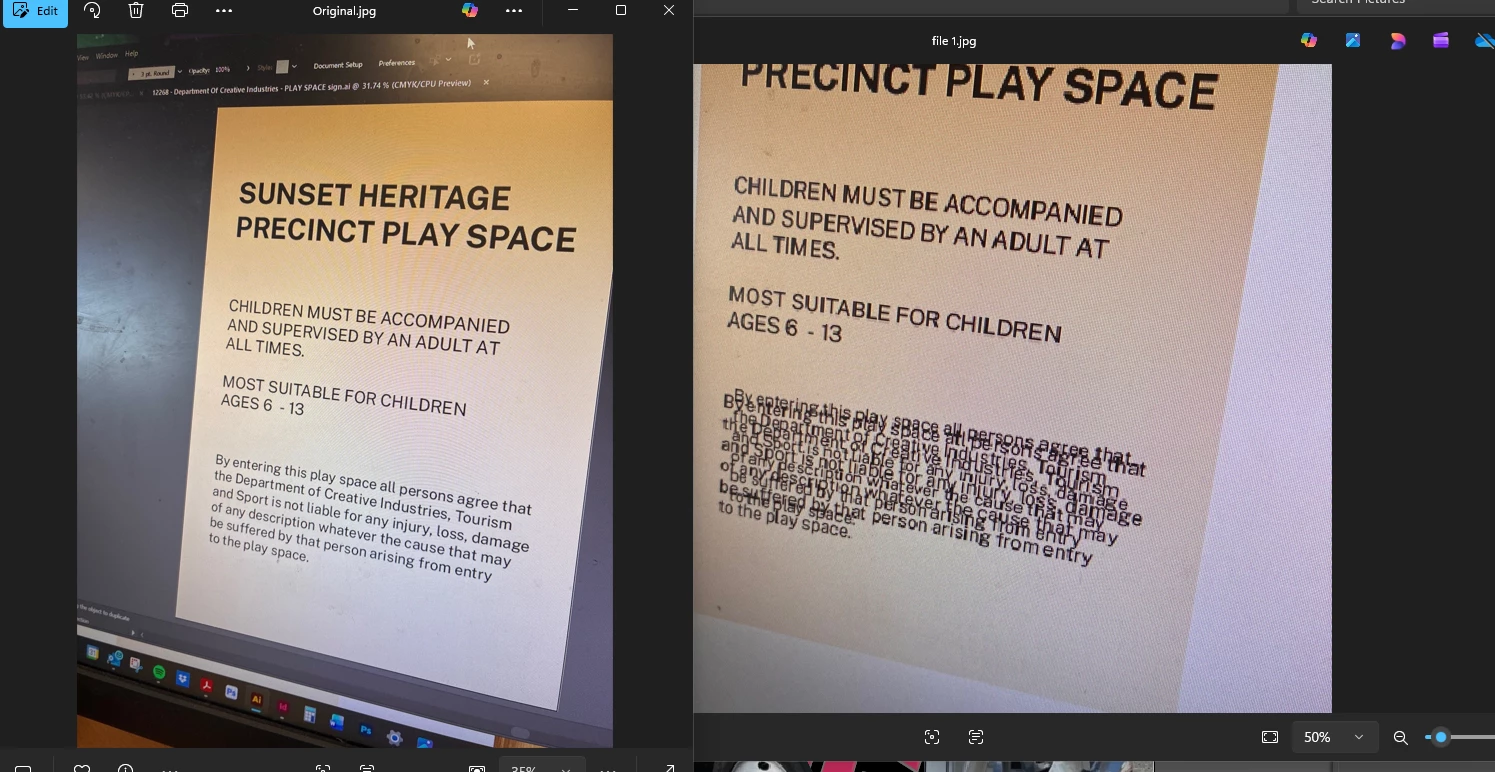
Illustrator file, specifically images do not appear correctly when imported to InDesign. Have to move then resave, or paste to a different layer. We are also getting a doubling of the image that has been imported

  • February 2, 2026
  • 1 reply
  • 0 views

Picture of the doubling up - original image and then when imported into illustrator


    1 reply

    leo.r
    Community Expert
    Community Expert
    February 2, 2026

    There were several similar reports recently. Some of them probably cannot be found right now as certain recent posts do not appear in the new forum software yet.


    Anyway, first disable File Handling > Save in Background in Illustrator preferences. I recall that this was responsible for certain issues with placed files in InDesign. Also, make sure that Illustrator is updated to its latest version.