



inDesign (and Illustrator) won't open Pantone Yellow U photos as is, instead opens it as CMYK Yellow
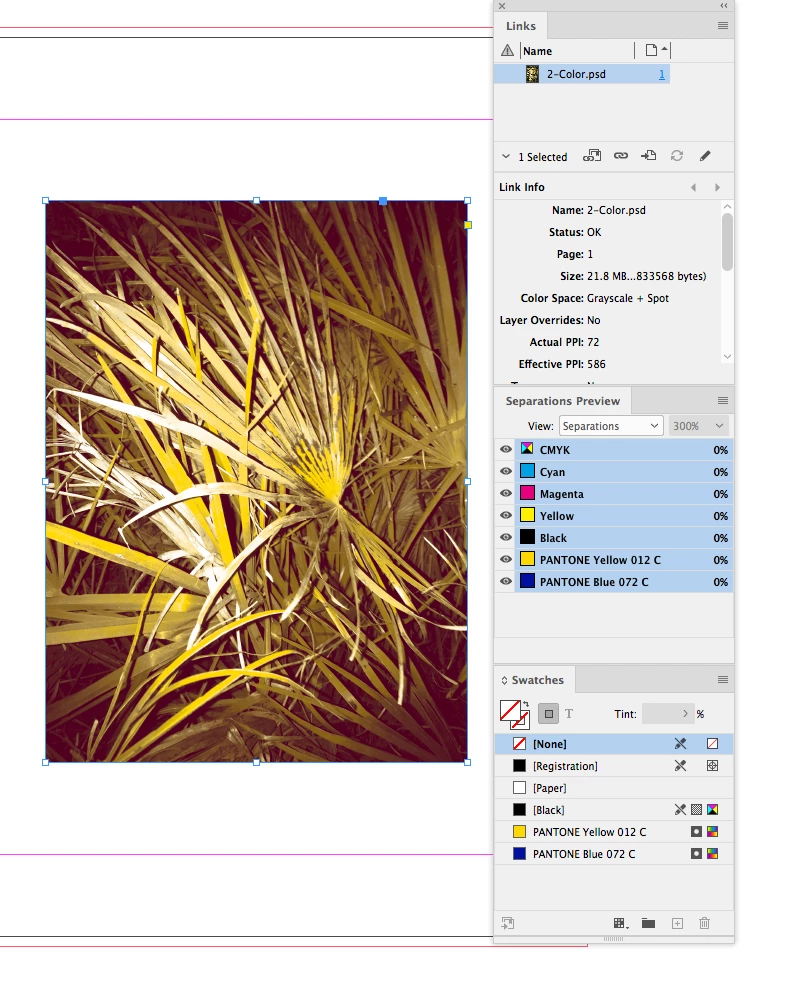
I have this weird problem: I'm going to print with a Riso machine, and I need to work with spot channel and assign each one to a print drum. I'm preparing a multichannel file in Photoshop, assign each channel a spot color, and export the photo as DCS 2.0, as I'm told this format manages the spot colors. Then I import it in inDesign (or Illustrator, it depends what I'm working on), where I can print as PostScript and obtain greyscale PDFs ready to send to my Riso, one for each spot color of my file.
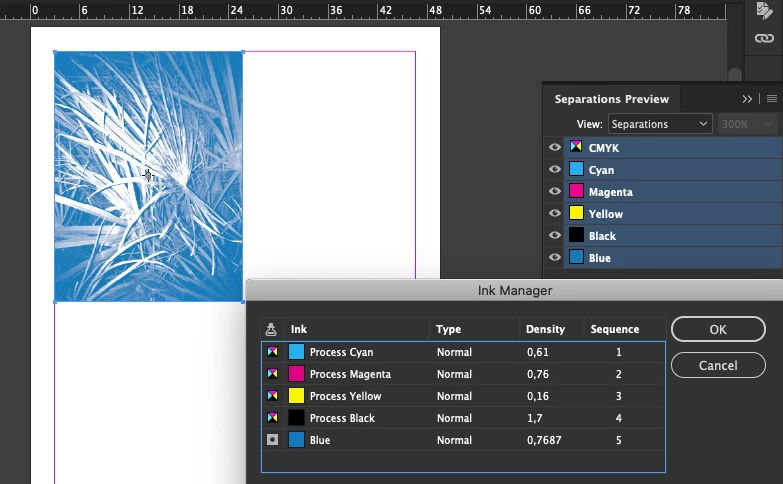
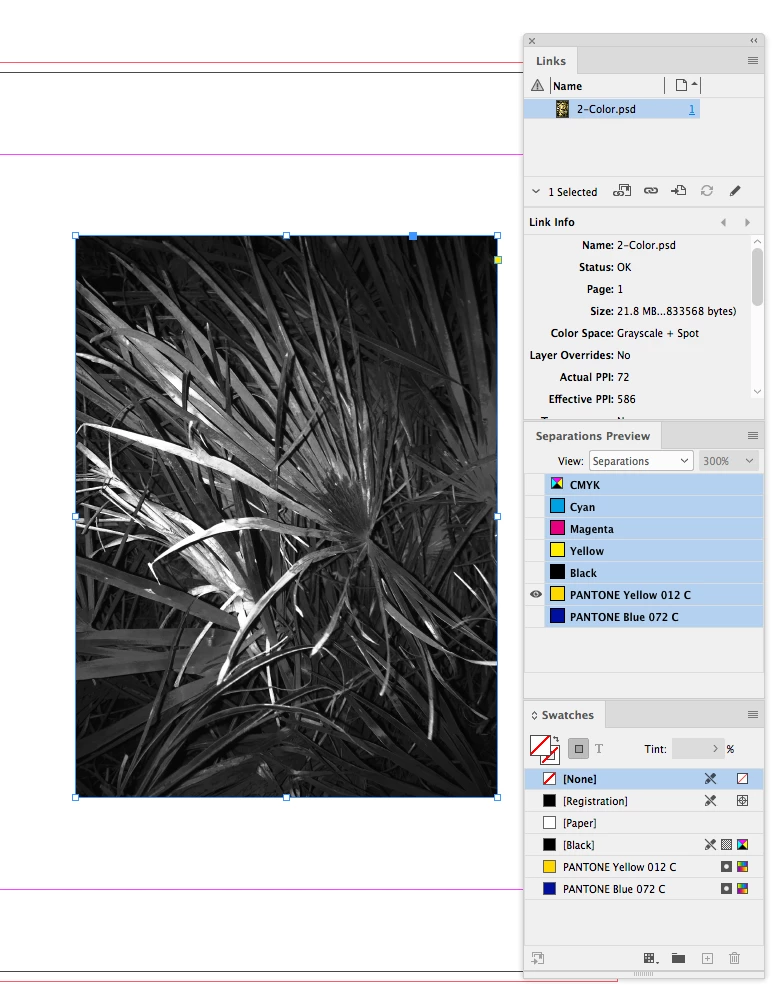
All good, except the fact that I have a problem with the Yellow color: each time I import a DCS photo file, and the channel color happens to be Pantone Yellow U (commonly used as placeholder as it's the closest one to the RIso yellow ink), inDesign or Illustrator will assign that photo to the Yellow swatch color, and in Separations preview I see it as CMYK yellow.
Now, when I only have photos in that channel, it works fine, as it doesn't really matter for the Riso printing (ultimately I can decide which PDF prints in which color by switching drums), BUT if I happen to have both graphics and text (made in inDesign or Illustrator) AND images (DCS exported from Photoshot), the yollow objects show as spot colors, while the photo is imported as CMYK Yellow. This means that I will obtain 2 greyscale PDFs for 1 color, and that's not good.
Any thoughts on what can be happening here?
Thank you!!
Ps. one workaround could be not to use a spot color for the yellow, and use the CMYK yellow for all that I want to print with that color, but there must be something I'm doing wrong and I want to find out and solve it.
 AdChoices