wckdtall
Inspiring
December 1, 2023
Answered

InDesign Javascript - Document Dimensions Width and Height In Pixels or Any Unit

  • December 1, 2023
  • 3 replies
  • 1165 views

Looking up how to get document dimensions in pixels but coming up empty. Just sharing this function I created as InDesign can be a bit verbose. Compared to photoshop converting dimensions is not as straightforward since InDesign doesn't include the unit of measurement.

Edit, updated function based on @rob day's solution


function idDocDims(doc){
        app.scriptPreferences.measurementUnit = MeasurementUnits.PIXELS;
        var w = doc.documentPreferences.pageWidth;
        var h = doc.documentPreferences.pageHeight;
        app.scriptPreferences.measurementUnit = AutoEnum.AUTO_VALUE;
        return {w:w,h:h}
    }
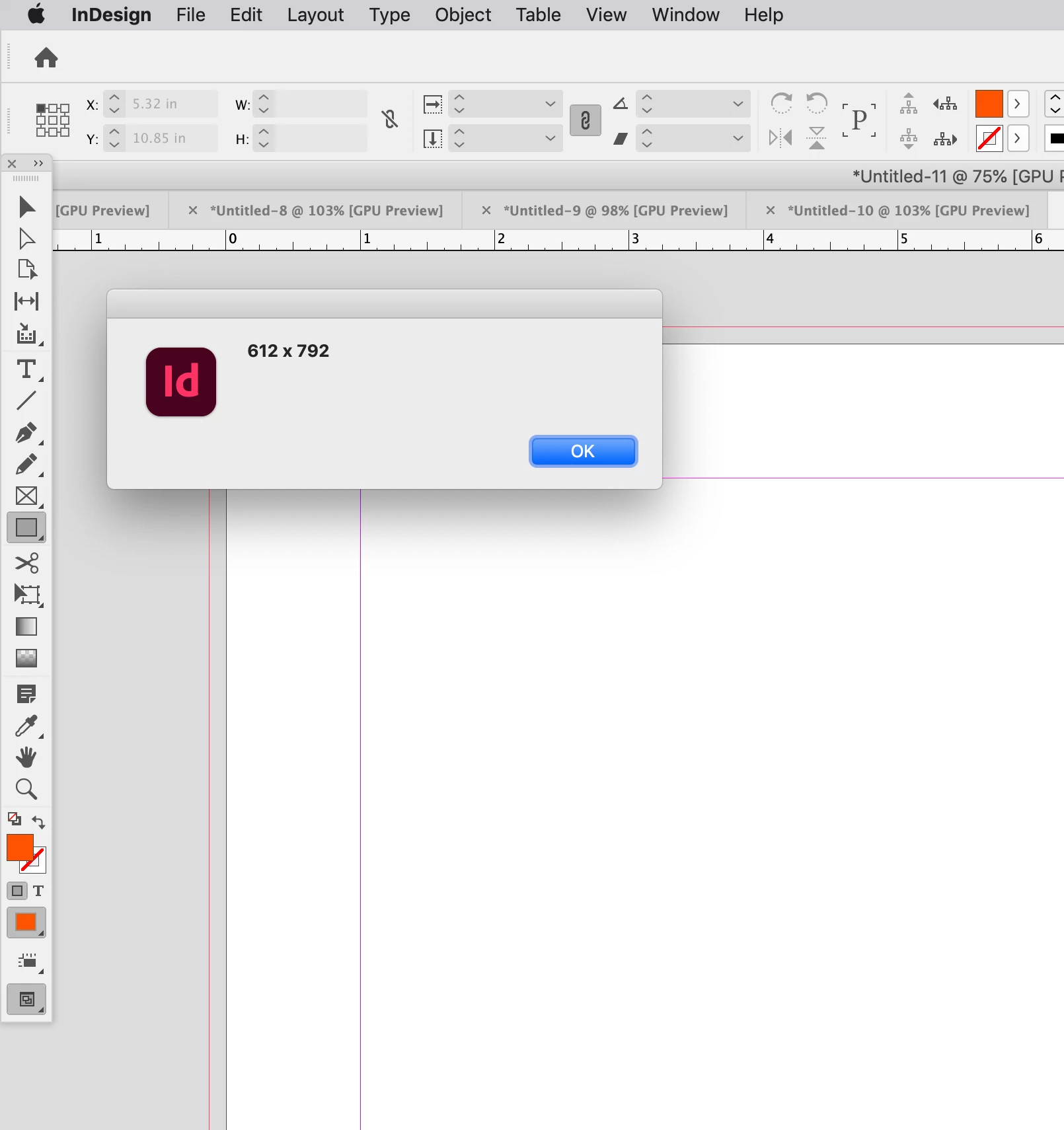
    alert(idDocDims(app.activeDocument).w+" - "+idDocDims(app.activeDocument).h);


Olde Solution:
function idDocDims(doc,unit){

var w = doc.documentPreferences.pageWidth;
var h = doc.documentPreferences.pageHeight;
var wU = doc.viewPreferences.horizontalMeasurementUnits;
var hU = doc.viewPreferences.verticalMeasurementUnits
var wPX = UnitValue(w,wU).as(unit);
var hPX = UnitValue(h,hU).as(unit);
return [wPX,hPX]
}
alert(idDocDims(app.activeDocument,"px"));

This topic has been closed for replies.
Correct answer rob day

Hi @wckdtall , there‘s also the scriptPreferences measurementUnit, which is useful when you don’t want to get and set ruler units


app.scriptPreferences.measurementUnit = MeasurementUnits.PIXELS;
alert(app.activeDocument.documentPreferences.pageWidth + " x " +app.activeDocument.documentPreferences.pageHeight)
app.scriptPreferences.measurementUnit = AutoEnum.AUTO_VALUE;


3 replies

Marc Autret
Legend
December 3, 2023

Hi @wckdtall 


Be careful, your method will fail (runtime error) if one of the MeasurementUnits enum is set to:

  • MeasurementUnits.AGATES
  • MeasurementUnits.INCHES_DECIMAL
  • MeasurementUnits.CUSTOM

(and in CJK editions other units won't work either: AMERICAN_POINTS, BAI, HA, MILS, Q, U).


Note. — Disparities between MeasurementUnits (DOM) and UnitValue (ExtendScript tool) are more widely documented in the $$.Unit module of IdExtenso, which tries to fill the gap. See in particular:
→ https://github.com/indiscripts/IdExtenso/blob/2a2020f0d235d91d1f28cde8400d2476342be2f4/etc/%24%24.Unit.jsxlib#L213


Now an interesting question is, why should the syntax UnitValue(<number>, <MeasurementUnitsEnum>) work at all? The UnitValue constructor is known to support the following schemes:


   UnitValue( valUnit );        // valUnit:string -- e.g. ("5 mm")
   UnitValue( valueunit );  // value:number, unit:string -- e.g. (8, "px")


Hence, what happens invisibly when the interpreter meets a code like


   var wPX = UnitValue( 10, MeasurementUnits.INCHES ).as("px");


is type coercion. Namely, MeasurementUnits.INCHES.toString() is passed as 2nd argument to the UnitValue constructor. By good fortune this yields the string "INCHES" and since the unit parameter in the constructor is case-insensitive, this happens to work.


Note 1. — Units can be specified in abbreviated, singular, or plural form, and are parsed disregarding the case ('cm' = 'CM' = 'centimeter' = 'CENTimeterS').

Note 2. — Enumerators won't coerce to a string in oldest InDesign versions, since they were then encoded as simple numbers.


But, as I hope I have shown above, this is not a safe pattern. I recommend everyone to turn to the solution proposed by Rob instead.


Best,

Marc

m1b
Community Expert
Community Expert
December 3, 2023

Thanks @Marc Autret , this is great info and resources! I've never done any complex work with units; in fact my usual process is to work always in points until doing a conversion at the very last second, so to speak, and still is only rarely necessary. - Mark

rob day
Community Expert
rob dayCommunity ExpertCorrect answer
Community Expert
December 2, 2023

Hi @wckdtall , there‘s also the scriptPreferences measurementUnit, which is useful when you don’t want to get and set ruler units


app.scriptPreferences.measurementUnit = MeasurementUnits.PIXELS;
alert(app.activeDocument.documentPreferences.pageWidth + " x " +app.activeDocument.documentPreferences.pageHeight)
app.scriptPreferences.measurementUnit = AutoEnum.AUTO_VALUE;


_wckdTall_
Inspiring
December 3, 2023

You're right, I don't want to get or set ruler values so this is perfect! As many things it's not part of Adobe's official docs from what I'm seeing, though it does come up as a numerical value in the object "measurementUnit=1635087471".

This is an InDesign specific solution, correct? 
Does "AutoEnum" reset this preference and is it necessary/a safety precaution?
Would I need a switch case to handle different enumerated unit values with this? The one pro to UnitValue was I could just pass text values to my function for measurements.

m1b
Community Expert
Community Expert
December 1, 2023

Nice!