


Invisible section break?
Indesign newbie, and a question about restarting page breaks.
I have a quote collection that I have decided to maintain in InDesign. The first page has an opening blurb, then the quotes follow.
Standard two-page spread stuff. Not a big deal, right? Sort of...
I am not really sure what I have done to myself with this, though. The first page (blurb) ends with a pound sign (#) and I am not really sure how it got there.
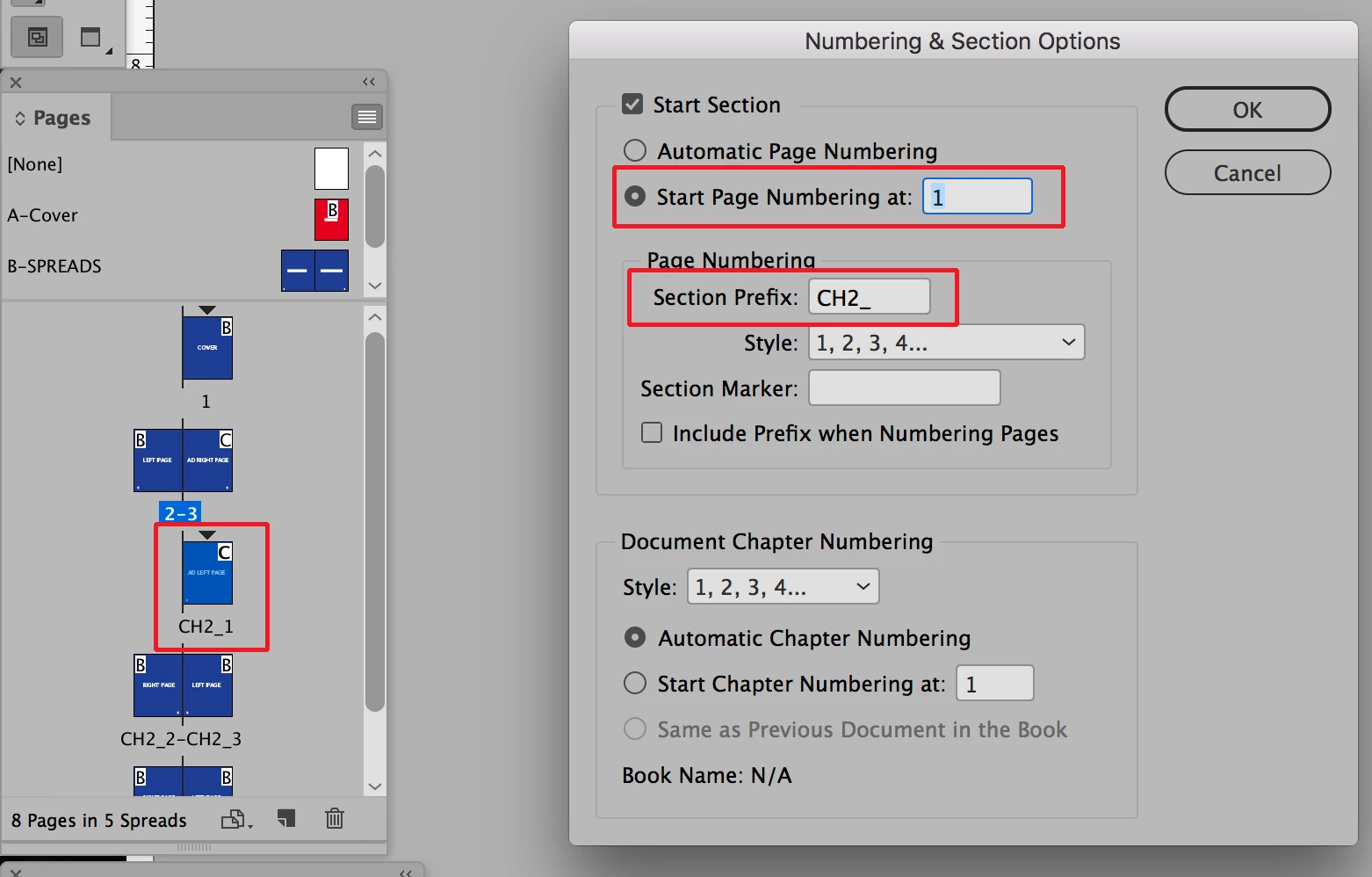
On the second page, when I try to insert the numbering, I get the following error message:
I assumed that the message mean that I had already placed a section break in the 3rd page. But I just can't find the little bugger.
What should I be looking for to resolve this? I just want the first page to say "i" and the second to start with "1". I am making this much harder than it needs to be.
Help.
 AdChoices