rachelb17903531
Participating Frequently
July 7, 2018
Answered

Line with Graphic Fill?

  • July 7, 2018
  • 2 replies
  • 646 views

Hi,

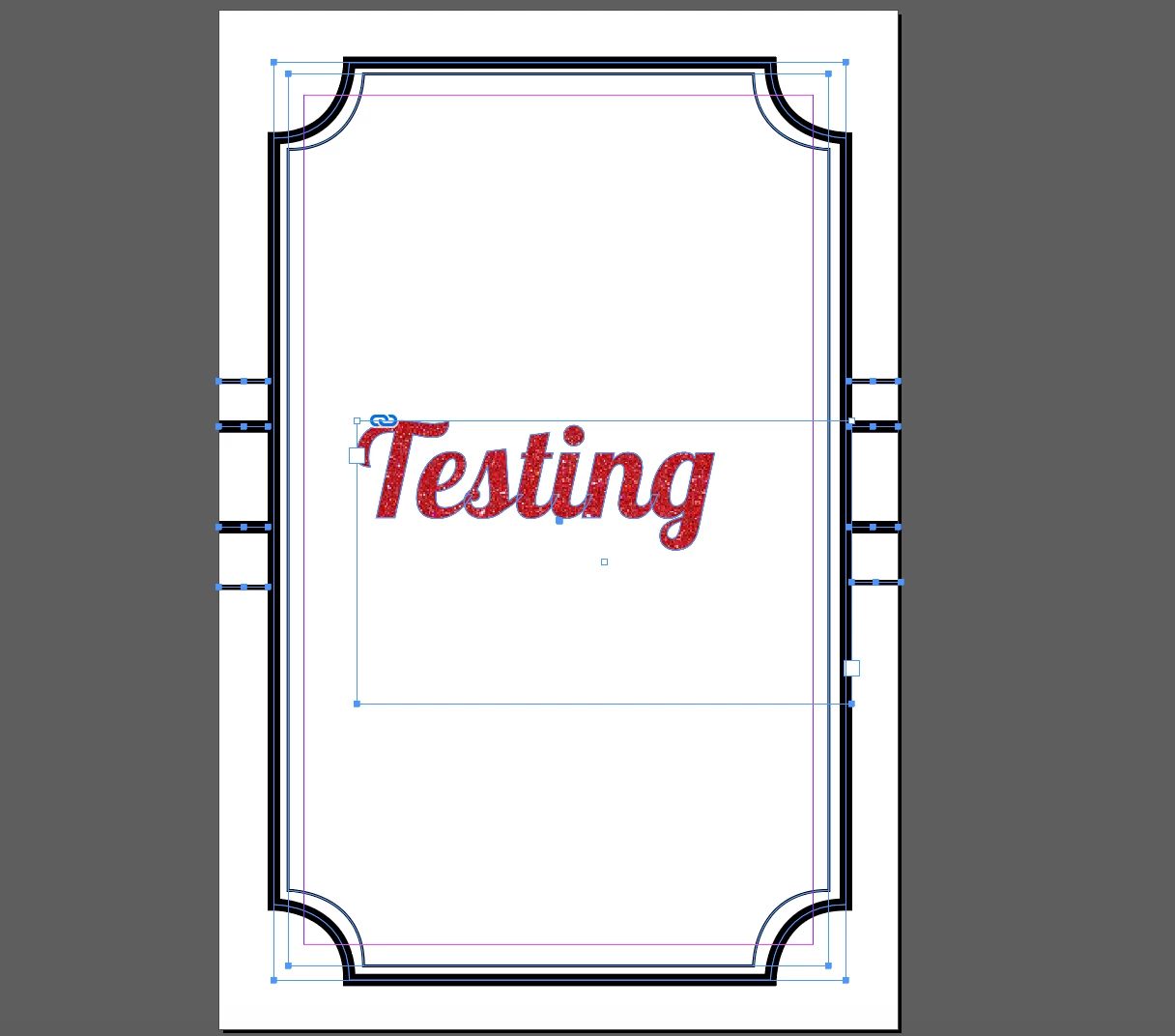
I have a frame that I have drawn in InDesign and I am hoping there is a way I can fill it with the same graphic as the text. I only have access to InDesign so if anyone can tell me how I can do this it would be greatly appreciated.

TIA
This topic has been closed for replies.
Correct answer rob day

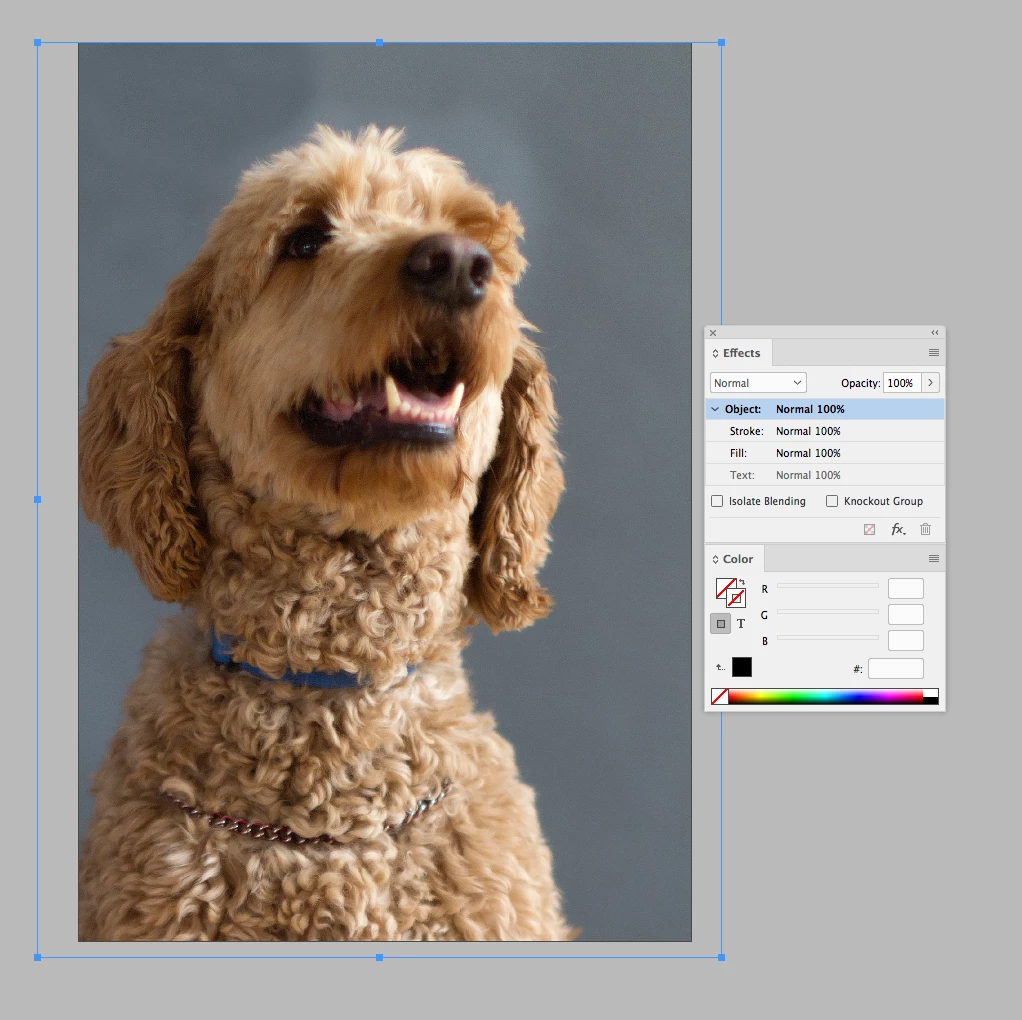
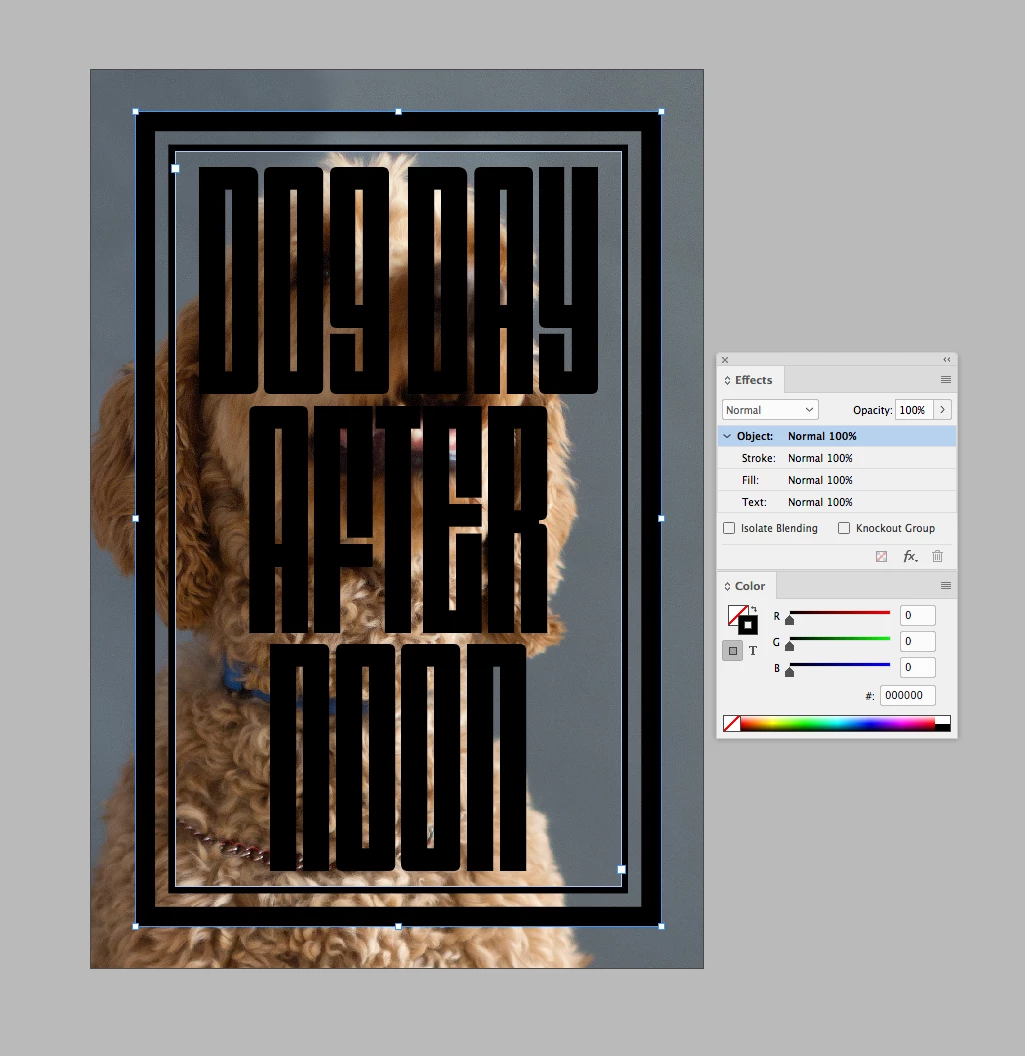
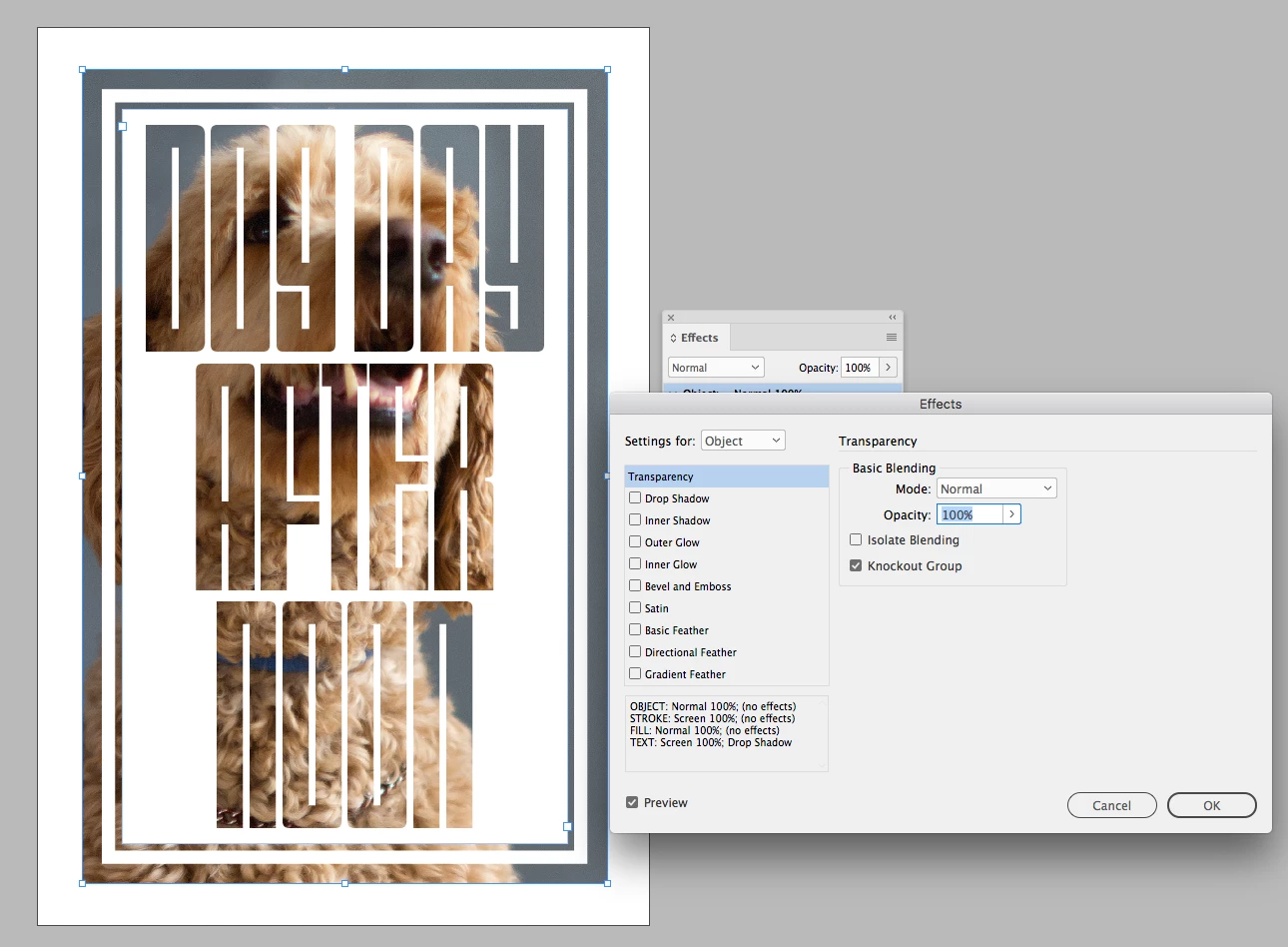
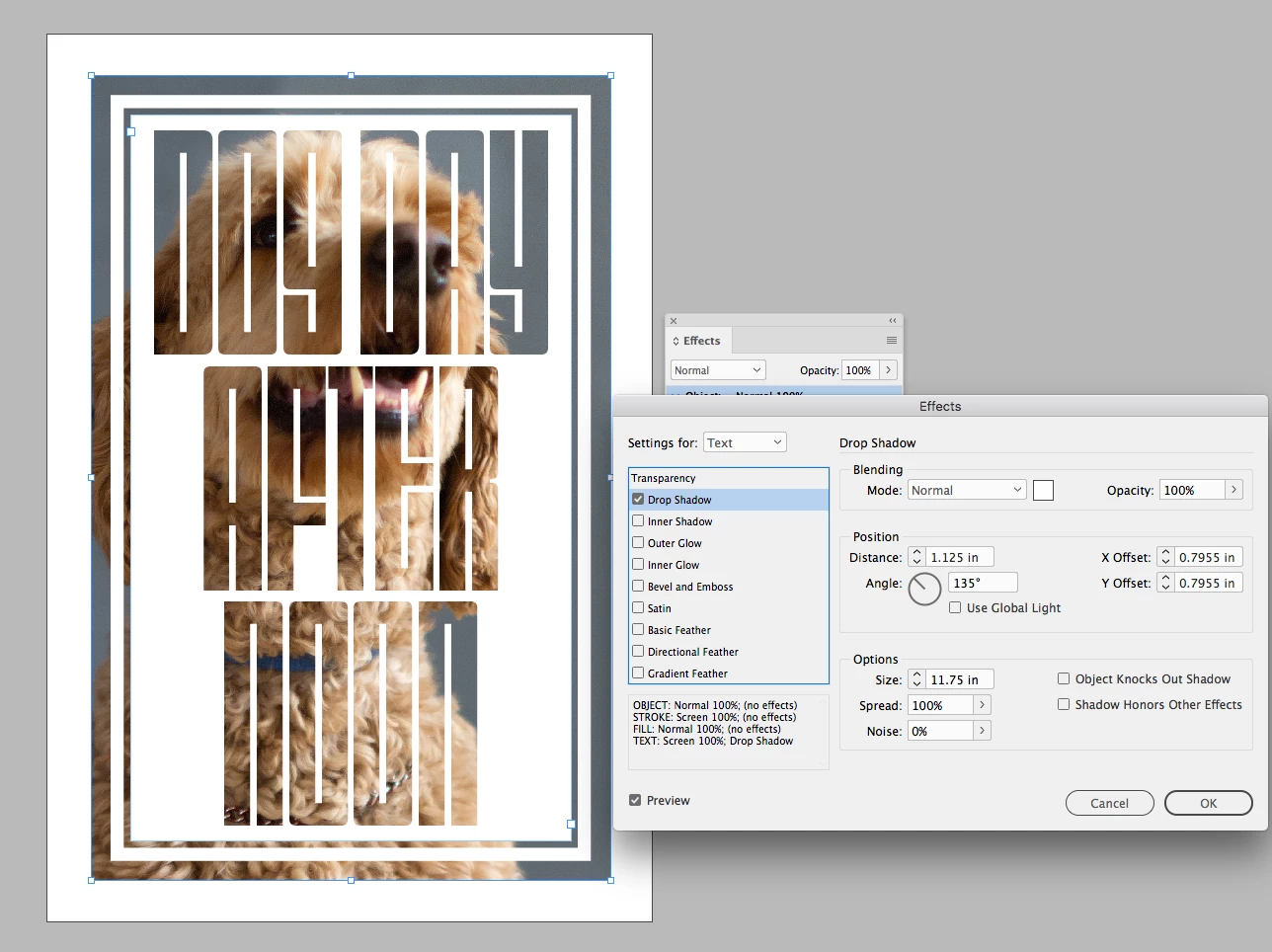
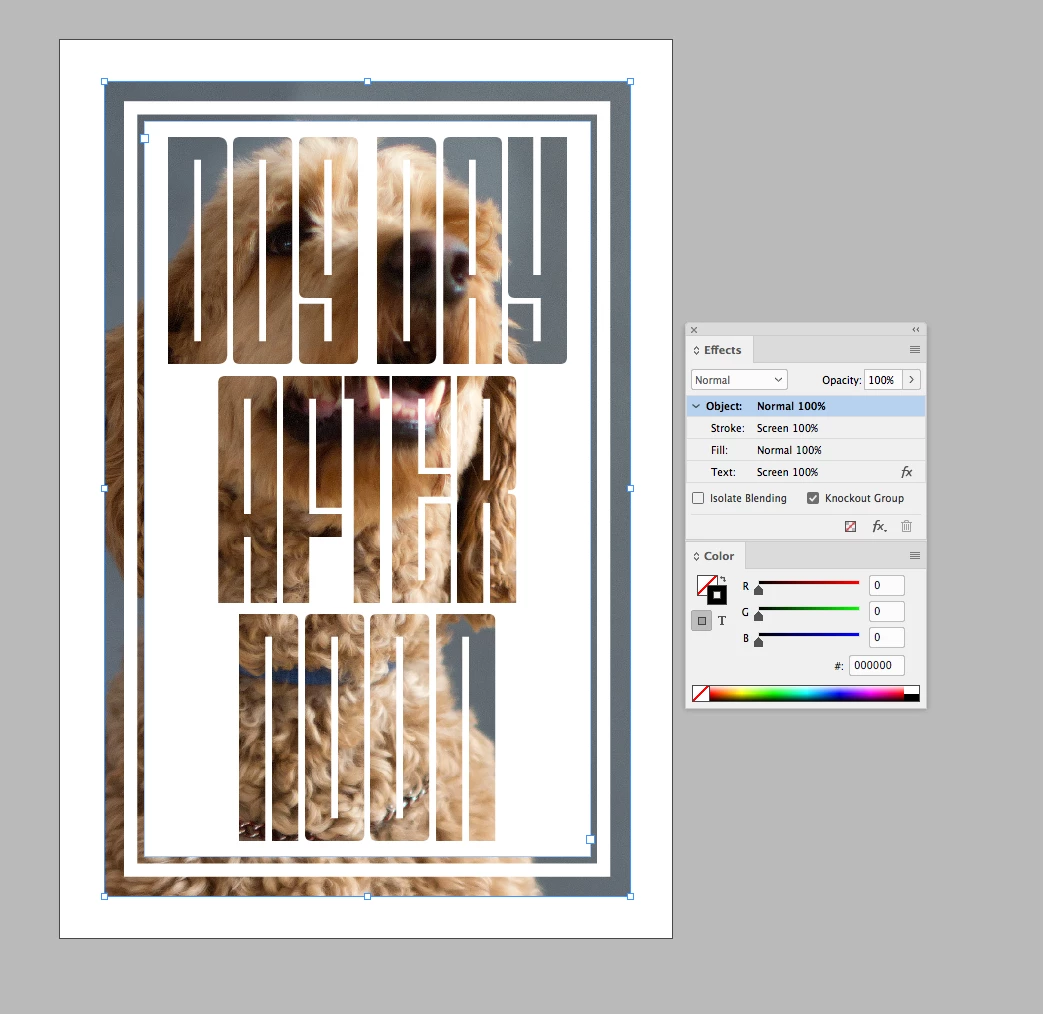
You can do it with transparency effects. Something like this:

The text and stroke are filled with 0|0|0 RGB and my Transparency Blend Space is RGB. You can also do it as CMYK with the fill set to 100|100|100|100

With the text frame selected, set the Knockout Group for Object to checked

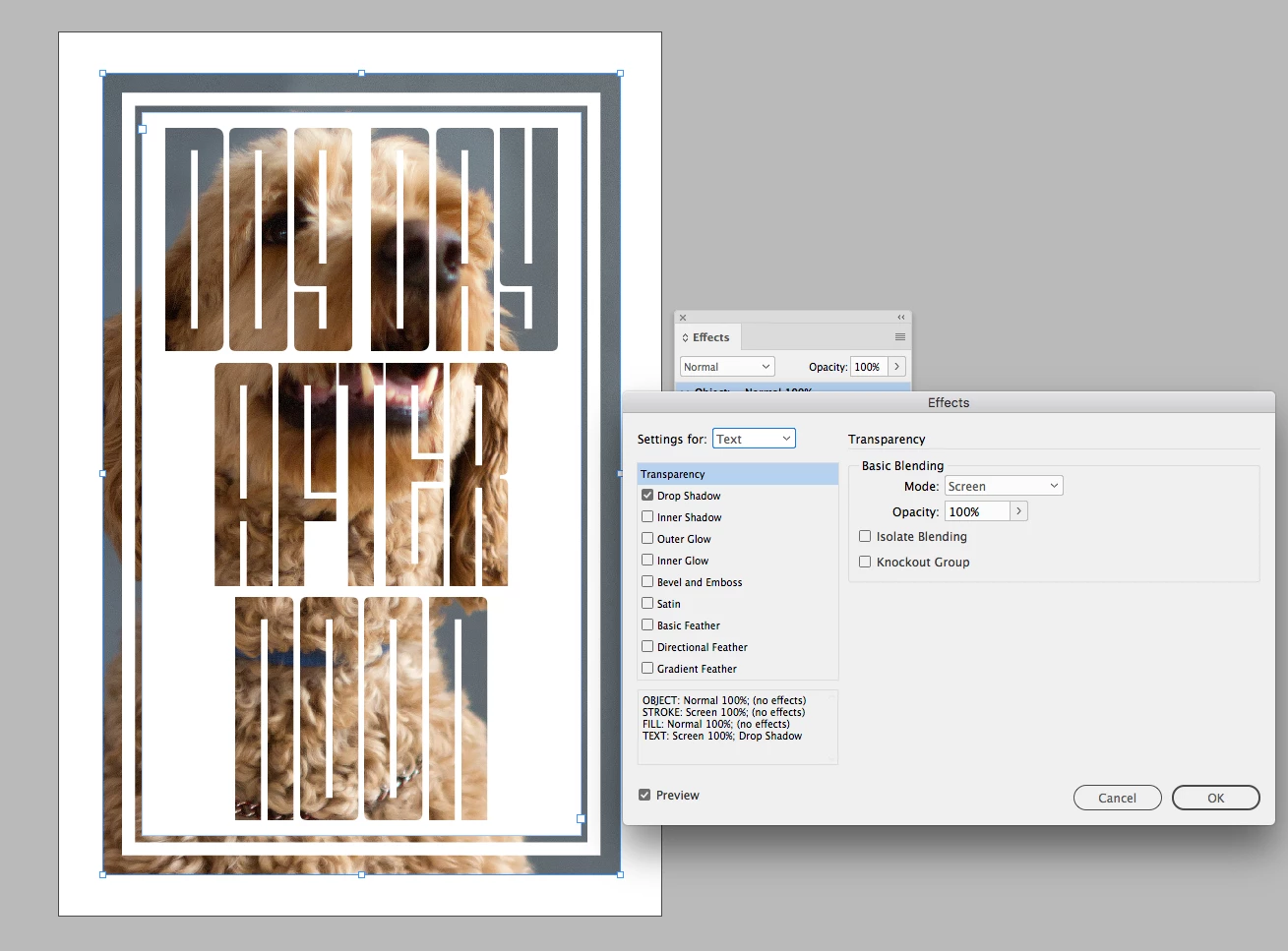
The Stroke and Text are set to Screen Blending mode

And include a maximum size drop shadow on the Text with the color set as white or [Paper]

2 replies

rob day
Community Expert
rob dayCommunity ExpertCorrect answer
Community Expert
July 7, 2018

You can do it with transparency effects. Something like this:

The text and stroke are filled with 0|0|0 RGB and my Transparency Blend Space is RGB. You can also do it as CMYK with the fill set to 100|100|100|100

With the text frame selected, set the Knockout Group for Object to checked

The Stroke and Text are set to Screen Blending mode

And include a maximum size drop shadow on the Text with the color set as white or [Paper]

winterm
Legend
July 7, 2018

Yup, you’re right, I didn’t think twice before posting . However, those ole tricks with transparency and blending modes have their limitations. I still prefer *classic* filling and masking.

FWIW, here’s just another (similar) approach, I find it a bit simpler (no need to change blending mode, add drop shadow, etc.).

Interesting typeface, btw, wouldn’t you mind to share a name?

rachelb17903531
Participating Frequently
July 8, 2018

Thankyou all so much, this is so helpful. I'll have to watch that clip a few times as I cant see clearly how your removing the marble graphic, but I mostly shouldn't need to do this so I'll keep watching

The font I used in my "Testing" is called Lobster 1.4

winterm
Legend
July 7, 2018

Illustrator is the right tool for this kind of jobs, absolutely.

Directly in InDesign, with live text and lines, you hardly can do anything more than this: