



kyriosity
Inspiring
June 19, 2019
Answered

Missing Font issues in InDesign

  • June 19, 2019
  • 3 replies
  • 3115 views

I discovered that the version of Myriad Pro Light that I had installed did not have a certain glyph (ȳ) in a certain weight (Light). A friend suggested that I uninstall my versions and activate a newer version via CC. Worked brilliantly. Until the next time I opened the file. Now it's showing the font, but telling me it's not installed:
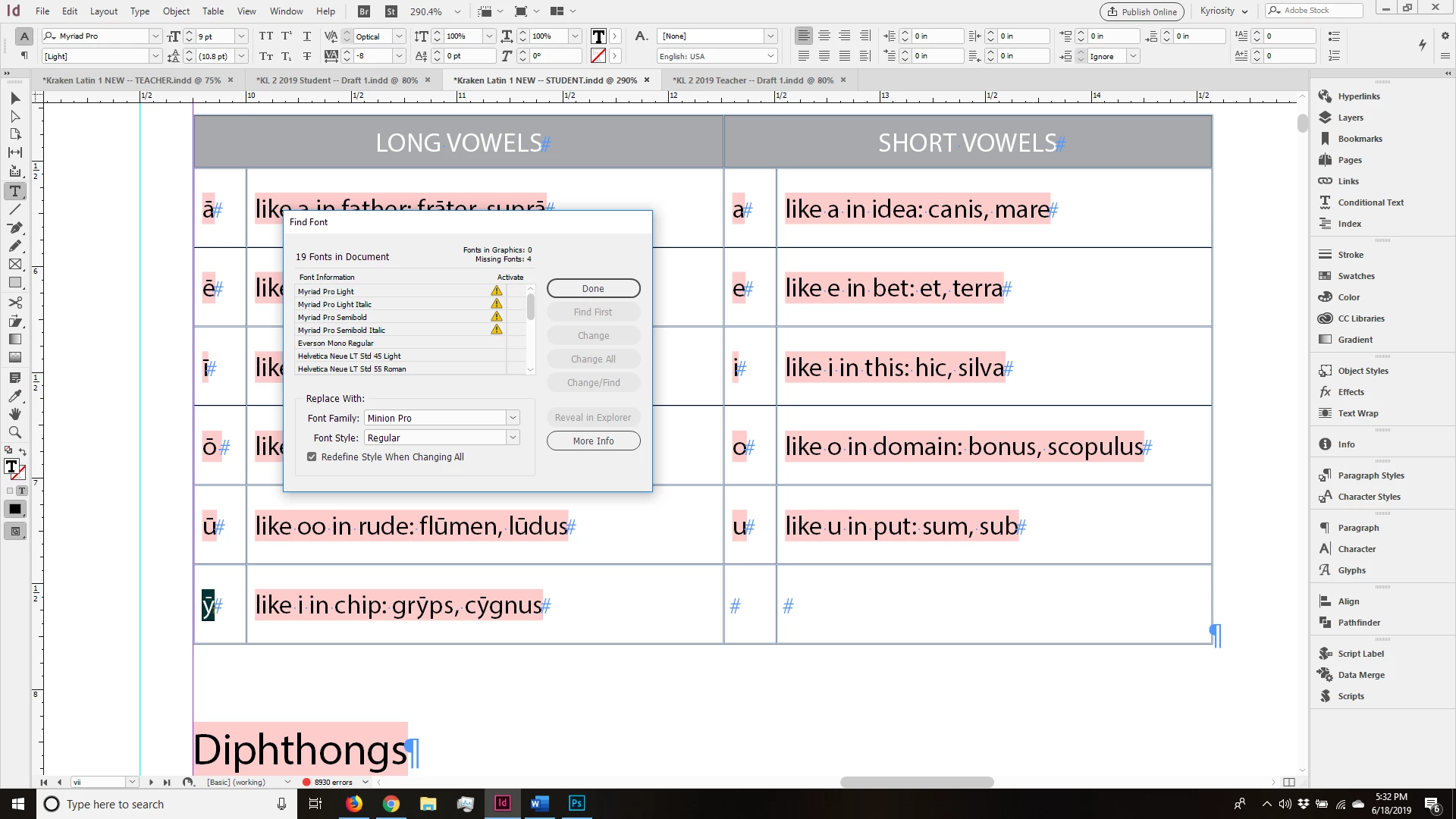
What can i do to make it "stick"?

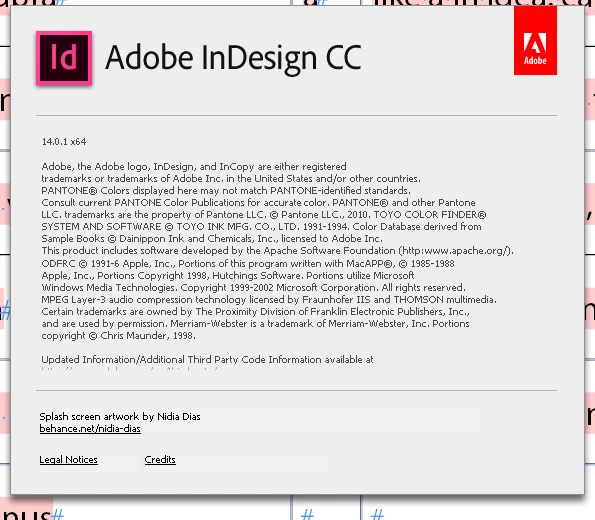
I'm on Windows 10, and here's my ID version info:
Thanks!

~Valerie

{Renamed by MOD}

    This topic has been closed for replies.
    Correct answer kyriosity

    Welp...today everything's magically behaving itself. Go figure!

    3 replies

    kyriosity
    kyriosityAuthorCorrect answer
    Inspiring
    June 19, 2019

    Welp...today everything's magically behaving itself. Go figure!

    BobLevine
    Community Expert
    Community Expert
    June 19, 2019

    First things first. Update to 14.0.2

    Participating Frequently
    June 19, 2019

    I have the same problem.  InDesign is not showing any of fonts I've already downloaded, especially the myriad pro, my favorite!  Do I have to download the same fonts for each app?

    Randy Hagan
    Community Expert
    Community Expert
    June 19, 2019

    When you "activate" fonts with Adobe Fonts, you don't so much install them like you actually have/own them as you lease access to them. You're not "downloading" fonts; you're gaining access to them.

    This causes complications, especially in instances where you formerly did have downloaded fonts (or if you're really ancient, loaded them into your system on some kind of disk) installed. While this is technically debatable – you do download files related to those given fonts on your computer – It's not like your system recognizes those files as fonts. You need an online connection and active sign-in to Adobe to access those Adobe Fonts files.

    For the original poster: You've got to 1) maintain that online connection and live sign-in to access your new Myriad Pro fonts, and (likely) have to 2) change all instances where you used the previous Myriad Pro fonts you owned and removed from your system. They may look like the same font(s) you owned and removed, but as far as your system is concerned they're different fonts. You'll need to reconcile the discrepancy for any document where you used the previous cuts of Myriad Pro you owned and subsequently removed from your system.

    For you, ebargains, you shouldn't have to re-download the fonts. But you'll absolutely have to be connected to the internet and actively signed in to Adobe to access the fonts.

    Hope this helps,

    Randy

    BobLevine
    Community Expert
    Community Expert
    June 19, 2019

    Unless I'm misunderstanding what you're saying, Randy, that's not my experience.

    Even with no internet the fonts should still be active as long as the user did not sign out of Creative Cloud.