Participating Frequently
July 20, 2023
Question

Need help with GREP

  • July 20, 2023
  • 2 replies
  • 1007 views

Hi All,

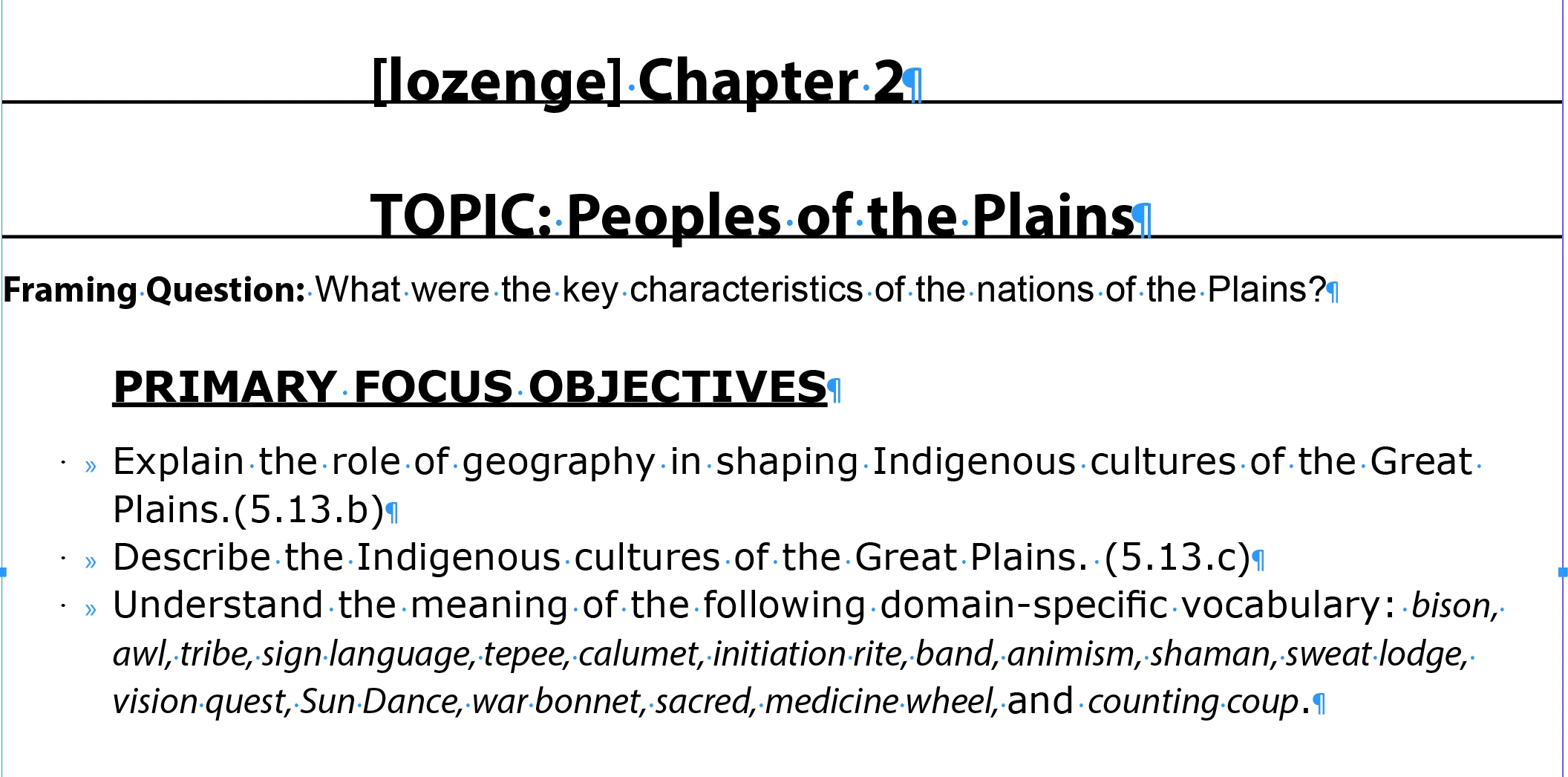
I had a issue while using GREP, While replacing the manual bulleted paragraph to bullet styled paragraph,

I have used the below:

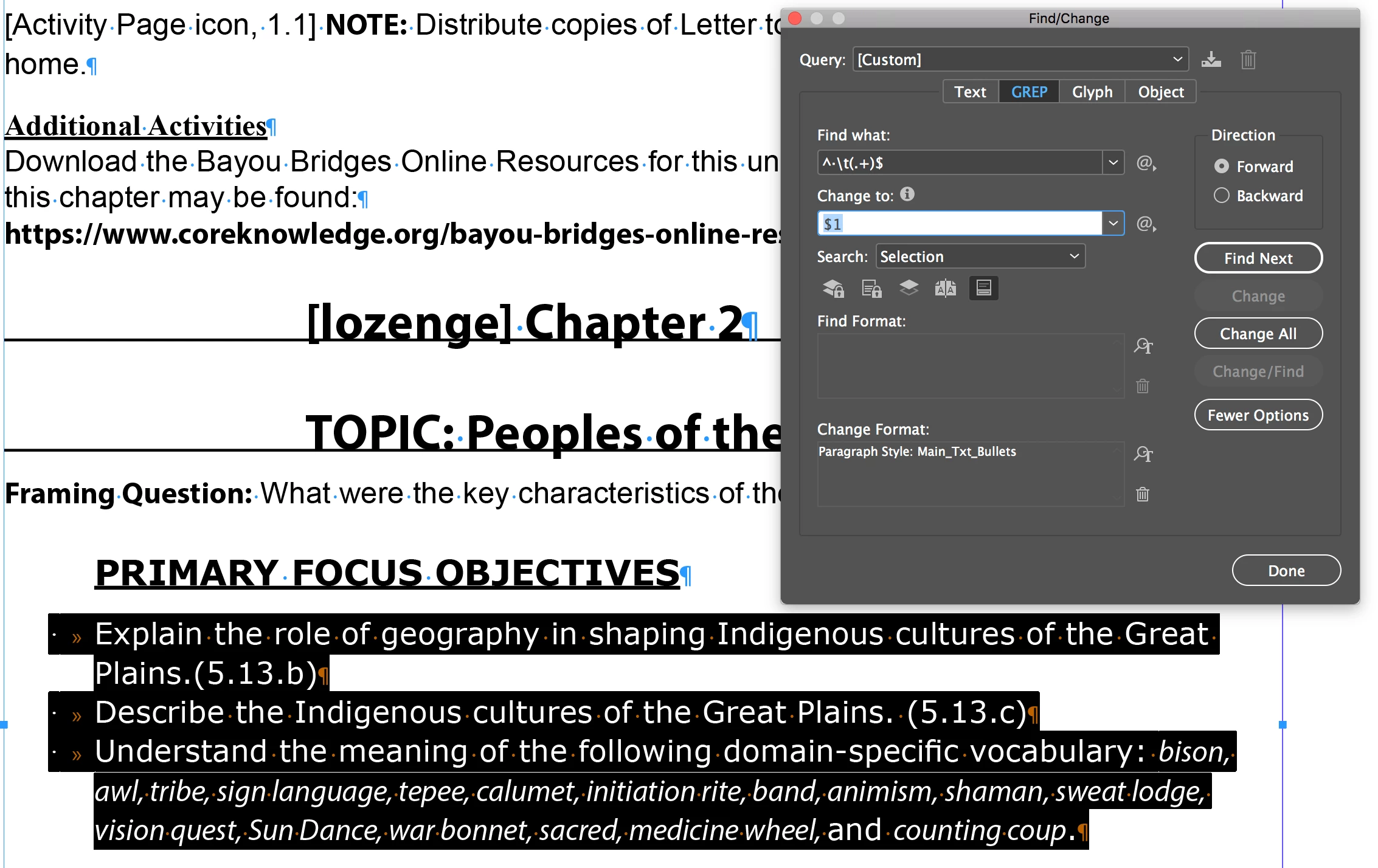
Find What:

^ ·\t(.+)$

Change to:

$1

Change Format: 

Main_Txt_Bullets (paragraph style)

When I replace by option "change" one by one all the instances change clearly

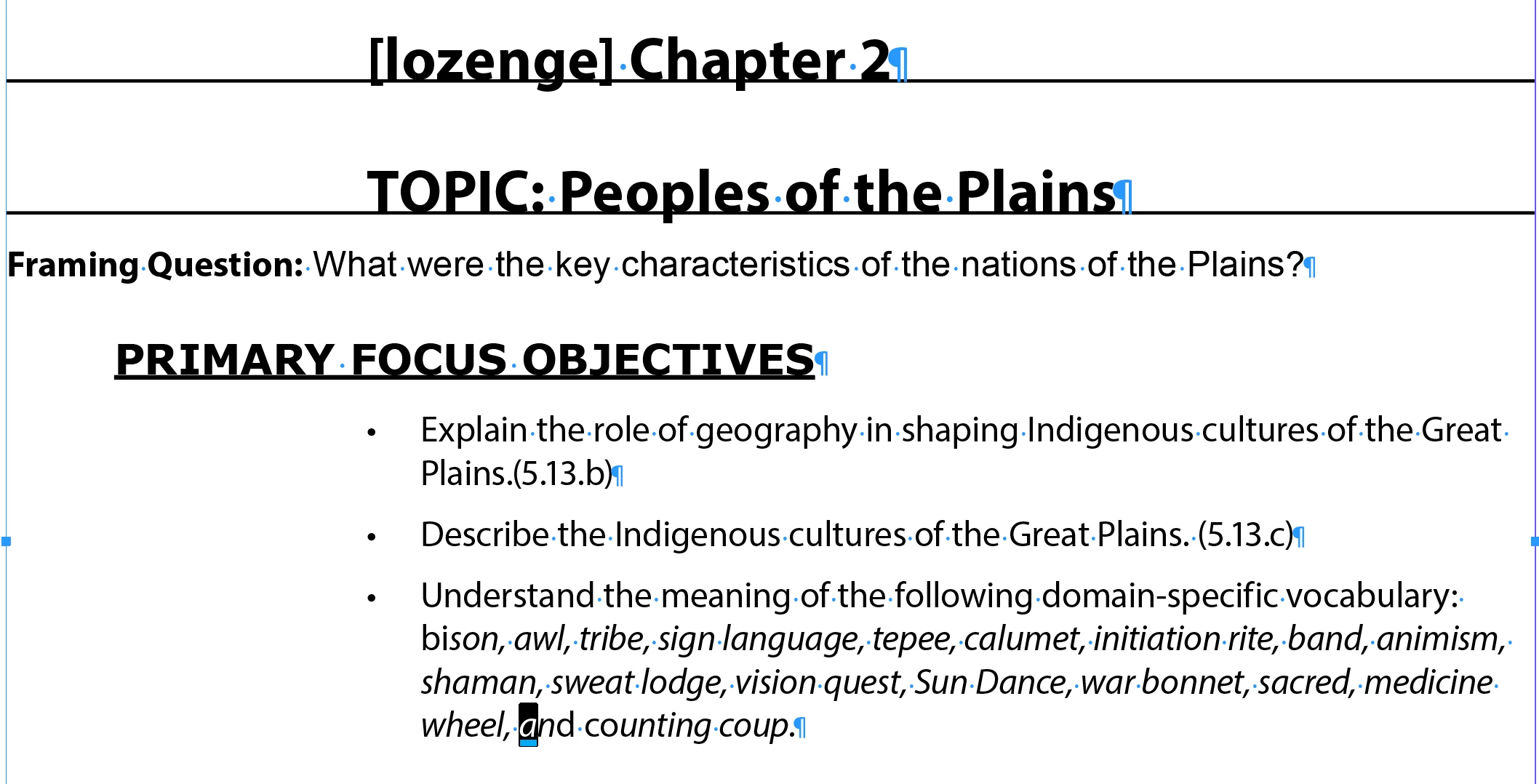
While using "change All" option, the initial letter of roman word followed by italic word changes to italics.

Kindly help me to rectify & suggest me what went wrong?

Screenshots below steps:


This topic has been closed for replies.

2 replies

Community Expert
July 23, 2023

I think there's a oddity with this that I've noticed before, it's somehow capturing the italic style

You don't need all this

^ ·\t(.+)$


You just need

^ ·\t


Participating Frequently
July 23, 2023

Hi Tyson,

I planned to do both style replace & remove the "manual bullet with tab" at once, that's the reason, to used the expression.

If, I proceed change one by one it replaces clearly, It happens when i used change all option only.


Rajesh George  

Community Expert
July 23, 2023

I don't know 

Would need to see the file.


To remove the bullets - remove the formatting info in the panel 

Then run the find replace again

=====================

My guess is that perhaps the Bullet character in the bullet style perhaps has italic setting

And this is passing on the italic to the first character.


Which it shouldn't.


Community Expert
July 21, 2023

Can you share a sample InDesign document to test with

-Manan

Participating Frequently
July 23, 2023

Hi Manan,

Extremely Sorry for the late response!

Find the idml file attached.

RajeshGeorge

Community Expert
July 23, 2023

There is no file attached

-Manan