

Quotes not matching Dictionary settings for specific languages
I have a document (well, a set of documents) where I simply cannot get InDesign to use the correct quotes defined for certain text languages.
The documents are bilingual, in Danish and English. The Danish text should use »inwards guillemets« for double quotes and ‘regular 69s’ for single quotes. The English text should use “regular 6699s” for double quotes and ‘regular 69s’ for single quotes.
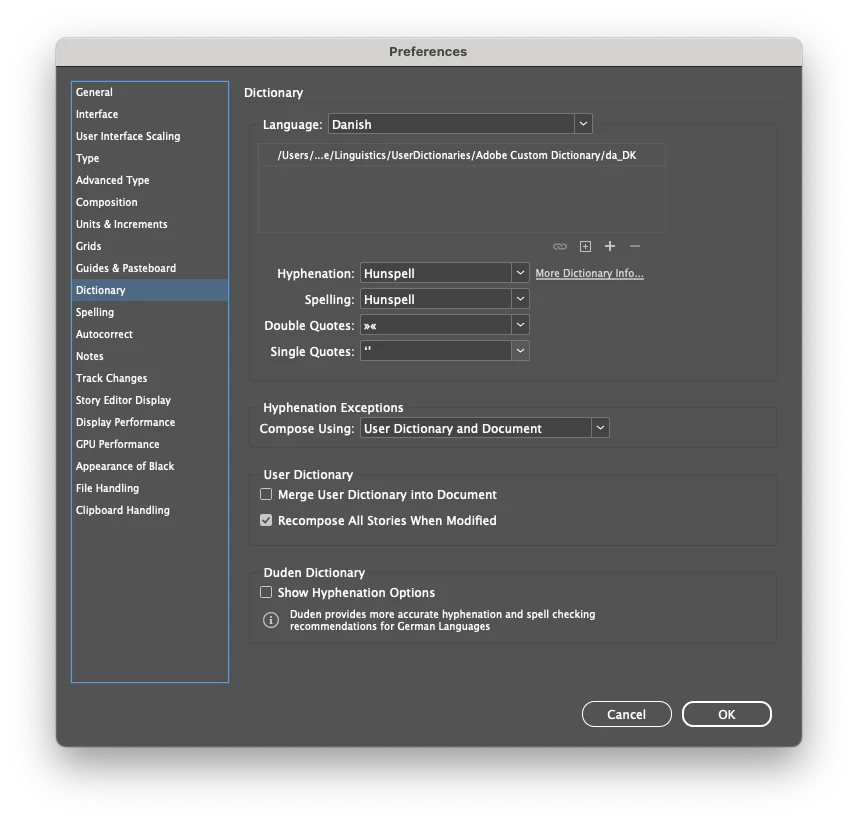
In Preferences → Dictionary, I have set quotes accordingly (for Danish here):
It works as expected for paragraphs whose language is set to English: “double quotes” and ‘single quotes’.
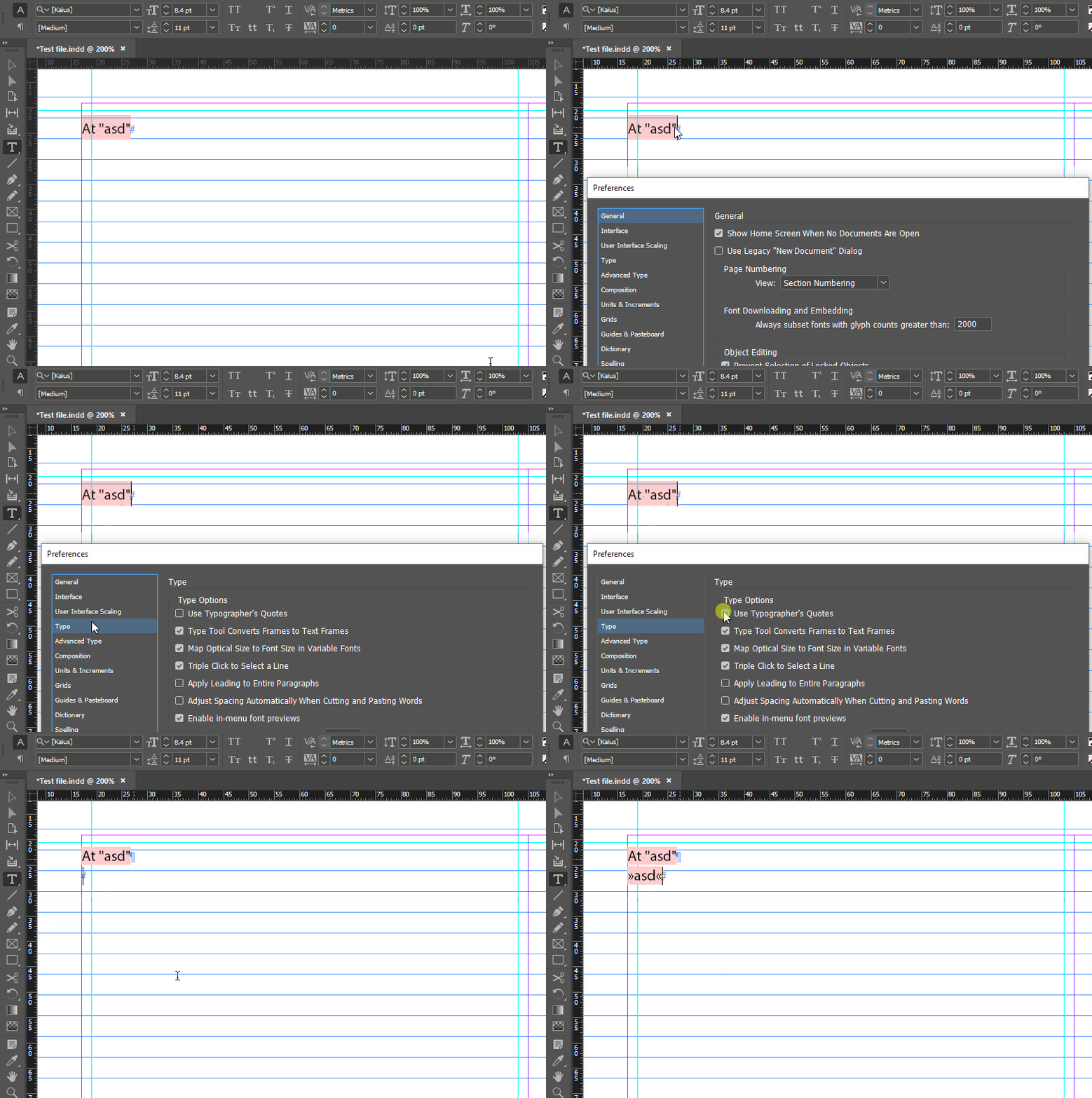
But regardless of what values I select in the Dictionary settings, in paragraph styles whose language is set to Danish, the automatic quote substitution consistently changes all quotation marks to German-style quotes: „double quotes“ and ,single quotes‘. In some, seemingly completely random, cases it even changes them to „lower lower„ – which is most definitely incorrect in every language on earth.
This isn’t an issue I’ve ever seen before; it’s only in these files. The files originate with another designer, but they display the same weirdness on his machine. It makes no difference if the language is set in a paragraph style or as a manual override.
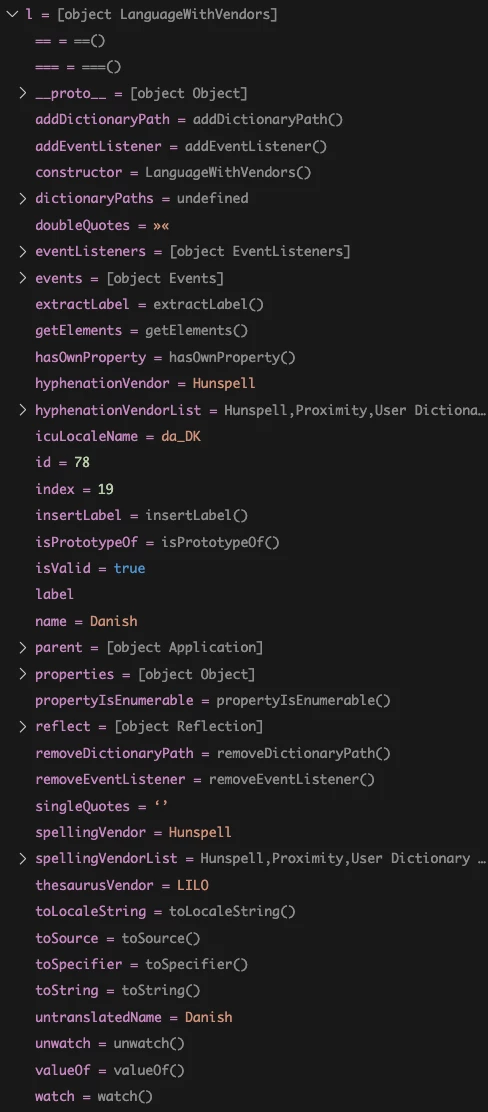
Inspecting the applied language of an insertion point through ExtendScript gives me the following, which looks completely as it should (note the ‘doubleQuotes’ and ‘singleQuotes’ properties are correctly listed as »« and ‘’), so it’s not just the UI in the preferences dialogue that’s somehow ‘stuck’ and out of sync with the actual content in the document:
What can possibly be causing this? What other settings/things can affect InDesign’s usually very intelligent quote substitution?
(Tested on my M1 Max Mac Studio running InDesign 2025 (20.5) on macOS Sequoia 15.6, and on the other designer’s iMac, whose specs, app version and OS I don’t have.)


 AdChoices