Inspiring
February 24, 2024
Answered

Table of Contents: how to make page reference align with first line

  • February 24, 2024
  • 1 reply
  • 611 views

Hi all,


InDesign CC latest version. MacOS


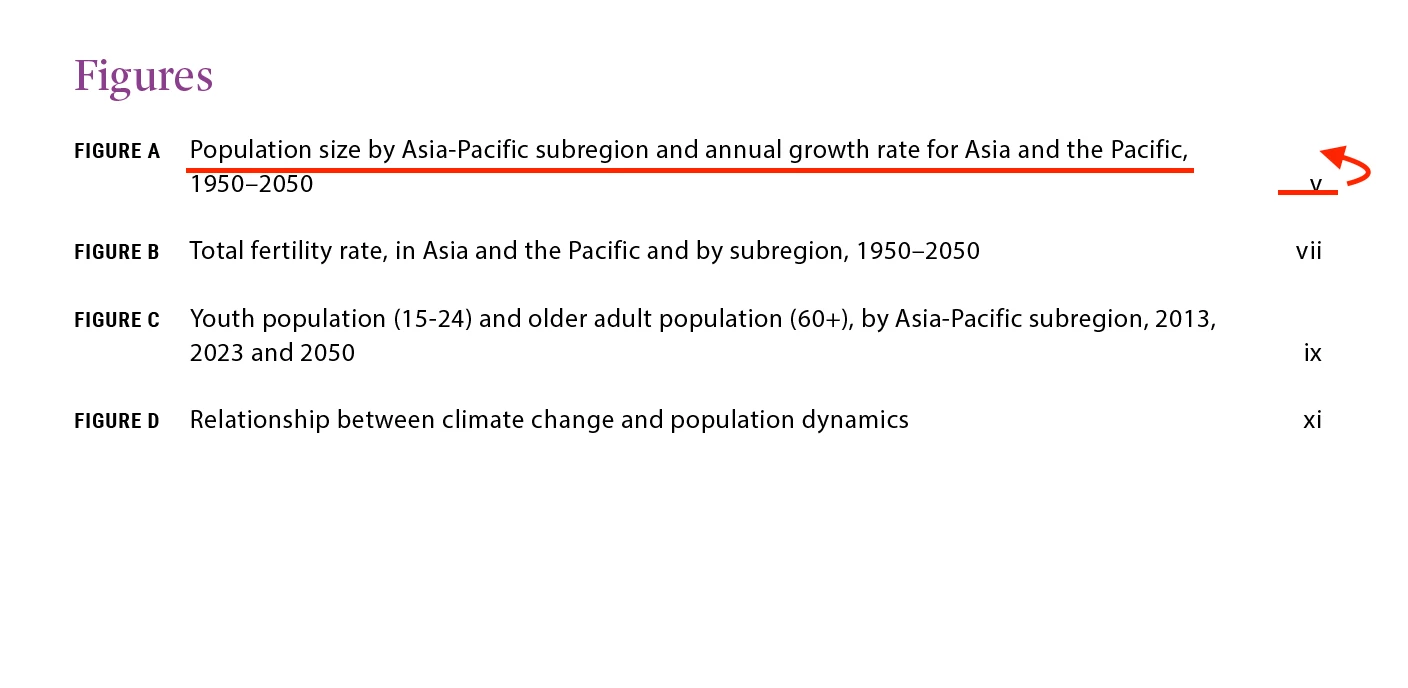
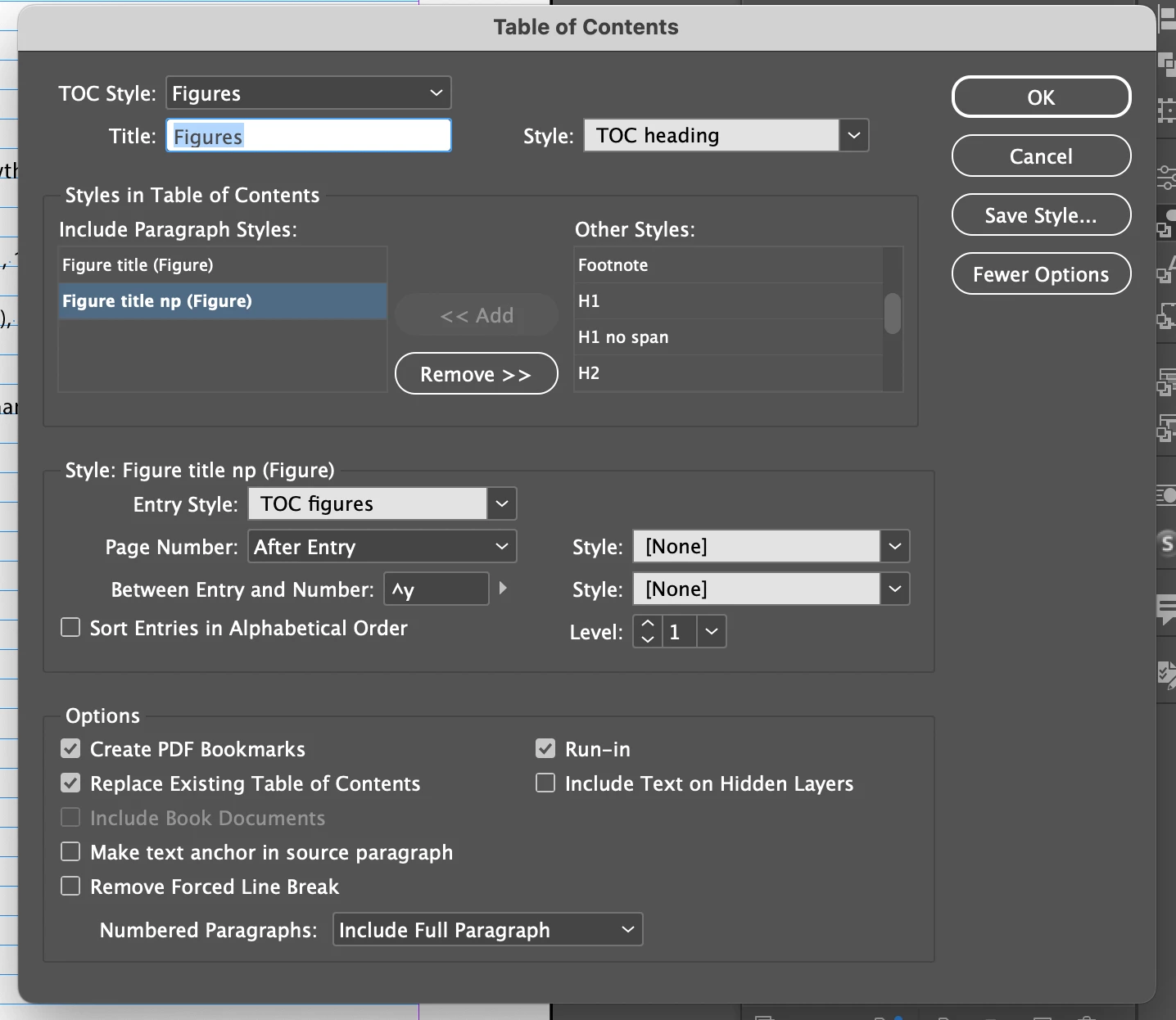
The TOC I'm working has certain lines that run longer than single line, which causes the page number reference to not align with the first line, which is what I want. What should I do? See below screencaps for details:


This topic has been closed for replies.
Correct answer James Gifford—NitroPress

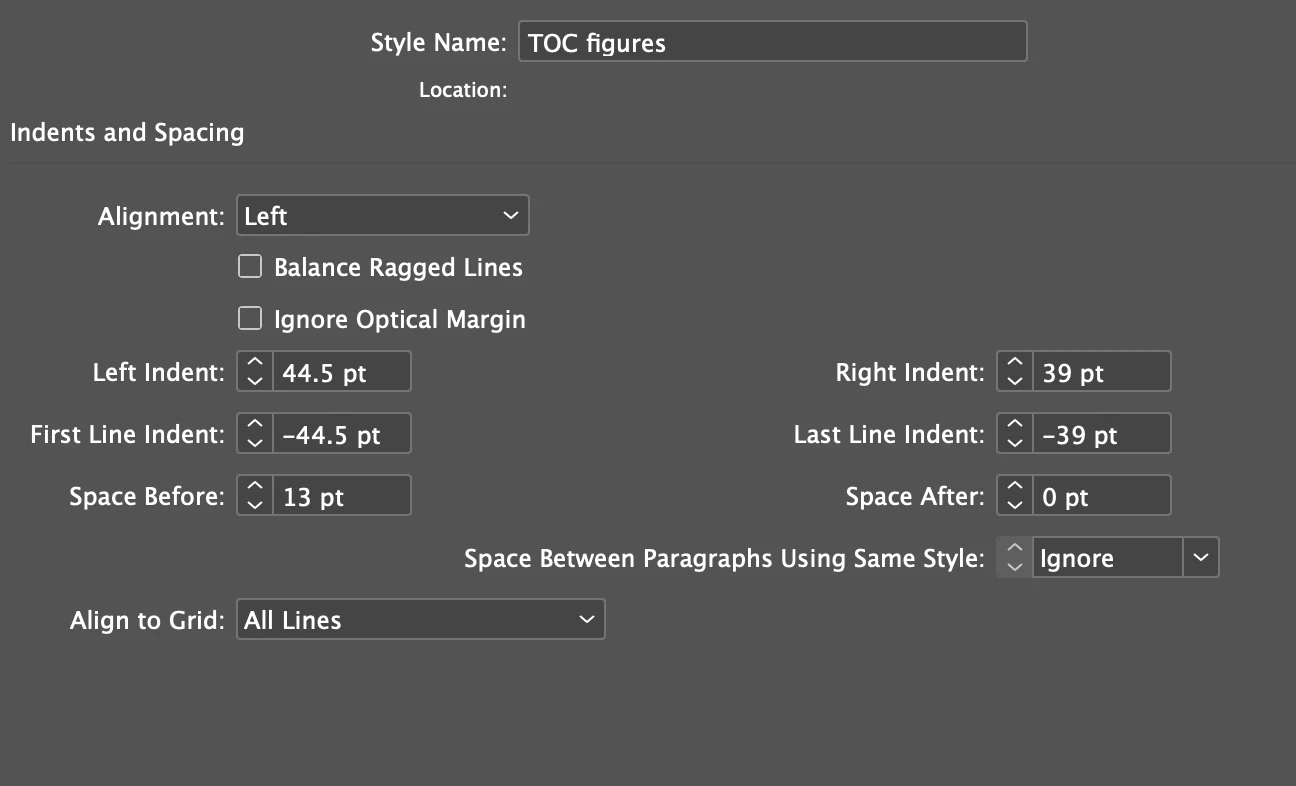
I don't think this can be done automatically, but you could manually apply a child character style that shifts that number up one line height. It should be based on the style defined for the TOC numbers.

1 reply

James Gifford—NitroPress
Legend
February 24, 2024

I don't think this can be done automatically, but you could manually apply a child character style that shifts that number up one line height. It should be based on the style defined for the TOC numbers.

Inspiring
February 24, 2024

Thank you for your reply James. Ended up doing it manually like you said.

James Gifford—NitroPress
Legend
February 24, 2024

If the TOC is 'one and done' and having to infrequently update it, then fix these lines is not a huge task, that's one approach. But I did think of an alternate approach —


  • Create a secondary style for those very long headings (e.g. Heading2-wrap).
  • Assign that heading level to the same TOC level as the base style.
  • Create secondary Character Styles that bump the page number (and, if desired, leader) by one line-height (eg. TOCleader-bump and TOCnum-bump).
  • Assign those styles to TOC entries collected using the alternate style.


The leader in particular might be tricky unless you use the Balance Ragged Lines option, and even then. But the number alone should work perfectly, and automatically: