


Inspiring
January 29, 2026
Answered

Text wrap not working after updating to 21.2 on a mac running Tahoe

  • January 29, 2026
  • 2 replies
  • 41 views

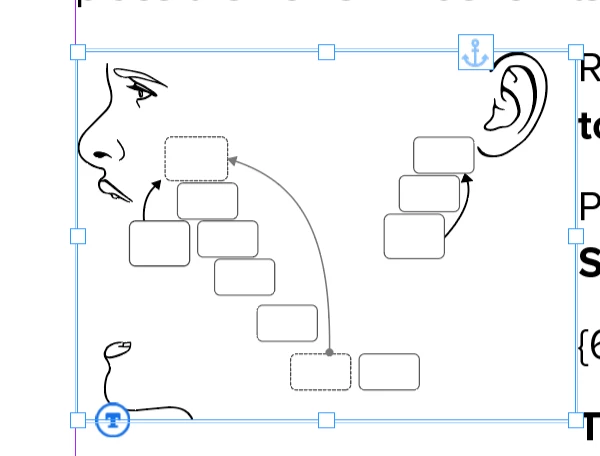
Text wrap is minuscule no matter what I set it to. Just updated to InD 21.2 (Mac, Tahoe). Exported as IDML, restarted, rebooted, no luck. In this screenshot the wrap is set to 2” just to demonstrate. Previous illustrations that had wraps are keeping them, but I can’t make any new ones since the update. Any suggestions would be appreciated.
 

    Correct answer kateb75582932

    Well it wasn’t working for either anchored or not anchored and I should have checked and made a new file and tried it there. Of course that worked just fine, my file must be corrupt somehow. Thanks for your input.

    2 replies

    Abhishek Rao
    Community Manager
    Community Manager
    January 29, 2026

    Hi ​@kateb75582932,


    Thanks for the detailed description. I’d recommend trying the suggestions shared by the expert, especially checking the anchor placement of the objects in the text flow. Please let us know if adjusting the anchor position helps or if the behavior remains the same.

    If you’re still seeing the issue after that, could you try manually resetting InDesign preferences and then test text wrap again? You can follow the steps shown in the video here: https://helpx.adobe.com/indesign/using/setting-preferences.html


    Looking forward to your update.

    Abhishek

    kateb75582932AuthorCorrect answer
    Inspiring
    January 29, 2026

    Well it wasn’t working for either anchored or not anchored and I should have checked and made a new file and tried it there. Of course that worked just fine, my file must be corrupt somehow. Thanks for your input.

    Community Expert
    January 29, 2026

    I haven’t upgraded to Tahoe yet, or that version of InDesign. I tend to keep the OS and InDesign on a stable version unless there’s a real need to move up, pretty common in production environments where ongoing jobs and templates rely on known behaviour.

    Maybe it’s somethint simple, like where the anchor sits in the text flow. Just a thought:

    Anchored objects are still inline content first, so text wrap is calculated based on the position of the anchor marker. If the object is anchored before the paragraph it’s meant to wrap, InDesign knows about it in time and the wrap behaves predictably.

    If it’s anchored after the text it should affect, the text has already flowed, so the wrap can be inconsistent or appear not to work at all.

    In short, text can’t wrap around something it hasn’t encountered yet in the story.

    This is especially noticeable with custom-position anchors. Best practice is to place the anchor right at the start of the paragraph you want wrapped (even before the first character or the previous paragraph end of line).


    One idea if text wrap is truly not working would be to make the text and image a table with the columns/rows for text and the image.


    Let us know if the text wrap works normally or if it’s buggy in Tahoe and your version and maybe others can confirm it. 


    Or if you have any third party apps/plugins

    Third-party InDesign / system software to check:

    InDesign plugins & automation

    • EasyCatalog
    • WoodWing
    • K4
    • InData
    • Custom scripts / XML workflows
    • Preflight or validation plugins

    Font management

    • Suitcase Fusion
    • FontExplorer
    • Any auto-activation plugins

    System-level utilities

    • VPN clients (especially always-on / corporate VPNs)
    • Antivirus / endpoint security software
    • Firewalls or network monitoring tools
    • MDM / device management agents
    • Clipboard or text-enhancement utilities
    • PDF or asset management tools that integrate with Adobe apps
    Inspiring
    January 29, 2026

    Thanks for all this, yes I often wait to update too, but this was a good time to do it project-wise. Looks like my file is just corrupt. Sorry to trouble you.