Participant
October 20, 2022
Question

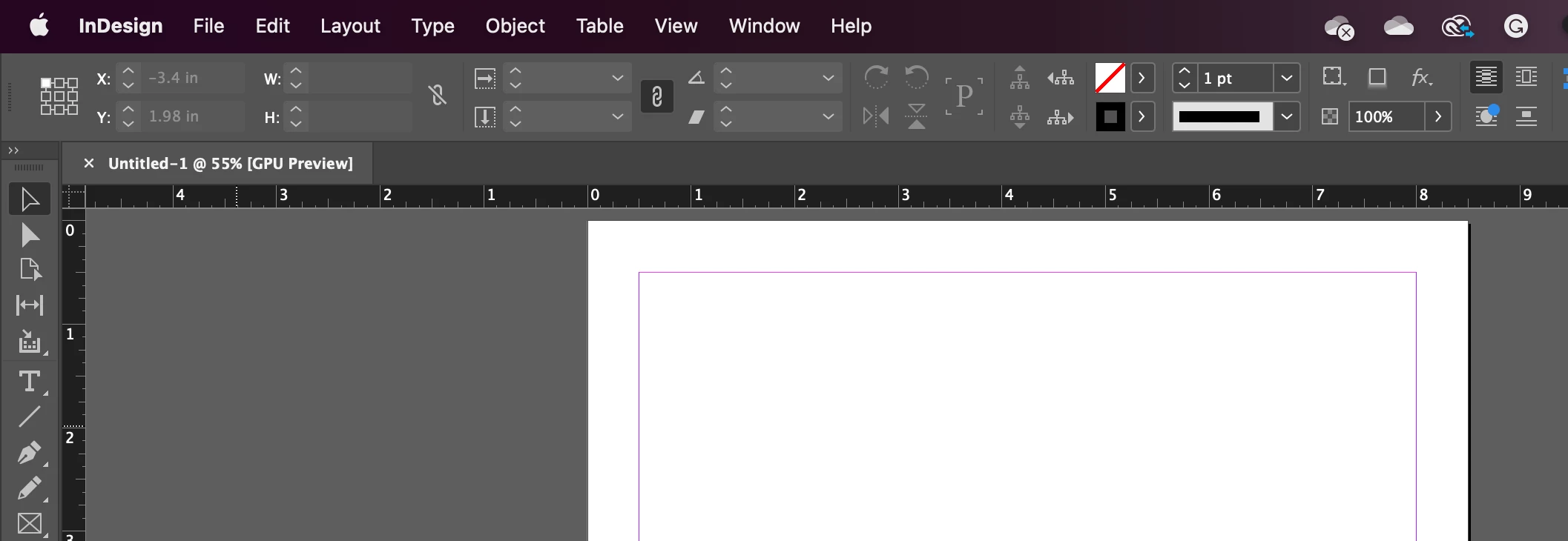
Unable to move my InDesign window

  • October 20, 2022
  • 2 replies
  • 221 views

Hi, 


For some reason, I can't move my InDesign window. I tried pressing command + Control + Option + Shift and I still have the same issue. I also tried window > control and nothing... Please help.

    This topic has been closed for replies.

    2 replies

    Bill Silbert
    Community Expert
    Community Expert
    October 21, 2022

    Rather than using the keyboard shortcut to delete preferences try doing it manually. 

    To do so on a Mac:

    The User Library folder in which InDesign’s preferences are stored is hidden by default on most Macintoshes. To access it make sure that InDesign is closed and click on the desktop to launch a Finder Window (Command-N). With this window in column view follow the path User>Home folder (it’s the folder with an icon that looks like a house—it may have the user’s name rather than “Home”) and click on the Home folder. With the Option Key pressed choose Library from the Finder Go Menu. “Library” will now appear within the Home folder. Within the Library folder find the folder called Preferences and within it find the folder called “Adobe InDesign” and the file called “com.adobe.InDesign.plist” and delete both that folder and that file. When InDesign is next launched it will create new preference files and the program will be restored to its defaults.

    The advantage of manually deleting preference files in this manner is that after you’ve reset up the program (make sure that no document window is open) to your liking, you can create copies of your personalized “mint” preference files (make sure that you quit the program before copying them—that finalizes your customization) and use them in the future to replace any corrupt versions you may need to delete.

    Ged_Traynor
    Community Expert
    Community Expert
    October 20, 2022

    Moving to InDesign from Using the Community