


Question
Uneven text wrap in columns
Hey all. I am trying to wrap text around an image in our paper. We typically
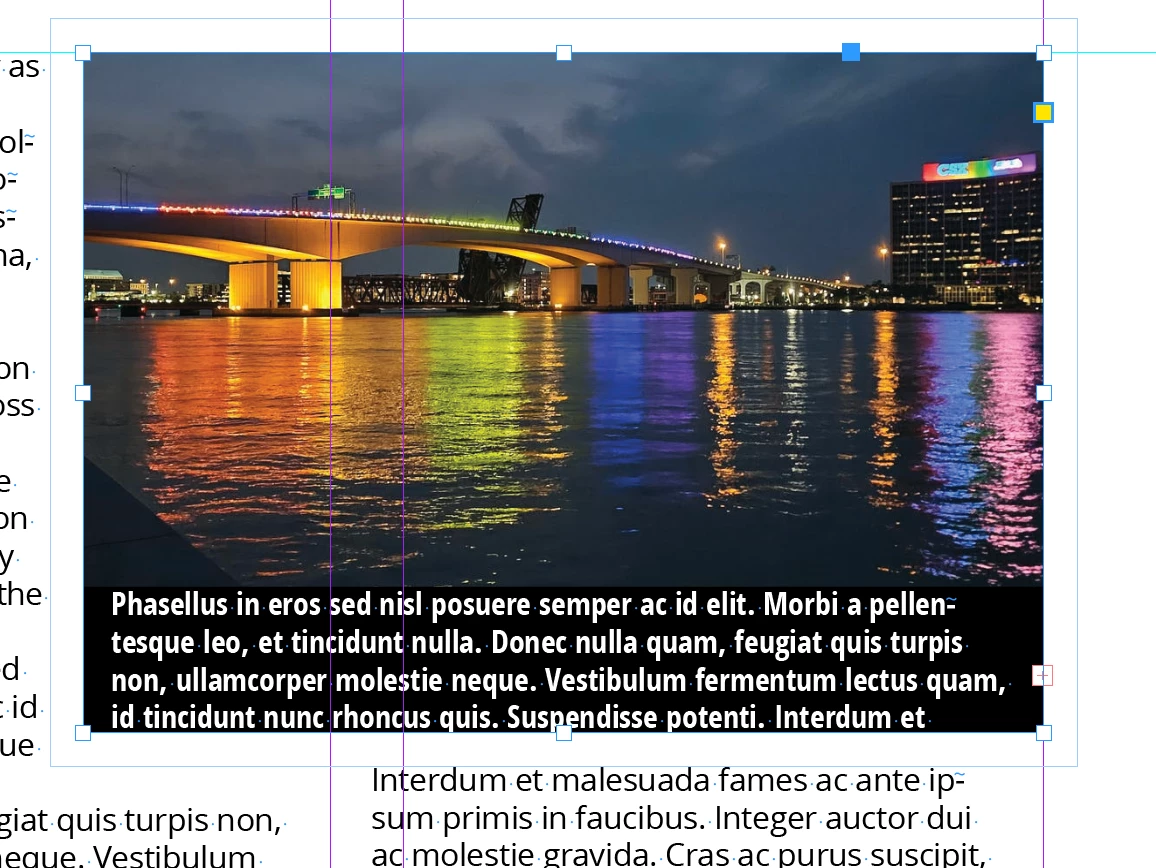
divide text into four columns. The problem I'm having is that text wrap seems to create a larger boundary box around the corners of the objects that I'm attaching it to (see the bottom left corner of the image attached). It is very frustrating and hard to work around when I'm trying to keep lines of text even with one another. I've tried to disable the "Skip by Leading" option in Preferences as well as "Align to baseline grid" in the Paragraph window. Neither seem to fix it. Does anyone have any suggestions/solutions?
 AdChoices