
Inspiring
November 5, 2025
Question

UXP scripting: How is one supposed to use constant values defined by the InDesign class?

  • November 5, 2025
  • 2 replies
  • 211 views

I'm writing a UXP plug-in to export styles. But several routines don't work, because comparisons with published values for various options in the API never match. I don't know why. If you look at the valid values for numbering style documented here: https://developer.adobe.com/indesign/dom/api/n/NumberingStyle/


I'm wondering why the following code always falls through (even when a call to toString on the value in question shows that it does indeed match a numbered style). This takes a paragraph style and then returns my own value to use for later CSS generation:


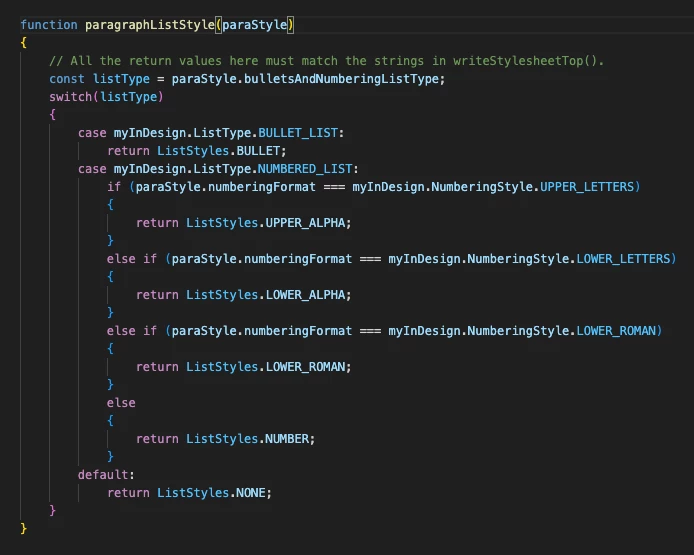
function paragraphListStyle(paraStyle)
{
// All the return values here must match the strings in writeStylesheetTop().
const listType = paraStyle.bulletsAndNumberingListType;
switch(listType)
{
case myInDesign.ListType.BULLET_LIST:
return ListStyles.BULLET;
case myInDesign.ListType.NUMBERED_LIST:
if (paraStyle.numberingFormat === myInDesign.NumberingStyle.UPPER_LETTERS)
{
return ListStyles.UPPER_ALPHA;
}
else if (paraStyle.numberingFormat === myInDesign.NumberingStyle.LOWER_LETTERS)
{
return ListStyles.LOWER_ALPHA;
}
else if (paraStyle.numberingFormat === myInDesign.NumberingStyle.LOWER_ROMAN)
{
return ListStyles.LOWER_ROMAN;
}
else
{
return ListStyles.NUMBER;
}
default:
return ListStyles.NONE;
}
}


Why does the "code sample" formatting in this forum never, NEVER WORK? Come on.
 

2 replies

Participating Frequently
November 6, 2025
I think you’ll find that your comparisons are always failing because in both your switch statement and your if statements you are trying to compare the constants directly (which won’t work). You need to compare the values of the constants – which you get with .toString().
 
Try something like this for your switch statement:
 
switch(listType.toString()) {
	case myInDesign.ListTyle.BULLET_LIST.toString():
		// do something
	break;
	case myInDesign.ListTyle.NUMBERED_LIST.toString():
		// do another thing
	break;
	default:
		// do the default thing
}
 
And for your if statements something like this:
 
if (paraStyle.numberingFormat.toString() === myInDesign.NumberingStyle.UPPER_LETTERS.toString()) { // do ... }
 
Also note that the numberingFormat property can be a constant but also can simply be a string. If I select a numbering format in the ui and log the property to the console, I see, for instance, this string:
 
"A, B, C, D..."
 
So I expect that you’ll want to catch those as well.
 
Philip
Participating Frequently
November 6, 2025

Sorry, there's a typo in my code above: second and fifth line of the example switch statement, it should be 'ListType' not 'ListTyle'.


Philip


PS How do you edit your own posts in this forum software?! 😉

Kasyan Servetsky
Legend
November 5, 2025

>> Why does the "code sample" formatting in this forum never, NEVER WORK? Come on.

It does work, like so:

>> ... routines don't work, because comparisons with published values for various options in the API never match ...

I know almost nothing about UXP, but off the top of my head, I would try instead of using comparison operator

if (paraStyle.numberingFormat === myInDesign.NumberingStyle.UPPER_LETTERS) {...}

method equals()

if (paraStyle.numberingFormat.equals(myInDesign.NumberingStyle.UPPER_LETTERS)) {...}


Inspiring
November 5, 2025

No idea where you're getting that screen shot. It doesn't appear.


Joel Cherney
Community Expert
Community Expert
November 5, 2025

Can't say that I love this particular forum software, but I didn't like the one it replaced, or frankly the one before that. It looks like you are expecting the button to wrap your code in [code tags] but that doesn't work; instead you are expected to whack that Code button with nothing selected, which then spawns an interface into which you can paste or key your code, which is what you see in the "Insert/edit code sample" menu Kasyan has screenshotted and posted.