I don't have dated folders to try this on but change the filter to "contains words" and don't use the "or". The boolean operator "or" doesn't work here, it just tries to find the word "or"
To build on Bob's reply, the criterion you wrote:
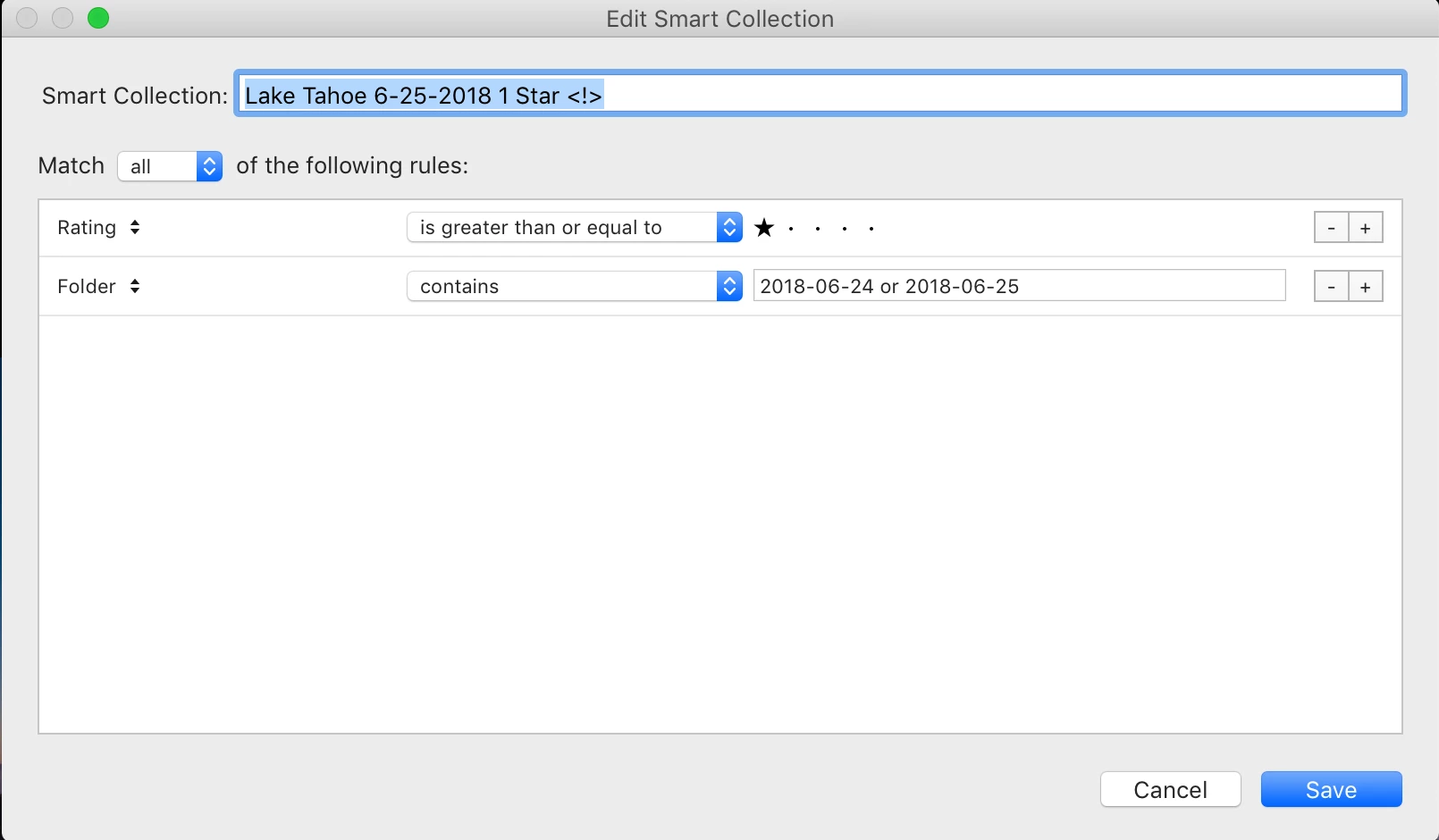
Folder contains 2018-06-24 or 2018-06-25 |
doesn't do what you think. As Bob said, LR doesn't implement an "or" operator like that. What that criterion does is match any photo contained in a folder whose path contains the string "2018-06-24", the string "2018-06-25", or the string"or". So if the the file you showed above is stored in the path
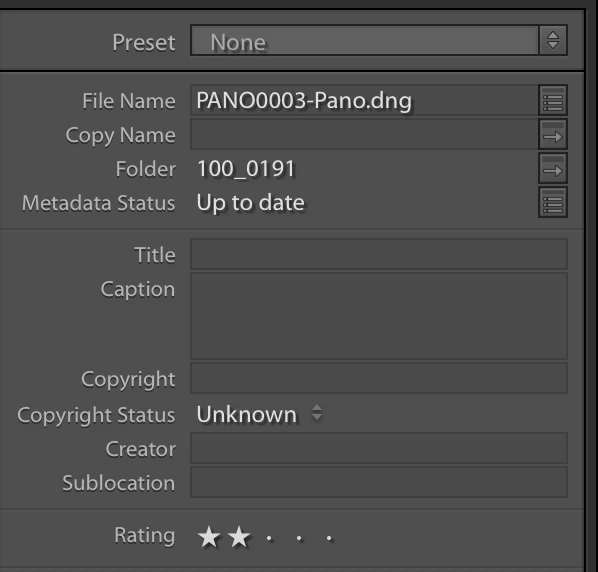
/Users/cadkins86/Pictures/florida/2013-02-05/PANO0003-Pano.dng |
it will match that criterion, since its path contains "or" (in "florida").
In general, the "contains" operator operator will match the chosen field if it contains any of the specified strings.
The "contains words" operator will match the chosen field if it contains all of the specified strings as "words" (tokens surrounded by spaces or some other punctuation characters). So this criterion won't do what you want either:
Folder contains words 2018-06-24 2018-06-25 |
It will only match photos whose path contains both the words "2018-06-24" and "2018-06-25". You probably don't have folders with such paths.
Instead, use this criterion:
| Folder contains 2018-06-24 2018-06-25 |
This will match a photo containing "2018-06-24" in its path or containing "2018-06-25" in its path.
This will probably be good enough in your situation. But note that criterion would also match the folder "2018-06-25 panos", e.g.
| /Users/cadkins86/Pictures/florida/2018-06-25 panos/PANO0003-Pano.dng |
because that path contains the string "2018-06-25". Even rewriting your criteria to use "contains words" won't avoid this, since that path does contain the punctuation-separated "word" "0218-06-25".
LR's smart-collection criterion aren't well-designed, and the confusing distinctions between "contains" and "contains words" and the lack of exact matching have tripped up many, many people.




 AdChoices