


Participating Frequently
November 2, 2019
Answered

Lightroom classic map module.

  • November 2, 2019
  • 2 replies
  • 1301 views

Hi i have lightroom classic ver 7.5 and for quite a while now i have not been able to use the map module i just get a message to say i  need to update to ver, 8 but i dont seem to be able too when i try it just says no updates!! can anyone help please.
This topic has been closed for replies.
Correct answer Just Shoot Me

It is the OS X version you are using. The newer versions of LR Classic need OS X 10.12 or 10.13 to run.

you don't have it on that Mac so the CC DTA doesn't show you the newer versions of LR.


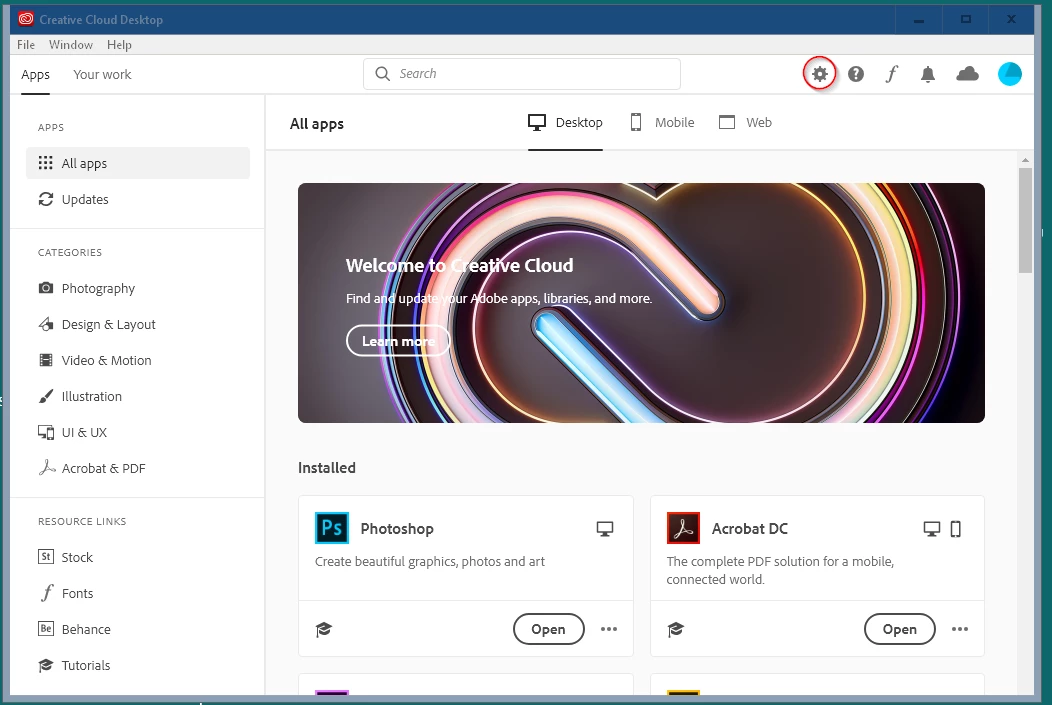
You probably don't have the newer version of the CC DTA either. It looks like this.


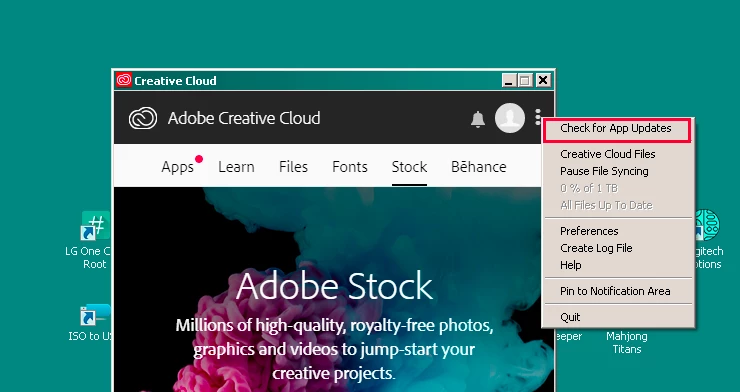
You probably have the older version like this.


2 replies

Just Shoot Me
Legend
November 2, 2019

Use the Creative Cloud Desktop App to do updates.


What OS is your computer running.

Participating Frequently
November 3, 2019

Hi i have been useing the cloud app to check for updates but it just keeps telling me everything is up to date.

my computer is a Mac with EL Capitan ver, 10.11.16. 

Just Shoot Me
Just Shoot MeCorrect answer
Legend
November 3, 2019

It is the OS X version you are using. The newer versions of LR Classic need OS X 10.12 or 10.13 to run.

you don't have it on that Mac so the CC DTA doesn't show you the newer versions of LR.


You probably don't have the newer version of the CC DTA either. It looks like this.


You probably have the older version like this.


cmgap
Community Expert
Community Expert
November 2, 2019

The current version is 8.4.1 so not sure why you are not seeing updates. Which plan do you have? Are you logged in to your  account?

Participating Frequently
November 3, 2019

Hi i have the pay monthly plan for lightroom and photoshop and i am logged into the account.