I now think I see what you are doing.
In PS you can go back to "Edit Content" of the DNG file, it opens in ACR where you can make changes and those changes will be added to the PSD/TIFF opened in PS.
Just to be 100% clear, this is an embedded set of Raw data which is presented with some current adjustments applied, as the preview bitmap, of a Smart Object layer living entirely inside the PS document (which can itself be a PSD or a layered TIF).
The parametric adjustments that were originally applied in Lightroom, were copied to become the initial adjustments of a Smart Object 'wrapper' around an embedded copy of your Raw data. Double-clicking on that layer inside PS opens an ACR window where these adjustments can be changed, but this is all happening internal to the PS document. The layer's preview bitmap is then updated to reflect these changes when you exit the ACR window. The overall document's compatibility preview bitmap is then updated to reflect this and any other updates made within Photoshop, when the containing PS document is Saved. And that updated appearance is then visible to LR etc.
Doing it this way all your other PS layers, smart filters, transforms etc can remain in place, while you revisit your Raw conversion parameters - as distinct from going back to the Raw / DNG that is imported to LR, making equivalent changes there, and re-sending to PS as a new external edit - since doing that would make a completely fresh and separate PS document.
But there is no live connection or dependence set up between the internal-to-PS ACR adjustments on this SO, and your LR Catalog adjustments; nor any metadata saved alongside any external Raw file - even if you re-link.
The most obvious use case for linking the SO content to an external file, is as a necessary step in substituting a different external file. The "relink" dialog is even titled "Replace file" (which would embed a copy of that one instead of a copy of the first one).
All your current ACR adjustments on the SO, including those performed by LR and those modified since, are obliterated. Even any Snapshots you may have made, are removed so you can't get back to them.
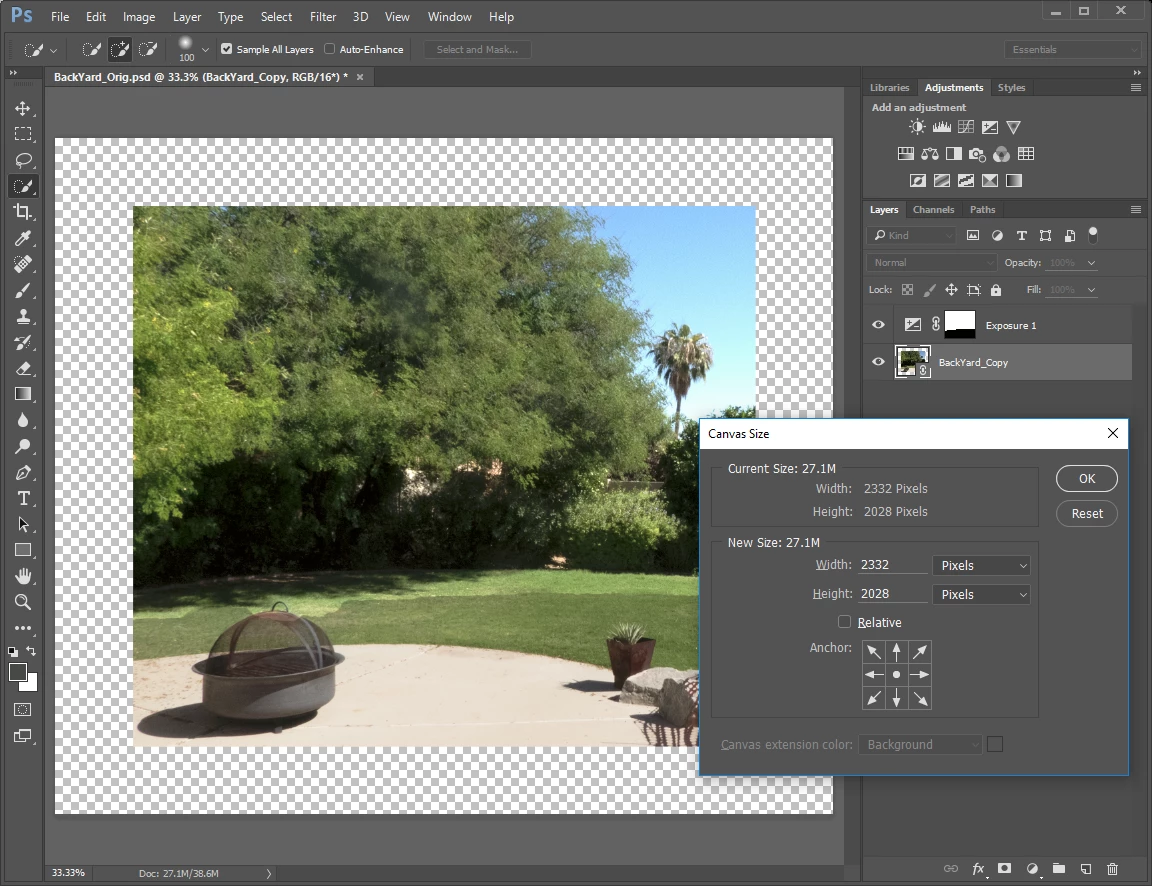
However, you can now load in any Snapshots that were present on the metadata saved in the filesystem (inside the file in the case of a DNG). Doing that reverts the image to filling the layer - I can't work out why this shrinking of the image is seen. I replicate the OP's experience with that - win10, LR version 2015.7
But this offers a way (admittedly rather roundabout) of copying Raw based adjustments that have been updated inside Lightroom subsequent to sending a copy to PS, into that copy inside its SO layer:
- edit Raw in LR with initial adjustments (thumbnail A)
- send to PS as SO - matching thumbnail A as it currently is (this is also reimported to LR as thumbnail B)
- do any added layers etc in PS
- perhaps make some ACR changes there too, onto the SO layer
- Save changes - this updates the appearance of thumbnail B
- make further adjustments in LR onto thumbnail A
- Save a snapshot from LR onto the Raw file, representing this new treatment
- In PS, substitute the content of the SO layer referring to this same Raw file - obliterating any ACR changes made while within PS
- Reload the snapshot that was just saved from LR, so that the SO also displays this new treatment of the Raw data - to once again match up with thumbnail A inside LR
- PS updates the SO preview bitmap accordingly
- Save PS document - this updates the whole file's preview bitmap, and that updates thumbnail B accordingly in LR, to represent a combination of your updated Raw adjustments and all your PS layers etc.
RP



 AdChoices