


Participant
November 4, 2019
Question

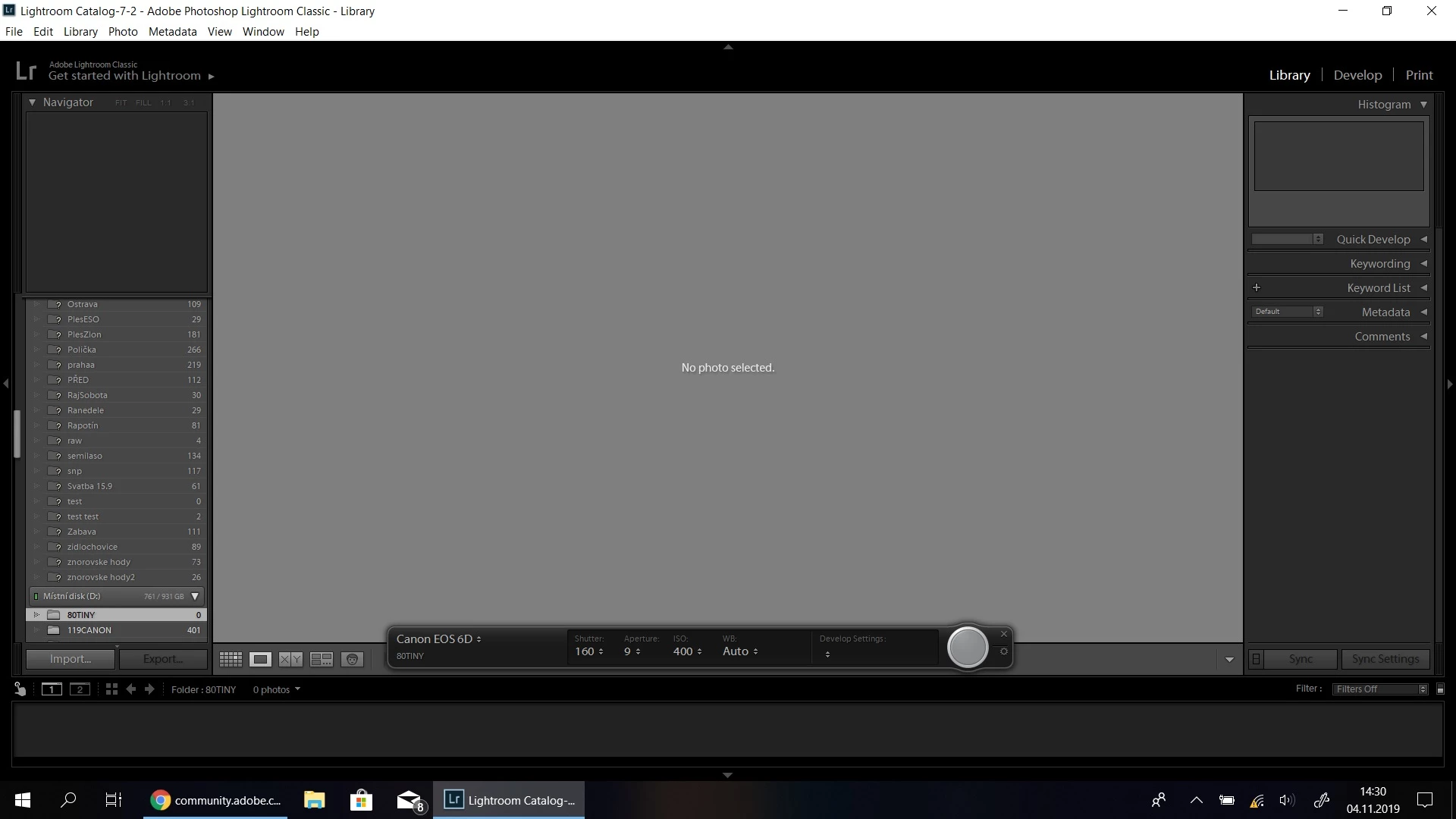
Lightroom Tethered Capture wont working over WI-FI

  • November 4, 2019
  • 2 replies
  • 475 views

Hello, i have problem with tethered capture over wifi. I cant dowload images from camera, but i see it in program, i see iso, shutter speed, everything. Camera is detected, but images wont download. Where is problem? I have version 2019 9.0. I older version 5.2, it works perfectly. 
 

This topic has been closed for replies.

2 replies

JP Hess
Inspiring
November 4, 2019

Classic 9.0 rolled out this morning here.

AxelMatt
Community Expert
Community Expert
November 4, 2019

Hi Jim,


I've read about that in the meantime. 


My System: Intel i7-8700K - 64GB RAM - NVidia Geforce RTX 3060 - Windows 11 Pro 25H2 -- LR-Classic 15 - Photoshop 27 - Nik Collection 8 - PureRAW 5 - Topaz Photo
AxelMatt
Community Expert
Community Expert
November 4, 2019

Do you have tried to using tethering with a USB cable? 

Please try do deactivate the GPU support and if this doesn't help you can try to reset the Lightroom preferences to the default settings.


My System: Intel i7-8700K - 64GB RAM - NVidia Geforce RTX 3060 - Windows 11 Pro 25H2 -- LR-Classic 15 - Photoshop 27 - Nik Collection 8 - PureRAW 5 - Topaz Photo
Participant
November 4, 2019

Yes, it wont work changing GPU. Usb cable work i think, i will try it, but WI FI is important for me 😞