



hyund39164868
Participant
April 1, 2024
Answered

P: (GPU) Develop/Edit view & Export artifacts after 14.4.1 Update (AMD-only) (affects Cr, LrC & LrD)

  • April 1, 2024
  • 139 replies
  • 100165 views

Hi,


Since just now, I've been experiencing a weird bug / crash in Lightroom Classic (on a Mac), where ALL my photos suddenly are fully covered in artefacts in the Develop module.
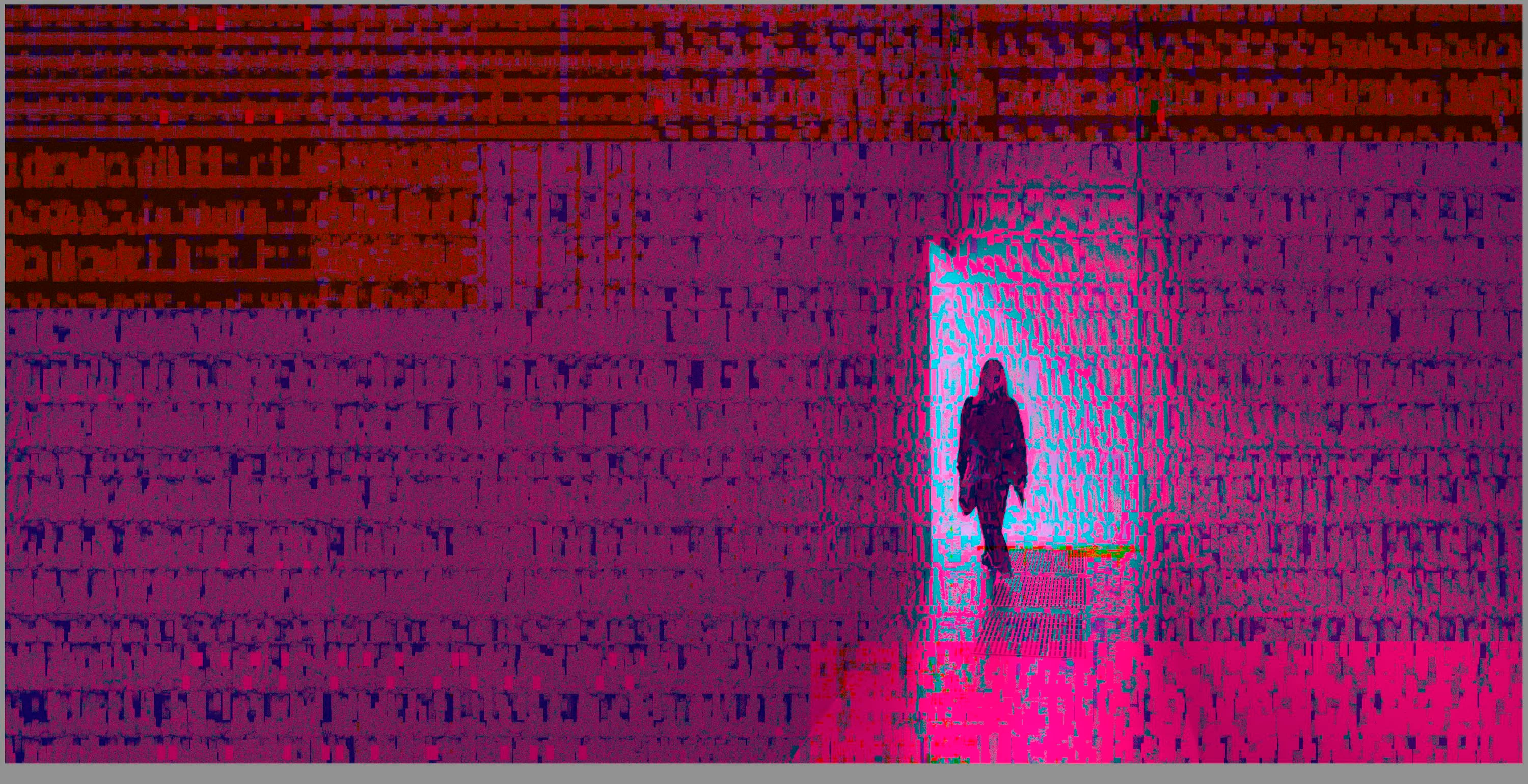
 

(Screengrab from the Develop module in Lightroom Classic)


When I check the linked RAW + JPEG source files in Finder, they all seem ok (they don't look corrupted, nor show any artefacts here), meaning the issue is within Lightroom.
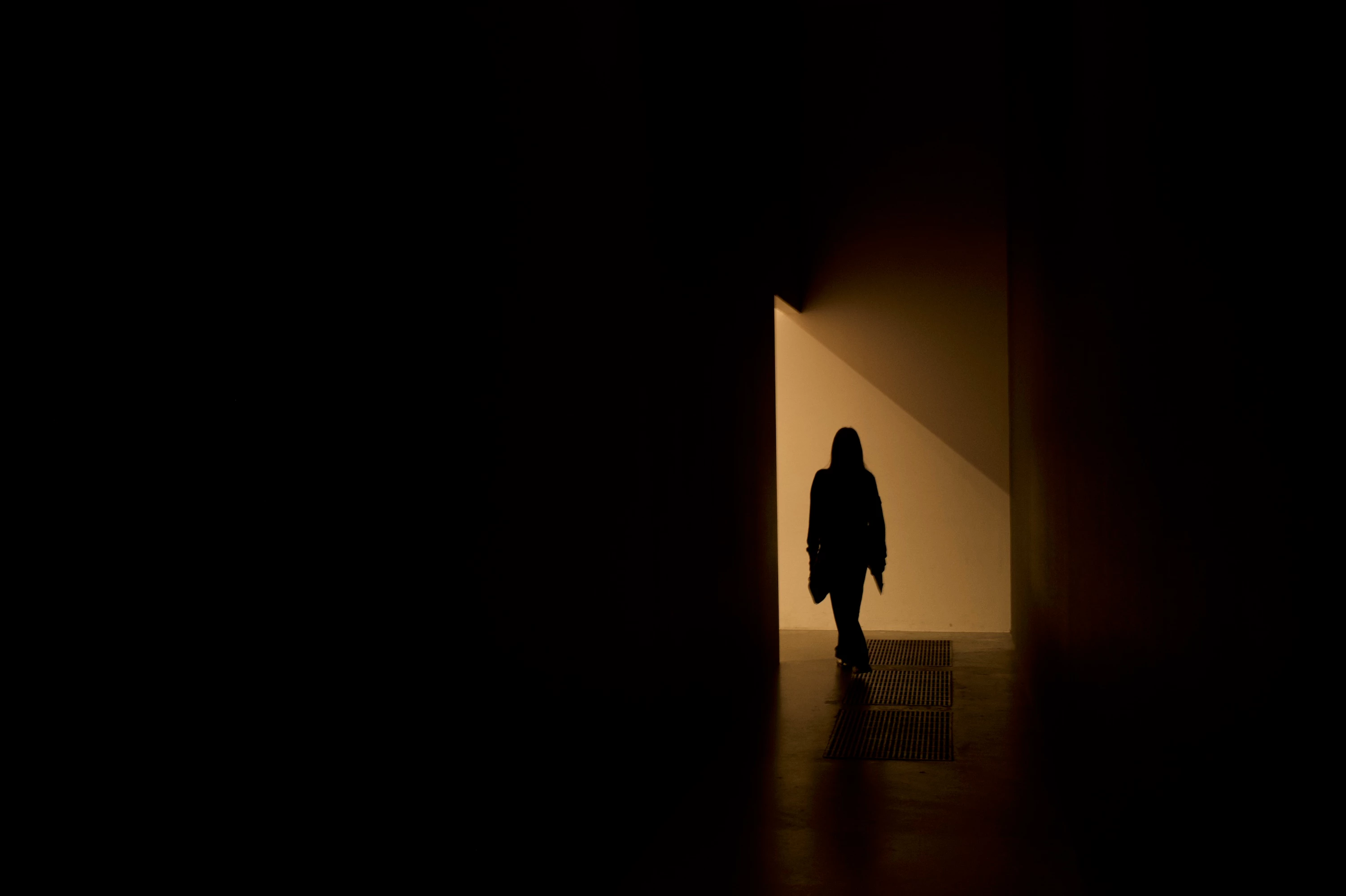
 

(Screengrab from the RAW source file in Finder)


When I export images out of Lightroom (with any setting, edited or even not edited), the artefacts are also present on the export files.
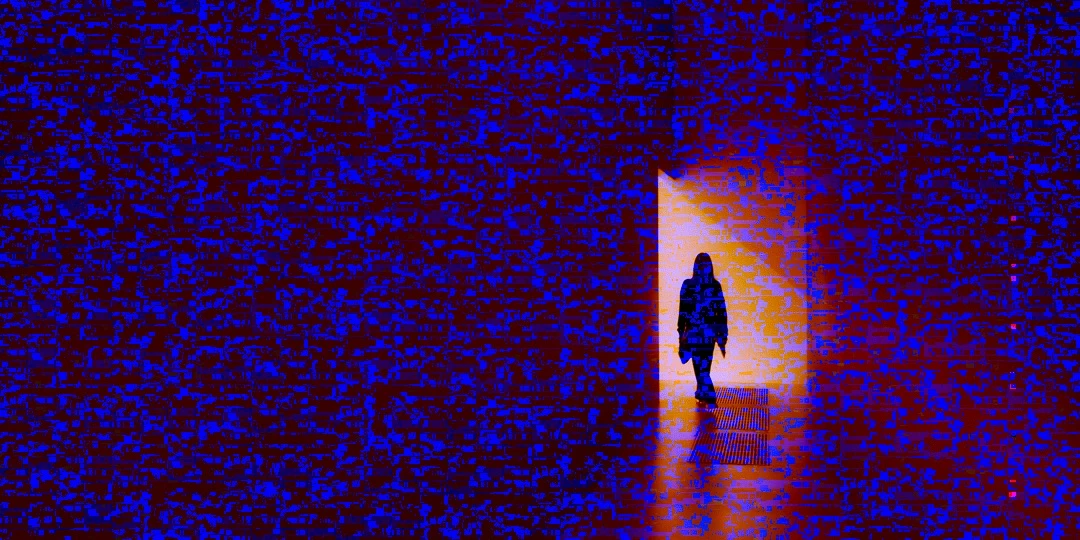
 

(Screengrab from the exported JPG image)


This problem started occuring soon after I applied the new AI noise reduction feature on just ONE (1) photo. 


I already tried:


  • Closing and re-opening Lightroom
  • Shutting down (fully), and restarting the computer after 1 minute
  • Switching the GPU accelrator setting in Lightroom on/off


MY SPECS

  • Lightroom Classic 13.0.1 - Build (202310121438-d2af310c)
  • Macbook Pro 16" - 2019
  • 2,3Ghz 8-core Intel Core i9
  • AMD Radeon Pro 5500M 8GB 
  • 32GB 2667MHz DDR4 memory
  • OS Sonoma 14.4.1


Any help would be greatly appreciated, because this makes the whole software unusable....

Thank you!

139 replies

Participating Frequently
July 15, 2024

I'm running a 3.8 GHz 8-Core Intel Core i7 with a AMD Radeon Pro 5500 XT 8 GB video card and running Sonoma 14.5.   Thanks for asking!   

johnrellis
Legend
July 15, 2024

@tomw58006331, to help track this issue, which version of Mac OS are you running?

Legend
July 15, 2024

I'm using a 2019 MacBook Pro with a 4GB AMD Radeon and haven't seen this since the 14.5 update. I just processed and enhanced 28 Canon RAW files and didn't have any issues. So this IS real (I've seen it) but its also intermittent and not affecting everyone.

Participating Frequently
July 15, 2024

This is exactly what happens to me when I use the LR Enhance NR.  I get these artifacts about 75% of the time and have to delete the saved file and then the file from my LR catalogue and start over.   I am running a AMD Radeon Pro 5500 graphic card and I know that is the problem.  I understand we have to wait for updated drivers from AMD but this has been going on  since April 2024 and its now a couple weeks shy of August.  When this many folks are affected by a bug, which affects Apple machines which come standard with these Radeon Pro cards, probably in the many thousands (at least), one would think they would have tested these updates out prior to release.  Its frustrating that this has gone on unresolved for so many months.  At some point it is not AMD's fault but Adobe's for not properly testing their updates out on what seems to be a pretty common system configuration prior to releasing it.  Sorry.  Just venting frustrations.  I know I 'm certainly not alone in this and I'm sure they are working at finding a solution.  

johnrellis
Legend
July 15, 2024

@little5CEA: "if i turn off the gpu in preferences it stops the glitch but it's impossibly slow like this

My computer is pretty good ,just 3 years old .Am i supposed to buy an imac on m3 chip now? or what do i do?"


Mac OS 14.4.1 released a buggy graphics driver for AMD 5000-series GPUs and hasn't provided an update. The two known workarounds are to restart your computer (perhaps frequently) or to set Preferences > Performance > Use Graphics Processor to Off.  As you can see in the pinned reply at the top, Adobe said on 4/29/2024 they're working with Apple on the issue. Adobe rarely says even that much about bugs until after fixes are released.

Legend
July 10, 2024

This is a known issue with AMD graphics and Sonoma. You'll have to either roll back or wait for a fix. FWIW, I'm only seeing this rarely on a 2019 MacBook Pro.

Participant
July 10, 2024

I updated my MacOS from Monterey to Sonoma and Lightroom started giving huge artifacts when I use AI denoise. 


I use 2020 Imac with AMD Radeon Pro 5500.


I tried to update Lightroom, reopen it and disable graphic processor in preferences but it did not work. Computer restart also did not work. This is very annoying and from what I read here, this huge problem seems to be unsolved and the only thing I can try is probably format my Imac, lose all my apps and settings and manually install a previous OS. 


I also don't know if in this case I should go back to Monterey or Ventura.

Participating Frequently
July 8, 2024

With GFX processing turned on, right now, it seems to be pretty consistent even with restarts, etc.  Spent an hour batch Denoising images and over half of them had artifacts so had to delete & denoise manually.   W/o gfx acceleration, the overall LR performance isn't great.  This is the first job I've done in a couple of months, so likely why I haven't seen it before.

Legend
July 8, 2024

This is an intermittent problem. I have not seen it recently on my 2019 Intel MacBook Pro but we are still awaiting a fix from either Apple or Adobe.

Participating Frequently
July 7, 2024

Side note - Now that I've been toggling the GFX settings, it seems that the AI functions like masking and Denoise are non functional with the GFX turned off or on images affected by this bug.  I had run batch Denoise on a number of images and some turned out fine, others had random large white blocks on the Enhanced images and AI masks applied were removed from those photos.  This is a major pain in the butt....